6 posts tagged with "notifications"

View All Tags

Alectrona Patch 3.6.1498

4 min read
Ryan Ball
Director of Engineering

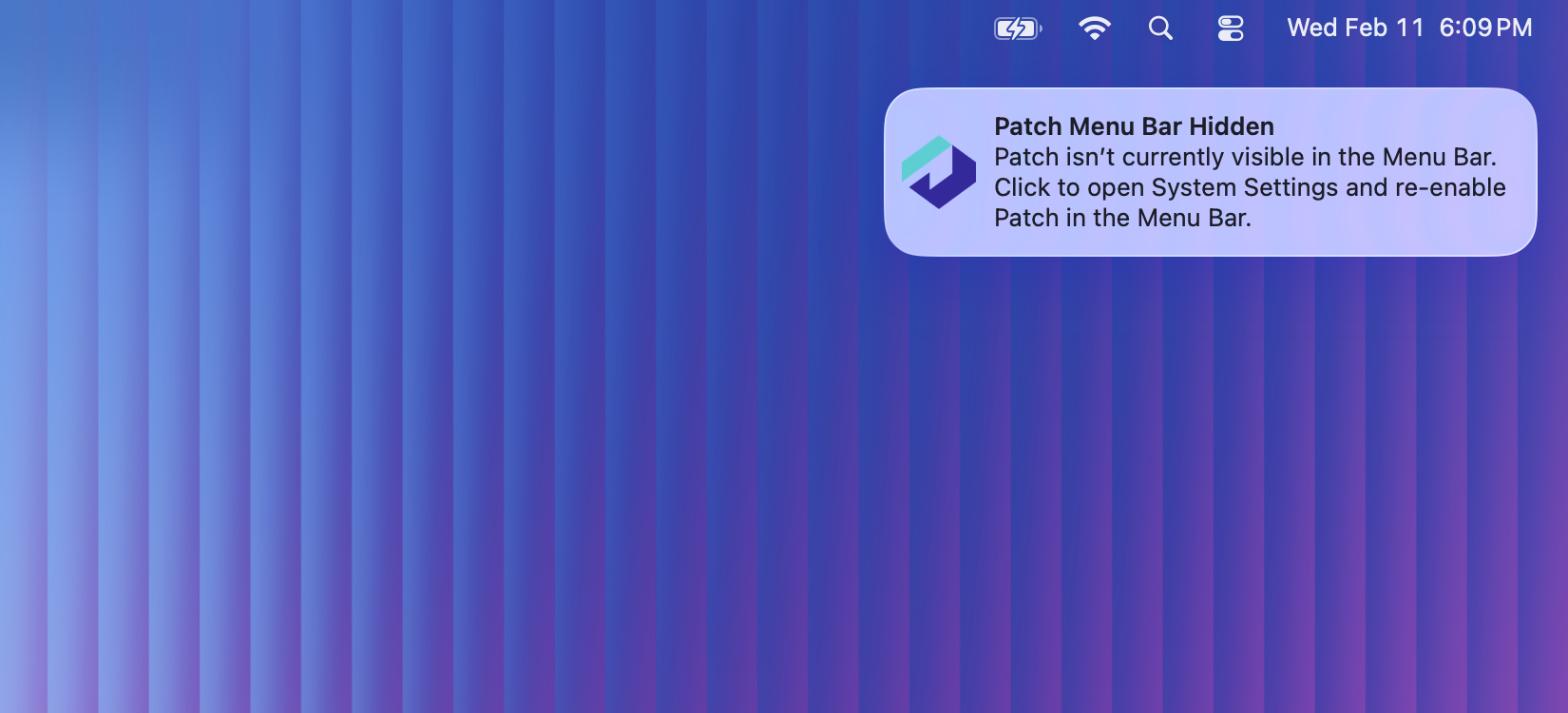
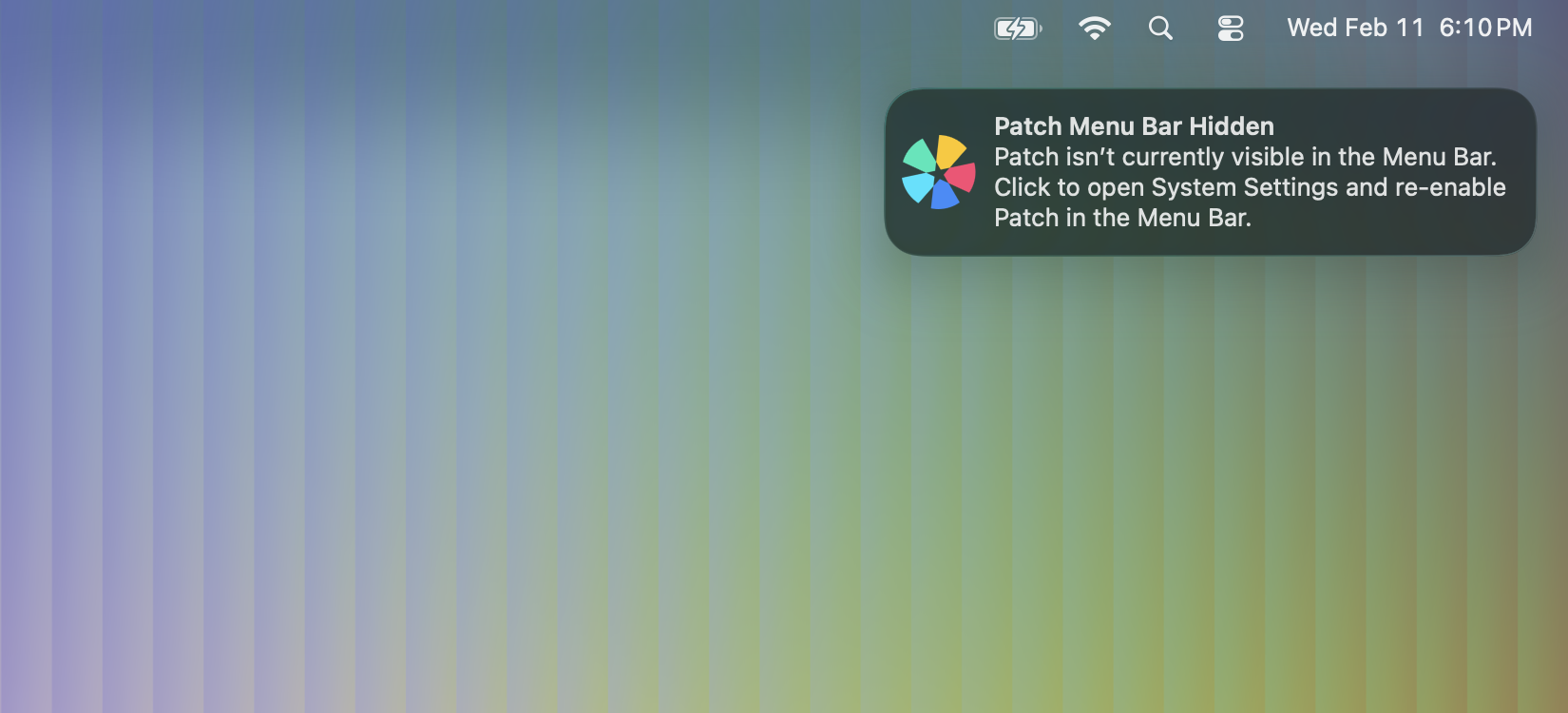
Alectrona Patch 3.6.1498 focuses on improving notification reliability, icon management, and the accuracy of application updates. This release introduces better control and automation for Notification Center icons, adds detection when the Patch Menu Bar app has been hidden (with a notification prompting users to re-enable it), and further strengthens the overall update experience.

Patch Menu Bar Hidden Notification Patch Menu Bar Hidden Notification

Alectrona Patch 3.3

3 min read
Ryan Ball
Director of Engineering

Alectrona Patch 3.3 is fully optimized for macOS Tahoe 26, ensuring a seamless experience from day one with Apple鈥檚 latest release. 馃帀

This update brings greater reliability and responsiveness to your update workflow. Download failures are now automatically retried, reducing interruptions from network issues. Additionally, the Patch Menu Bar app鈥檚 badge updates more quickly after macOS updates, giving users instant feedback. Available macOS updates now display DDM deadlines, helping users stay informed about important update timelines. Moreover, this release includes a range of bug fixes for even more dependable patch management.

Alectrona Patch 3.2

4 min read
Ryan Ball
Director of Engineering

Alectrona Patch 3.2 introduces new features and enhancements to the Patch Menu Bar app, making it easier for your users to access key system information and stay informed about their Mac's health.

If you鈥檝e been using Patch to update third-party apps but relying on other tools to notify users about macOS updates, uptime, or storage issues, Alectrona Patch 3.2 now consolidates these notifications and insights into a single solution.

The new System tab in the Patch Menu Bar app provides quick access to critical system details and warnings, including macOS update status, uptime alerts, and storage usage information. New preferences also allow you to control if macOS updates or system health warnings are visible to users, enabling a more customized deployment.

Alectrona Patch 3.0

4 min read
Ryan Ball
Director of Engineering

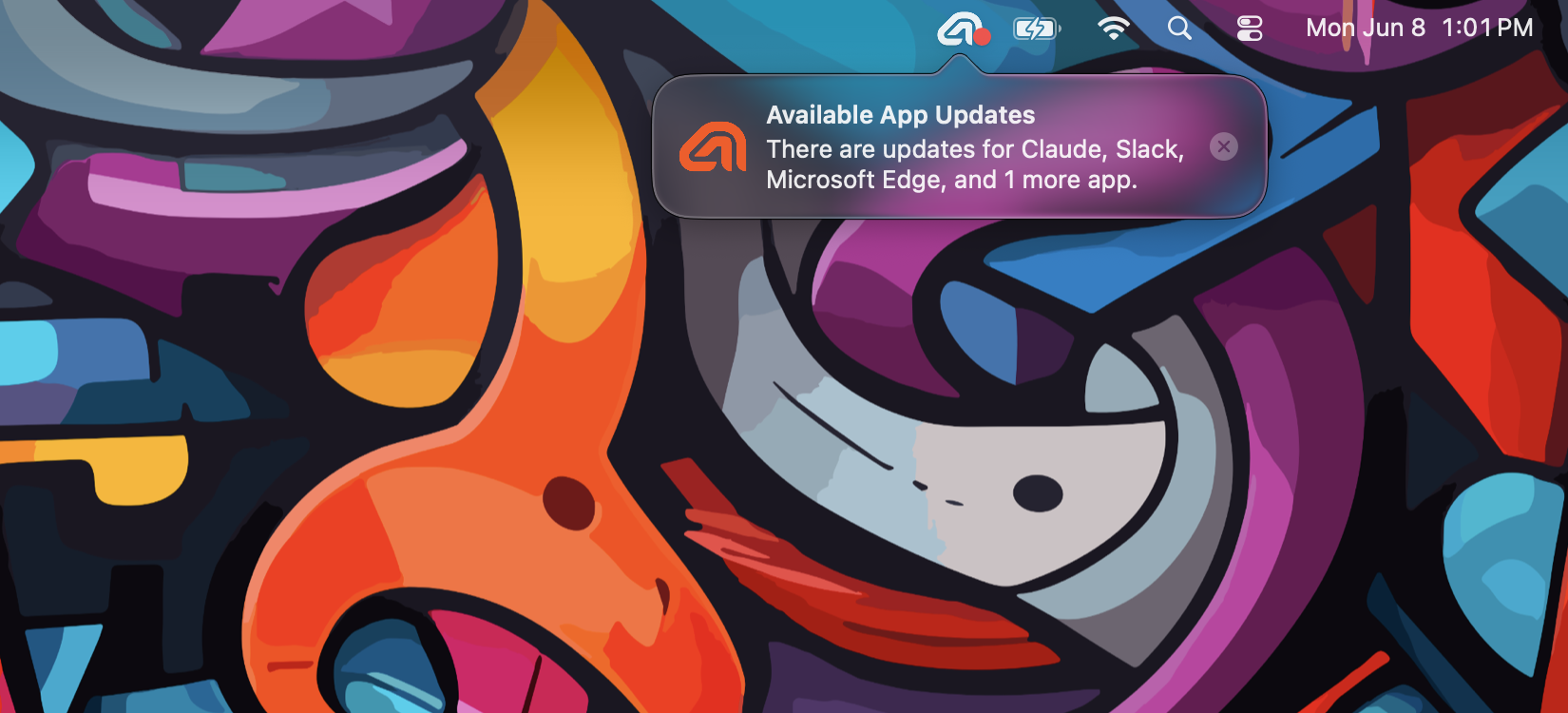
With the release of Alectrona Patch 3.0, we are excited to introduce the next evolution of our notification system: the Patch Menu Bar app. This new app is designed to provide a more modern and streamlined experience for users, while still maintaining the core functionality that our users have come to expect.

The Patch Menu Bar app combines native Notification Center notifications with an intuitive Menu Bar interface that has been designed from the ground up to provide the best app update experience on macOS. This new app is fully customizable, allowing you to change the top branding image, title, and subtitle to match your organization鈥檚 branding. It鈥檚 also fully compatible with Deferral Limits, ensuring that important updates are never ignored.

Alectrona Patch 1.9.0

3 min read
Ryan Ball
Director of Engineering

We are starting off 2024 with an exciting new release of Alectrona Patch that includes a bunch of new features!

Our notification system has been rebuilt from the ground up to add the latest styling features found in the most modern macOS versions; it is sleek, beautiful, concise, and by far the most customizable end-user experience of any patch management solution for macOS. 馃檶

Alectrona Patch 1.8.0

2 min read
Ryan Ball
Director of Engineering

Respect is like a boomerang that comes back to you, and this release is all about respect! 馃

We've added some super cool new features to help minimize disturbances caused by update dialogs. You can now enable the Respect Meetings feature to suppress update dialogs if users are likely in a video meeting. Additionally, you can enable the Respect DND feature to suppress update dialogs for users that have Do Not Disturb/Focus Mode enabled.