9 posts tagged with "menu-bar"

View All Tags

Patch Desktop 2.2

· 4 min read

Ryan Ball
Director of Engineering

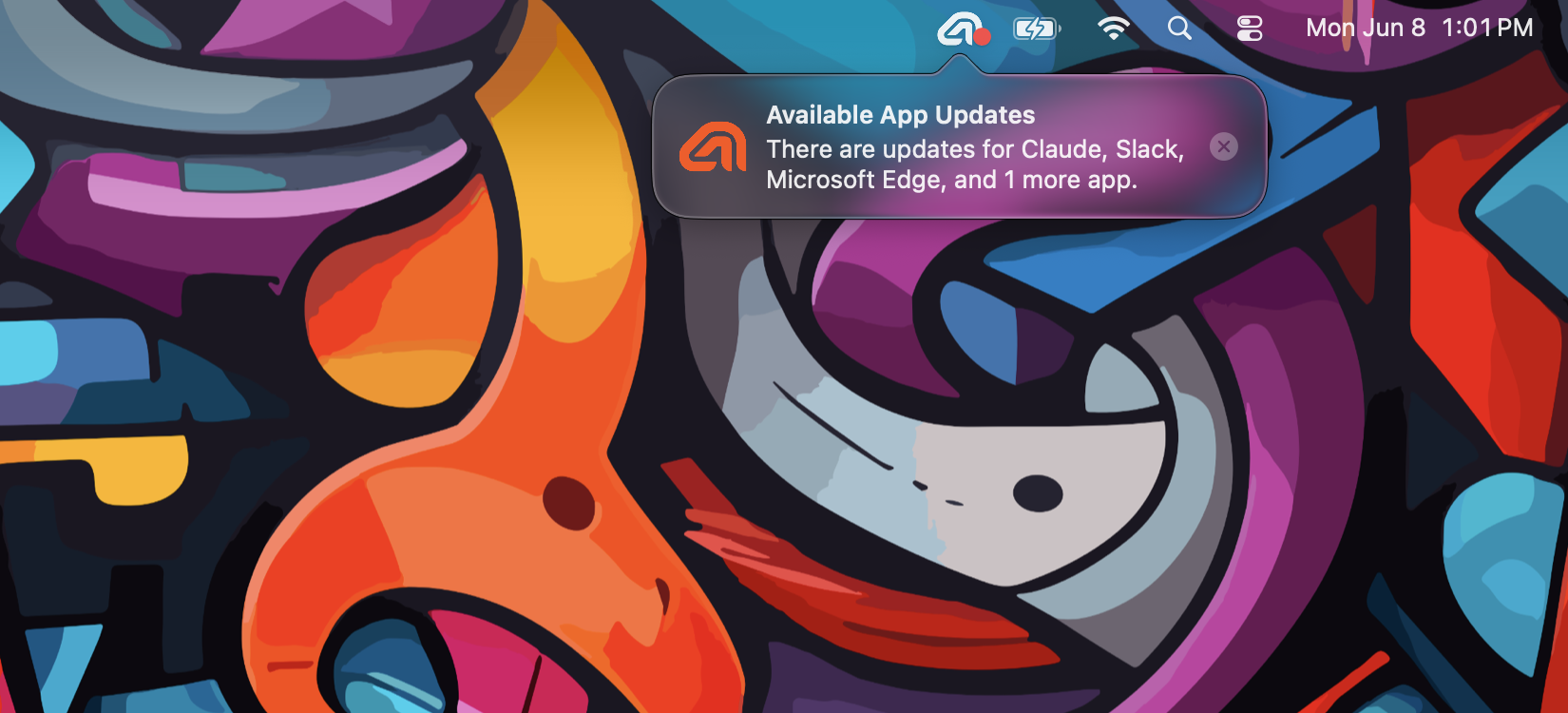
Patch Desktop 2.2 adds more controls for configuring Patch Menu Bar notifications and previewing their appearance in the Playground.

This release also adds controls for configuring Patch’s existing Mac Onboarding and App Policies features, plus in-app catalog refresh and more consistent mobileconfig exports for cleaner profile diffs. Additionally, Activation Key support is included for future Alectrona Cloud Services features.

Alectrona Patch 3.9.1601

· 3 min read
Ryan Ball
Director of Engineering

Alectrona Patch 3.9.1601 adds new ActivationKey licensing to support upcoming Alectrona Cloud Services features (including a web dashboard and regional data residency), and includes richer Patch Report inventory fields.

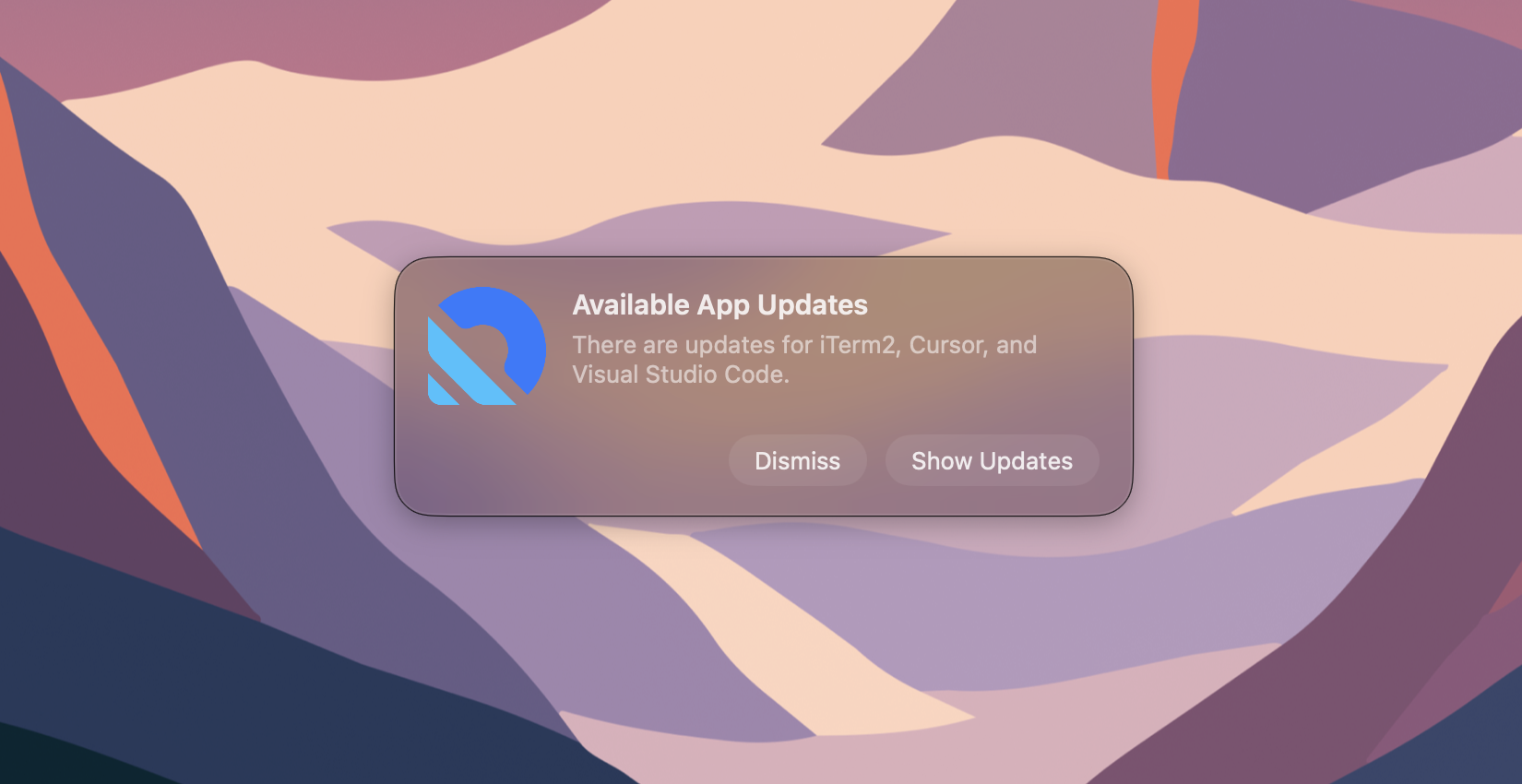
Additionally, the Patch Menu Bar app gains a new alert notification style — a more prominent, dismissible floating card with an action that opens the Patch Menu Bar app — giving you another way to tune update notifications for your organization. Alert joins the existing Notification Center, popover, and banner delivery options.

Alectrona Patch 3.6.1498

· 4 min read
Ryan Ball
Director of Engineering

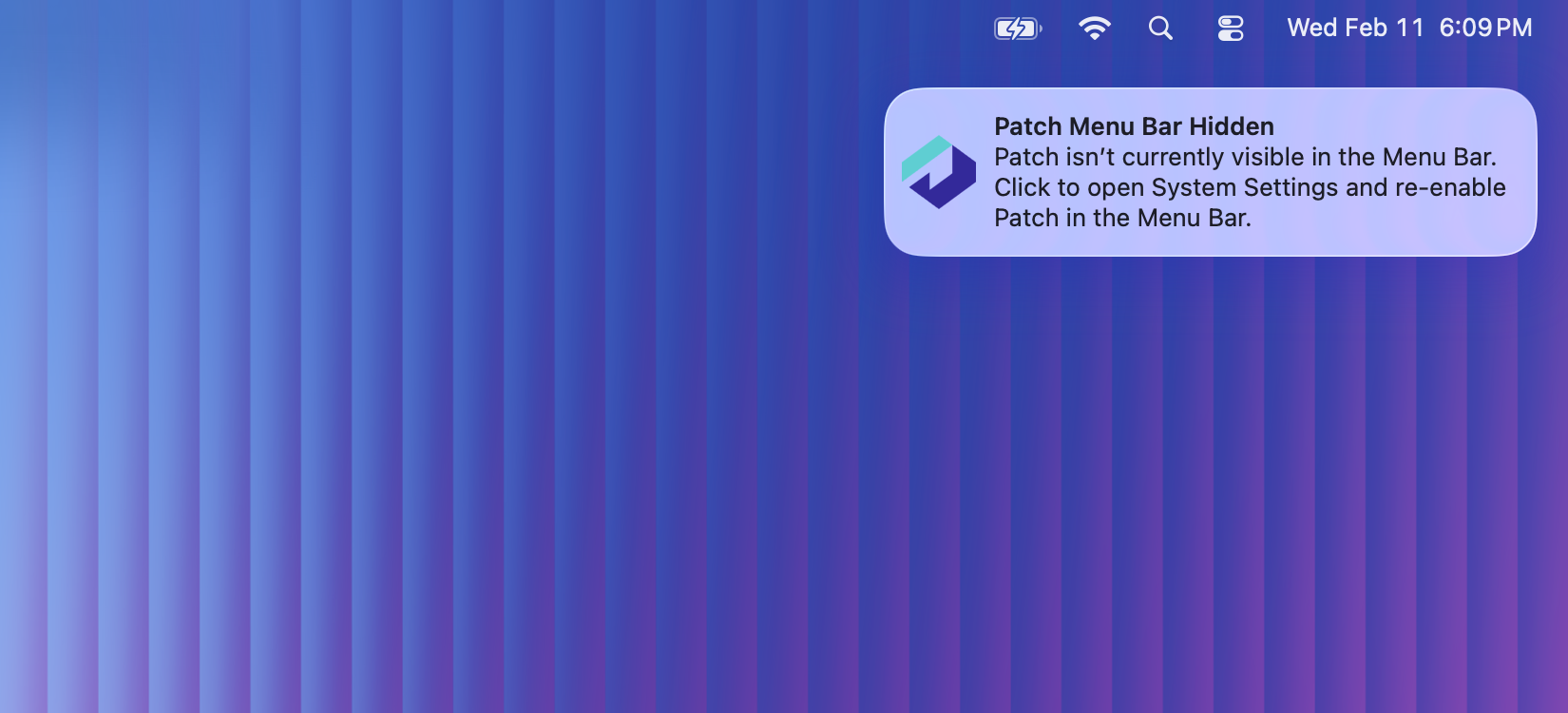
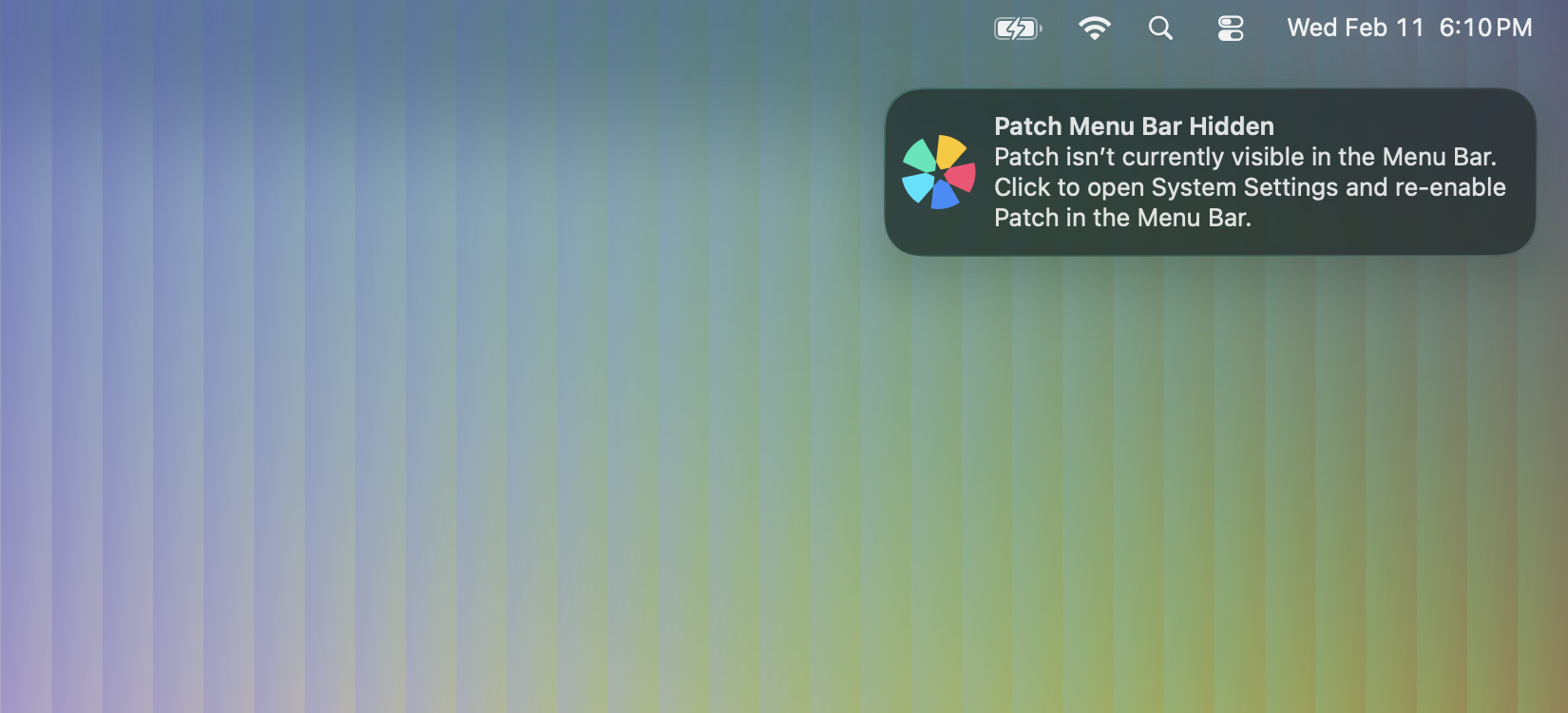
Alectrona Patch 3.6.1498 focuses on improving notification reliability, icon management, and the accuracy of application updates. This release introduces better control and automation for Notification Center icons, adds detection when the Patch Menu Bar app has been hidden (with a notification prompting users to re-enable it), and further strengthens the overall update experience.

Patch Menu Bar Hidden Notification Patch Menu Bar Hidden Notification

Alectrona Patch 3.5

· 4 min read
Ryan Ball
Director of Engineering

Alectrona Patch 3.5 introduces Patch Extend (Beta), a powerful new feature that lets you curate and manage custom software feeds alongside the built-in Alectrona Patch Catalog. With Patch Extend, you can bring internal or line-of-business applications into the same streamlined Patch workflows you use for third-party software—complete with automated updates, deferral logic, and user notifications.

Additionally, this release adds new Global Allow/Blackout Windows settings for controlling when updates can or cannot be installed, giving you greater flexibility to minimize disruptions during critical business hours.

This release also improves Patch Reports with Shadow App detection, enhances update reliability, and includes several bug fixes for DDM deadlines, the Patch Menu Bar app, and the Classic Update Dialog.

Alectrona Patch 3.3

· 3 min read
Ryan Ball
Director of Engineering

Alectrona Patch 3.3 is fully optimized for macOS Tahoe 26, ensuring a seamless experience from day one with Apple’s latest release. 🎉

This update brings greater reliability and responsiveness to your update workflow. Download failures are now automatically retried, reducing interruptions from network issues. Additionally, the Patch Menu Bar app’s badge updates more quickly after macOS updates, giving users instant feedback. Available macOS updates now display DDM deadlines, helping users stay informed about important update timelines. Moreover, this release includes a range of bug fixes for even more dependable patch management.

Alectrona Patch 3.2

· 4 min read
Ryan Ball
Director of Engineering

Alectrona Patch 3.2 introduces new features and enhancements to the Patch Menu Bar app, making it easier for your users to access key system information and stay informed about their Mac's health.

If you’ve been using Patch to update third-party apps but relying on other tools to notify users about macOS updates, uptime, or storage issues, Alectrona Patch 3.2 now consolidates these notifications and insights into a single solution.

The new System tab in the Patch Menu Bar app provides quick access to critical system details and warnings, including macOS update status, uptime alerts, and storage usage information. New preferences also allow you to control if macOS updates or system health warnings are visible to users, enabling a more customized deployment.

Alectrona Patch 3.1

· One min read
Ryan Ball
Director of Engineering

Since the release of Alectrona Patch 3.0, we've received incredible feedback, and we're thrilled to introduce even more ways to customize the Patch Menu Bar app.

With Alectrona Patch 3.1, we're adding four new customization options and addressing a few minor bugs to enhance your experience.