Alectrona Patch 3.8.1582

Alectrona Patch 3.8.1582 introduces three major additions to the platform: two new notification delivery styles for the Patch Menu Bar app, a dedicated Mac Onboarding workflow for first-run application installs, and App Policies for granular per-app update control.
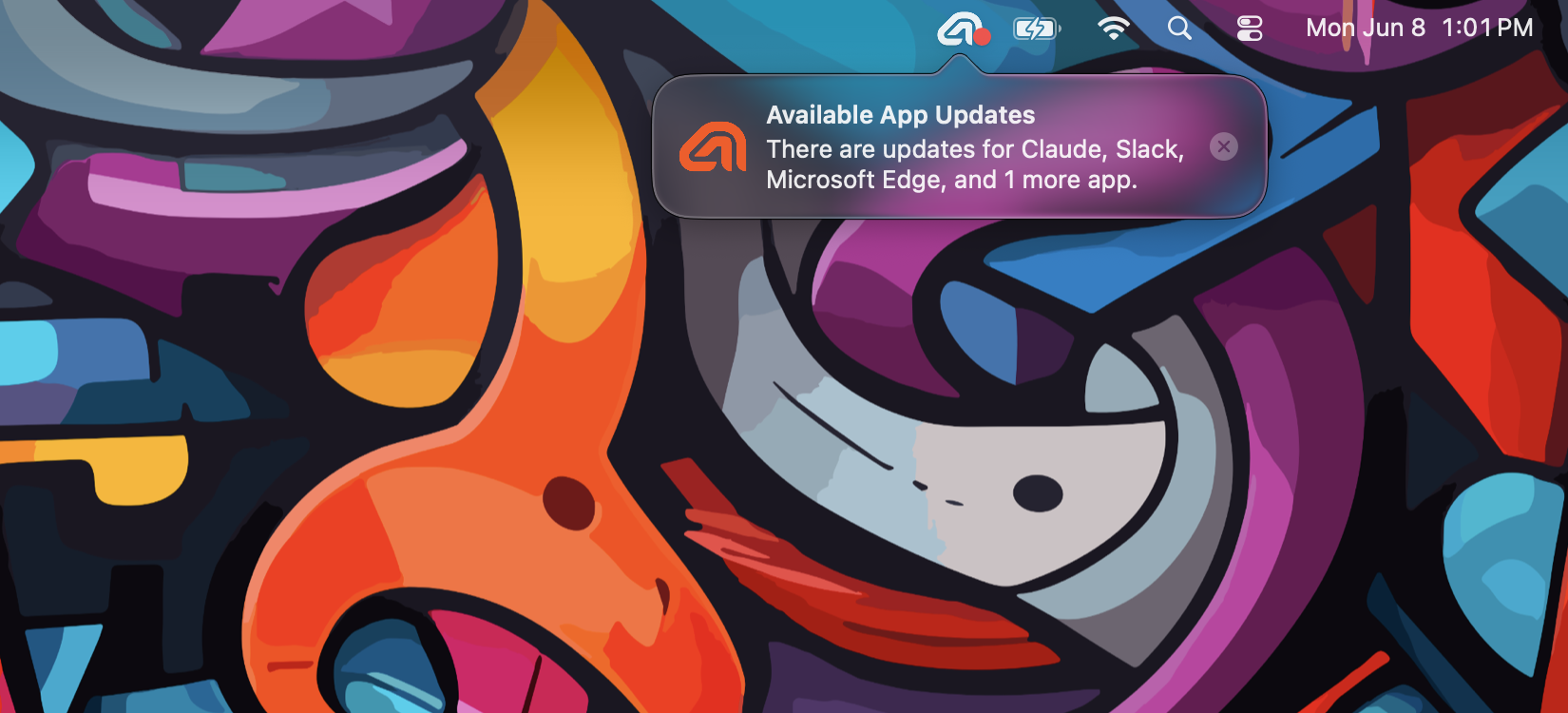
- New Popover Notifications
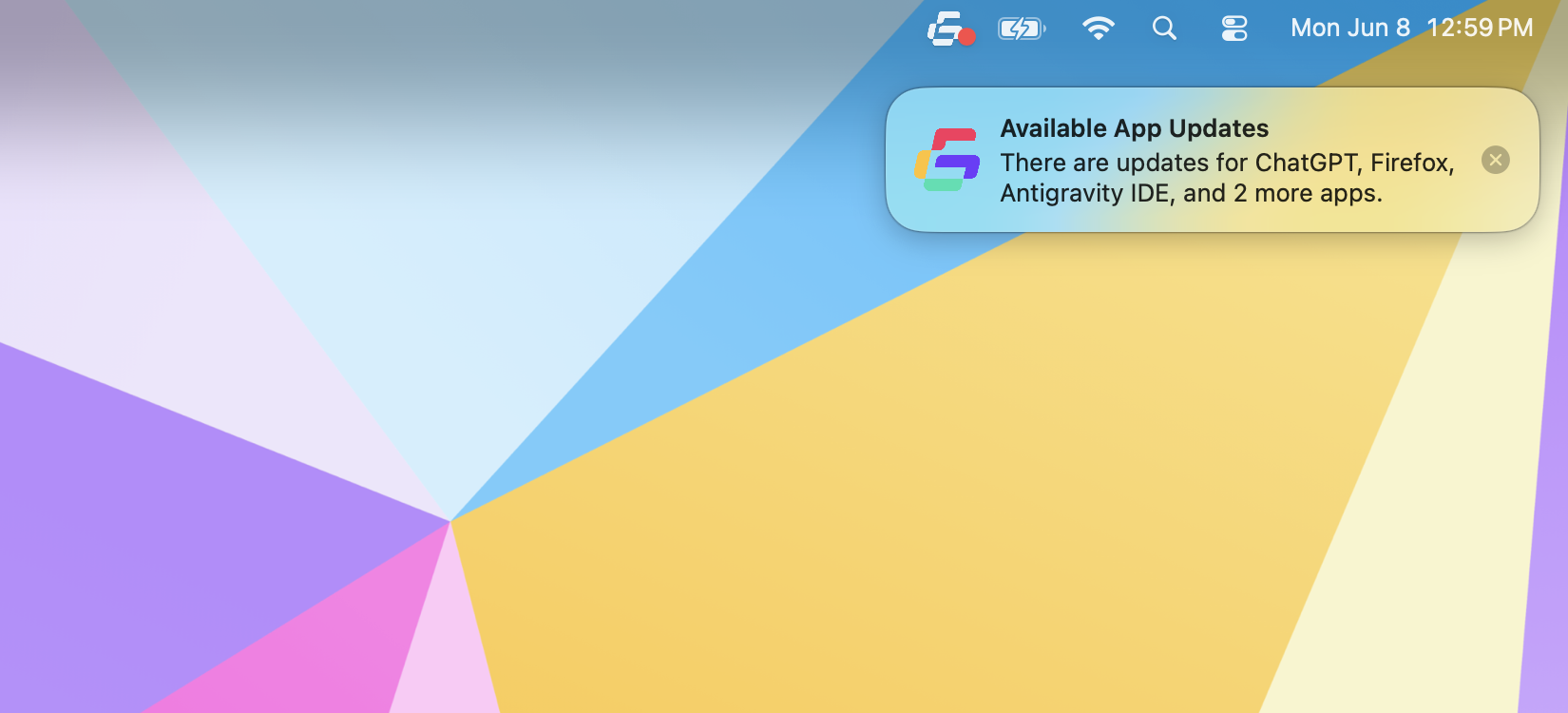
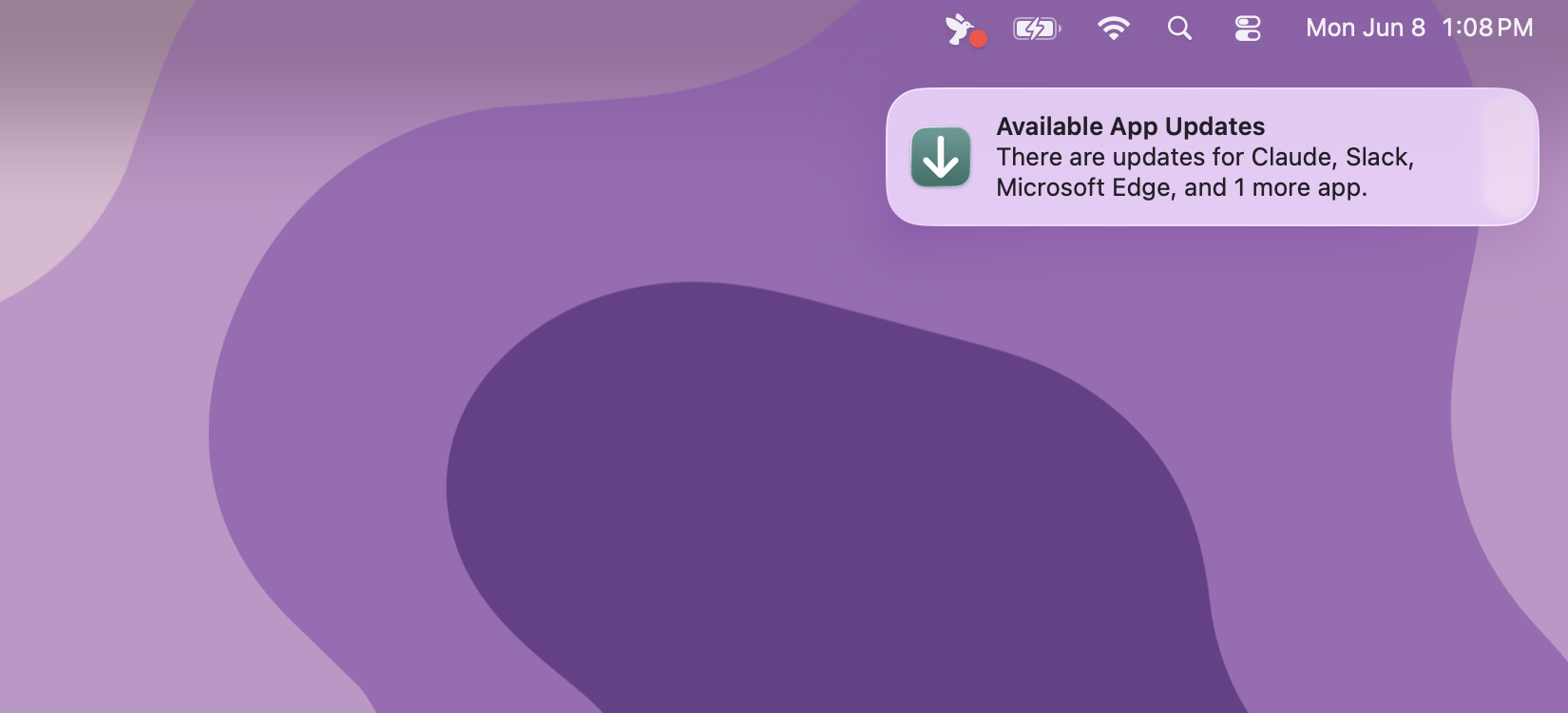
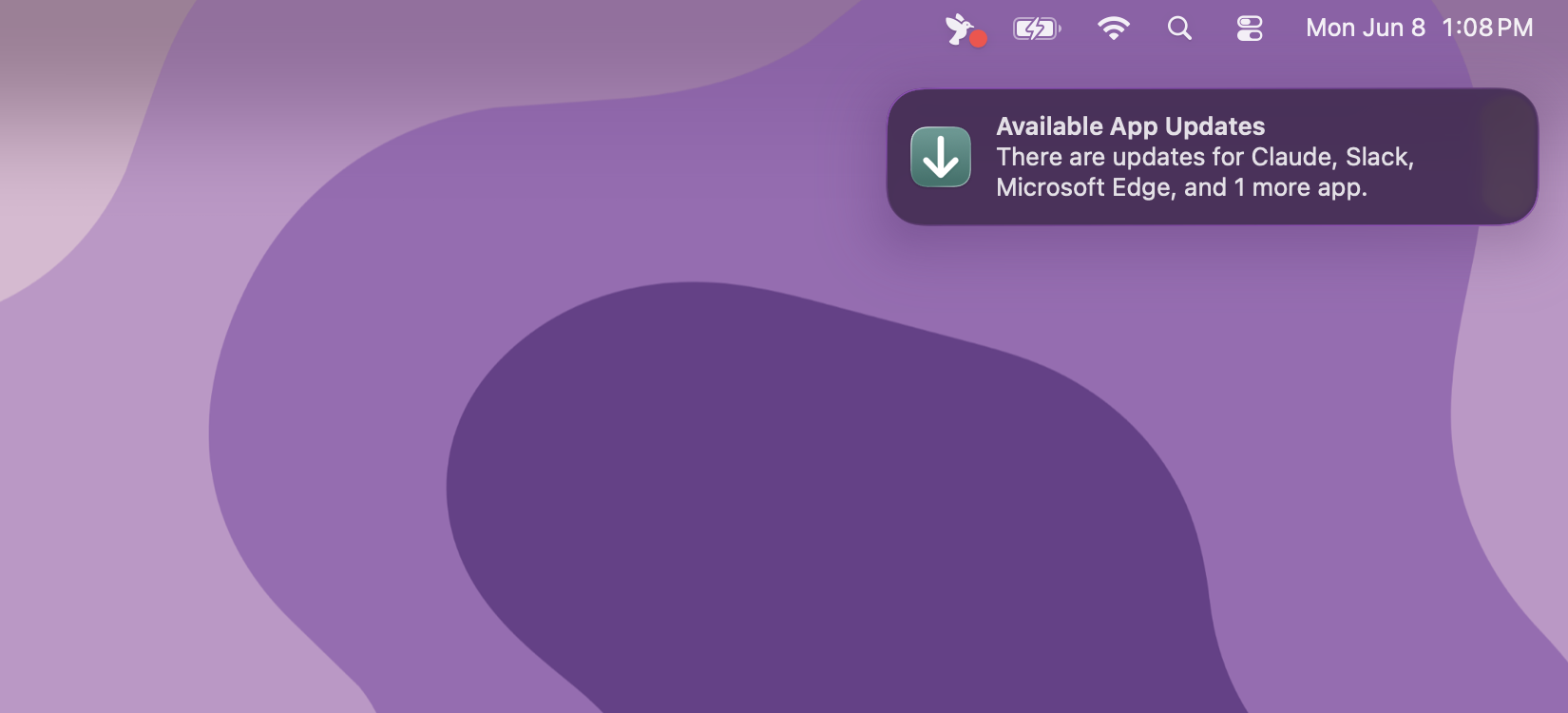
- New Banner Notifications
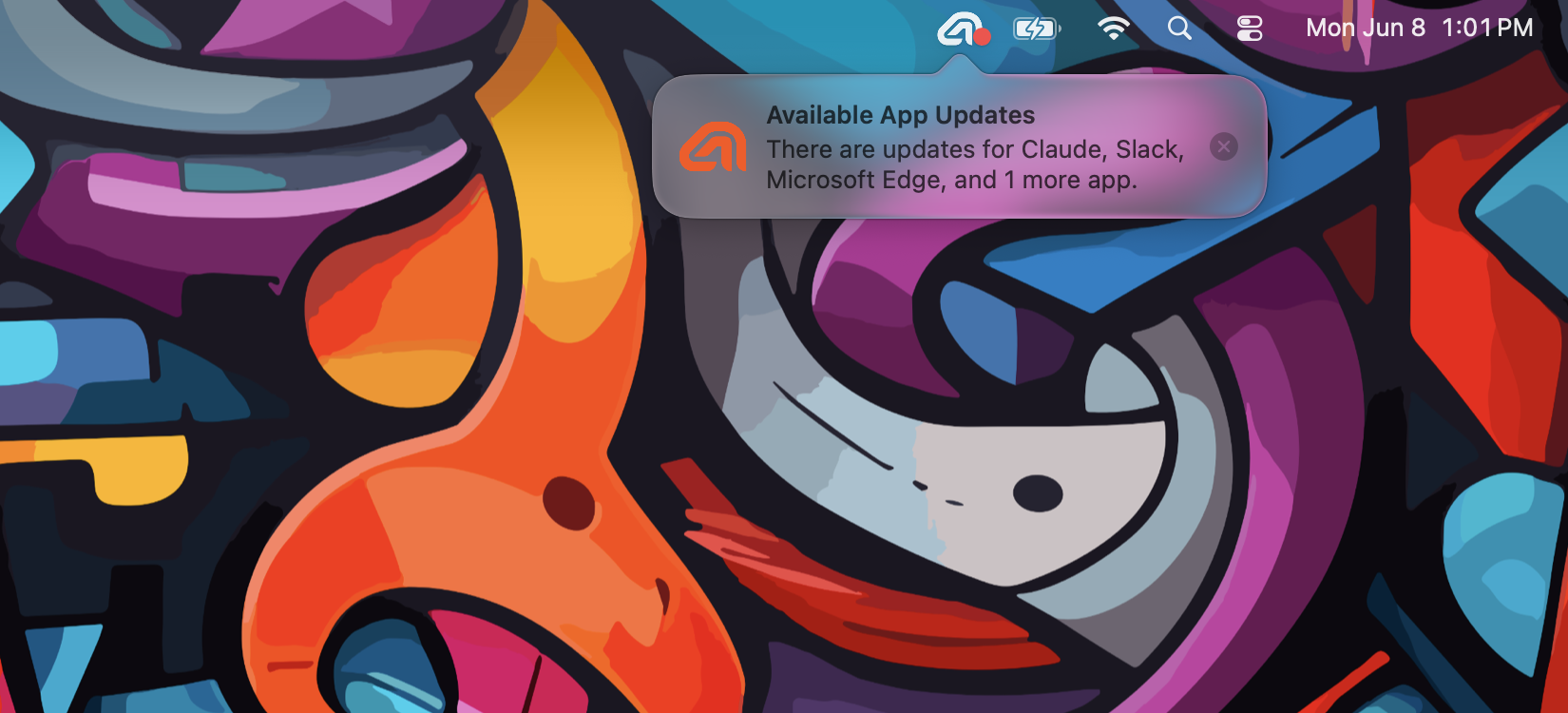
Popover notifications appear directly below the Patch Menu Bar icon, anchored to the status item so users can quickly act on the update. The popover shown here uses a custom icon configured via the NotificationCenterIcon preference and dismisses automatically after NotificationAutoDismissDuration (default 5 seconds).
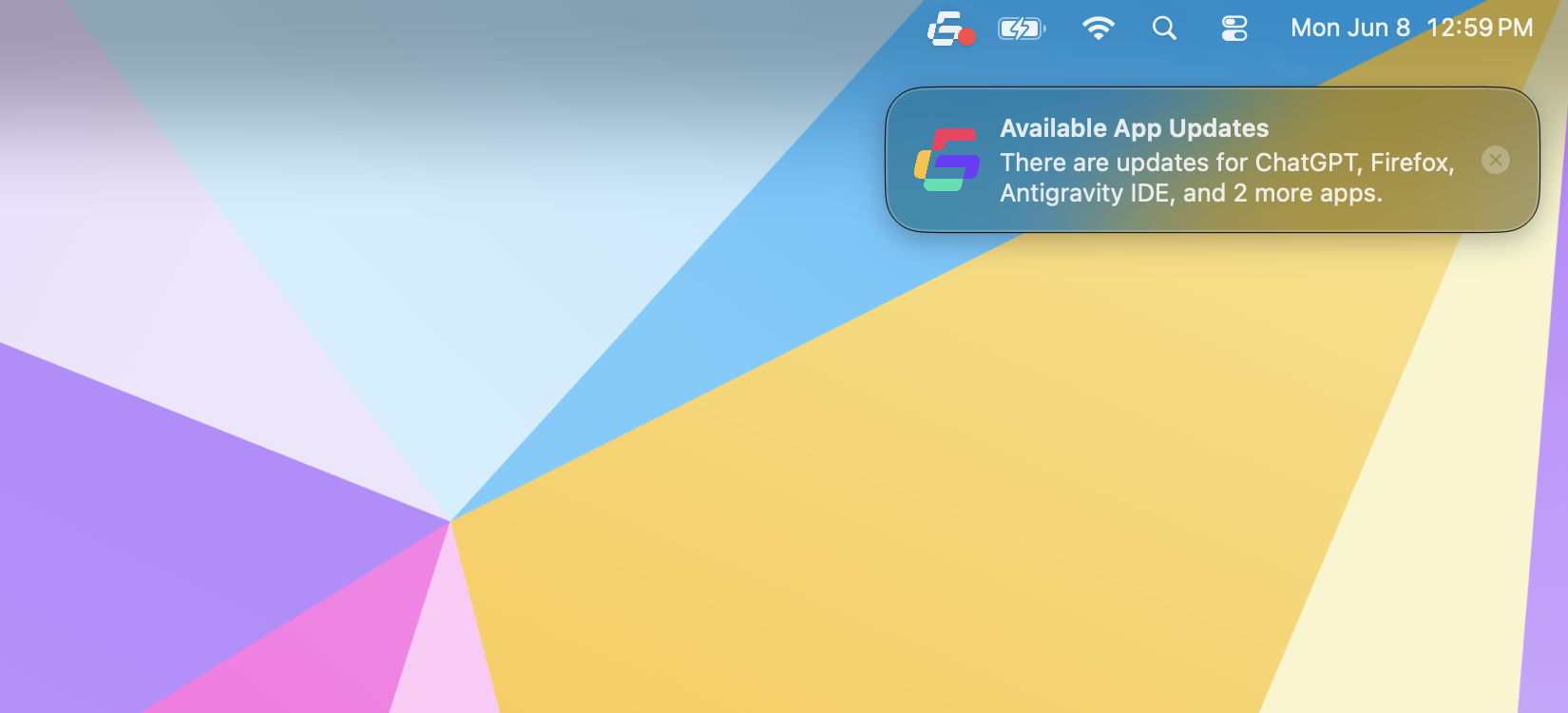
Banner notifications appear in the upper-right corner of the screen, mimicking the appearance of standard macOS system banners. They are unobtrusive and dismiss automatically after the configured NotificationAutoDismissDuration (default 5 seconds). The banner shown here uses a custom icon configured via the NotificationCenterIcon preference.
Notification Center Changes in macOS 26.4
Beginning with macOS 26.4, Notification Center always displays an application’s bundle icon and ignores custom notification icons. Organizations that continue using Notification Center delivery will see the Patch app icon instead of any custom notification icon. To ensure those notifications remain recognizable, the Patch app icon has been redesigned to better represent software updates.
Release notes are published 7 days before broad rollout to the stable channel, giving teams time to validate with the rc channel.
This release will be automatically rolled out to the stable channel starting on July 14, 2026.
New Features
- New notification delivery styles. The Patch Menu Bar app can now deliver update notifications as a popover or banner in addition to the standard Notification Center delivery. Use the new
NotificationDeliveryTypepreference in thecom.alectrona.patch-notifierdomain to choose betweennotification-center,popover,banner, ornone. Existing configurations usingEnableAvailableUpdateAlertDelivery=falseare automatically migrated toNotificationDeliveryType=none— no action is required from administrators. When configured to do so, popover and banner notifications can respect Do Not Disturb and Meetings. - New Mac Onboarding feature. Administrators can now deploy an
Onboardingconfiguration (managed via MDM) that defines a set of applications to install during a device's first-run experience. Mac Onboarding is idempotent — already-completed apps are skipped on subsequent invocations — and supports ordered installs (downloads remain concurrent) for Setup Your Mac or Jamf Setup Manager workflows with dependency chains. A newpatch onboardsubcommand (withinstall,list, andresetactions) provides a command-line interface for testing and Self Service workflows. See Mac Onboarding for the full reference, supported keys, and examples. - App Policies for per-app update control. Administrators can now define
AppPolicies(managed via MDM) to specify custom update behavior on a per-app basis — version ceilings, blocked releases, required-closed handling, and pre/post-install scripts. A companion--max-update-versionflag onpatch install --update-onlyprovides the same ceiling for ad-hoc CLI invocations. See App Policies for the full reference, supported keys, and examples. - Configurable auto-dismiss for popover and banner notifications. The new
NotificationAutoDismissDurationpreference (incom.alectrona.patch-notifier) controls how long popover and banner notifications remain on screen before dismissing automatically. The default is 5 seconds. - Opt out of focus-stealing when the auto-update alert appears. The auto-update alert is a popover window that has historically taken keyboard focus when it appears, so any keystrokes a user was typing into another app would stop reaching that app and instead go to the popover. Set the new
BringToFrontOnAutoUpdateAlertpreference incom.alectrona.patch-notifier(Bool, defaulttrue) tofalseto suppress that activation. The popover still appears above other windows, but stays inactive — the user's current app keeps keyboard focus so they can keep working uninterrupted. - Defer immediately when below the deferral limit. The new
DeferImmediatelyWhenBelowLimitpreference incom.alectrona.patch-notifier(Bool, defaultfalse) changes how the auto-update alert handles below-limit items. When enabled, app updates that have not yet reached their deferral limit are deferred at the start of the alert's action window rather than waiting outNextActionDelaySeconds. App updates that have reached their deferral limit still wait outNextActionDelaySecondsbefore auto-updating as usual. - Configure dismiss behavior for Get Help Action Buttons. Add a new
DismissBehaviorinner key (none,closeGetHelpView, orcloseApp— defaultnone) to a Get Help Action Button to dismiss the Get Help view or the entire Patch Menu Bar app after the user clicks it. Useful for actions that send the user off to another app or workflow.
Updates
- The Patch app icon has been updated to a more generic green square with a white down-arrow. On macOS 26.4 and later, Notification Center always uses an app's bundle icon for notifications rather than any custom icon set by the app, so the new icon keeps Patch notifications recognizable as updates while remaining brand-neutral on customer-customized deployments.
- On macOS 26.4 and later, Notification Center always uses the app's bundle icon for notifications and ignores any custom icons. As a result, the
patch notifier set-iconcommand now warns when run on these versions, and the Patch Agent's automatic application of theNotificationCenterIconpreference is skipped — it would have no effect on Notification Center delivery. Both behaviors continue to work as before on macOS versions earlier than 26.4. - The
patch notifier notifycommand has new options for previewing notifications:--typeselects the delivery style (notification-center,popover, orbanner),--iconoverrides the notification icon,--auto-dismisssets the popover/banner dismissal time, and--respect-dnd/--respect-meetingssuppress the notification when Do Not Disturb or a meeting app is active. - The search function has been removed from the Available Updates view in the Patch Menu Bar app to simplify the interface. Search remains available in the History view, where it's more useful for filtering past updates. The associated
EnableSearchForAvailableUpdatespreference has been removed from thecom.alectrona.patch-notifierdomain. - When a PKG installation fails,
patchnow writes the verboseinstalleroutput (the same content that appears in/var/log/install.log) to the Patch log, surfacing the underlying error rather than just the generic "Failed to install the PKG" message. - Installation lock acquisition is now handled gracefully when another
patchprocess is already installing the same app, avoiding conflicts and providing a clearer log message instead of failing the run. - The Patch Agent now checks network availability before scheduled Patch Runs, retrying with exponential backoff (up to 2 minutes) when the network is unavailable. A random startup jitter (10–60s by default, configurable via
StartupJitterMinandStartupJitterMaxincom.alectrona.patch-agent) gives the device a moment to settle after boot — letting the network finish initializing, MDM-delivered configuration arrive, and any concurrent enrollment tooling start its work before Patch begins downloading. - Improved handling of conflicting auto-update alert configurations. When
AutoUpdateAlertDisplayDurationis configured to be longer thanNextActionDelaySeconds, the alert is now shown for its full configured duration and the next-action delay is extended to fit — previously the alert would be clipped short to satisfy a 15-second minimum gap between the two. - Improved logging in the auto-update alert timer to include accurate counts of items below the deferral limit, making it easier to diagnose timer-related behavior in support tickets.
- The
patchcommand line tool now redacts usernames from log messages when adjusting file ownership, reducing the risk of leaking identifying information into shared logs.
Bug Fixes
- Fixed an issue where the used storage calculation for a system would not update until the Patch Menu Bar app was restarted, which could lead to inaccurate storage information being displayed after updates or when storage conditions changed.
- Fixed an issue where generating a patch report while Spotlight indexing was in progress could cause the report generation to hang indefinitely. Patch report generation will now defensively time out after 15 seconds to prevent hanging in this scenario, and an appropriate error message will be logged to indicate that the report generation failed due to a timeout.