Patch Desktop 2.2

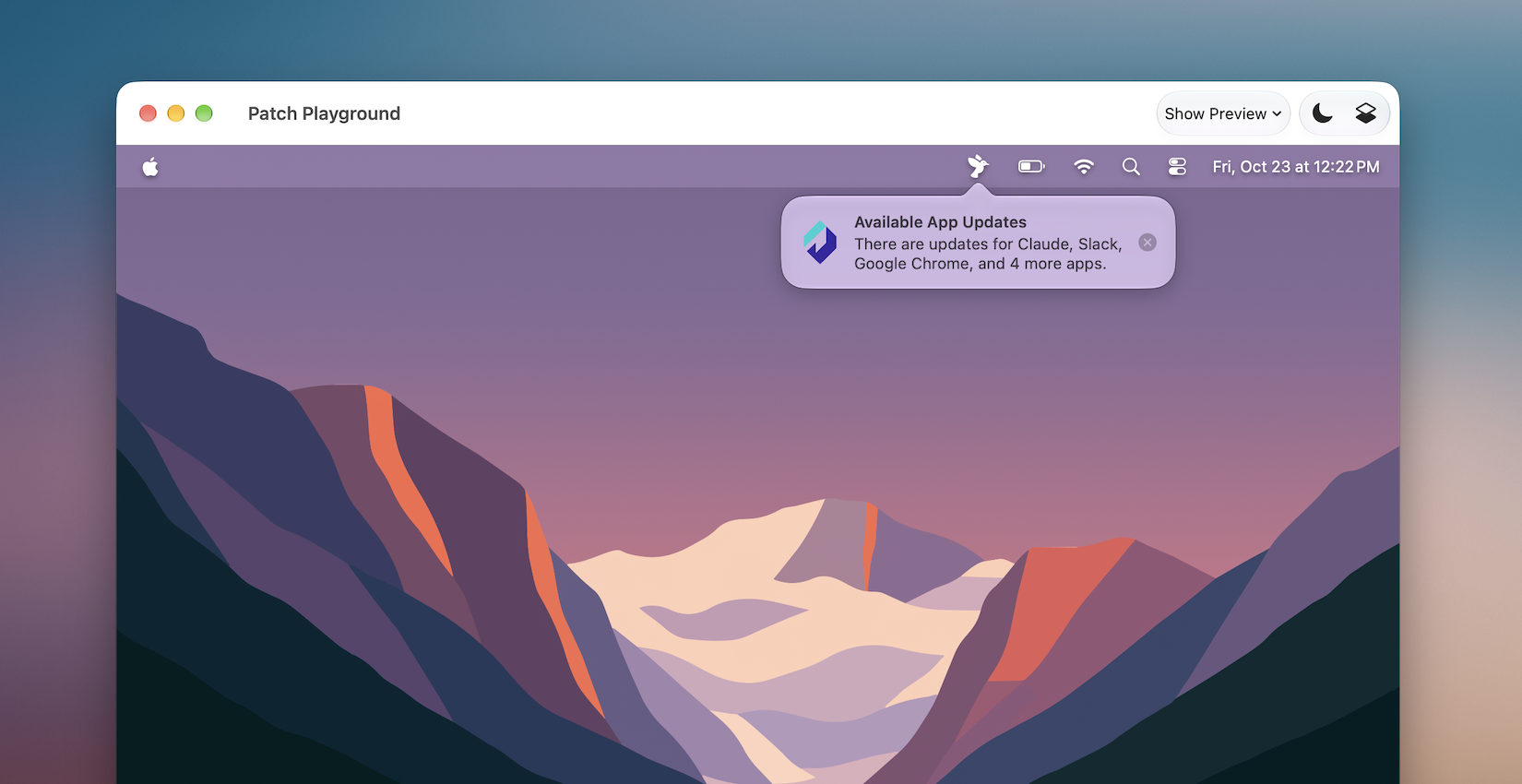
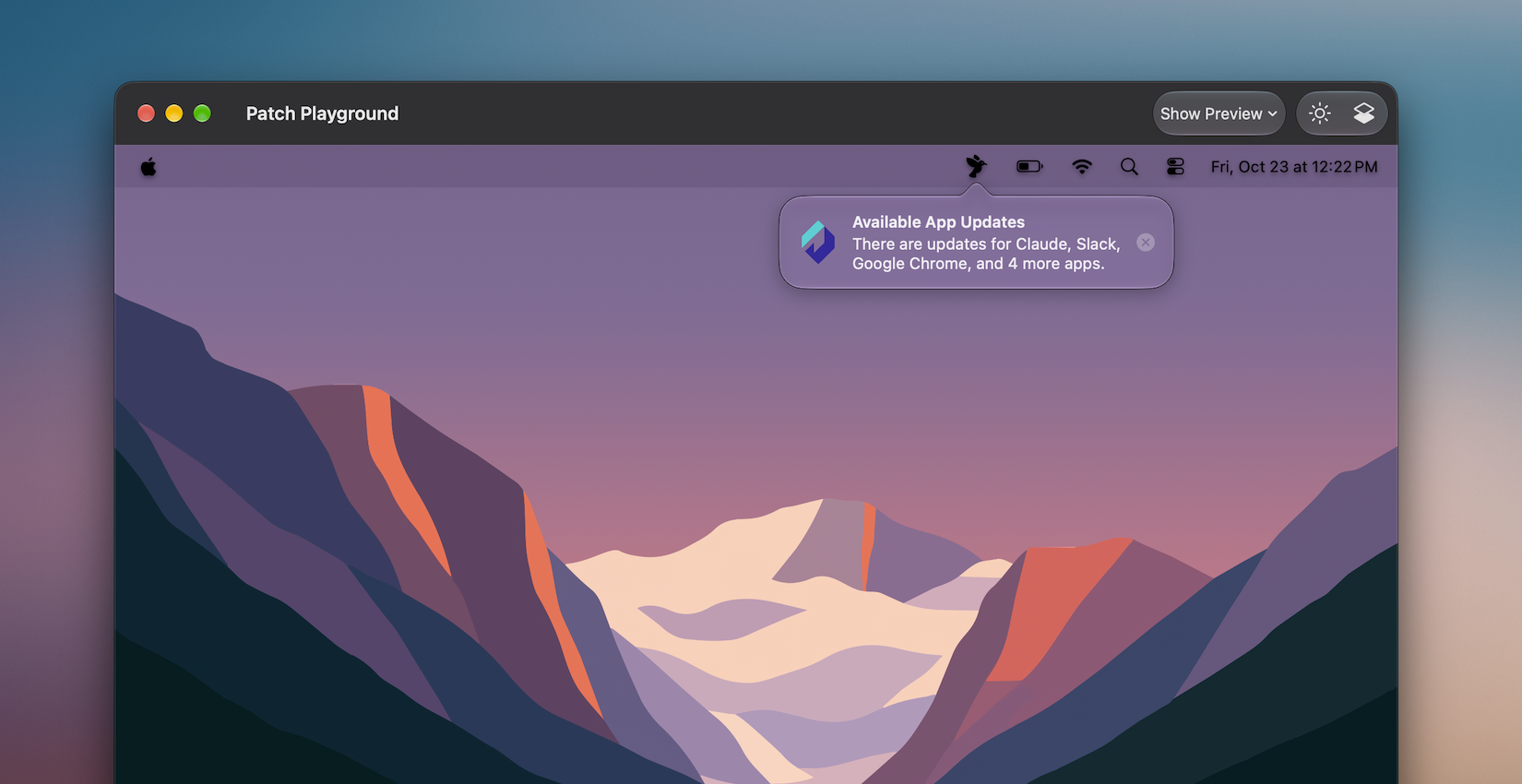
Patch Desktop 2.2 adds more controls for configuring Patch Menu Bar notifications and previewing their appearance in the Playground.
This release also adds controls for configuring Patch’s existing Mac Onboarding and App Policies features, plus in-app catalog refresh and more consistent mobileconfig exports for cleaner profile diffs. Additionally, Activation Key support is included for future Alectrona Cloud Services features.

- Notification Settings & Previews
- Mac Onboarding & App Policies
- Catalog Refresh
Configure Patch Menu Bar notifications in your Patch Profile — choose Notification Center, Popover, Banner, or Alert, or disable notifications — and preview their appearance in the Playground.
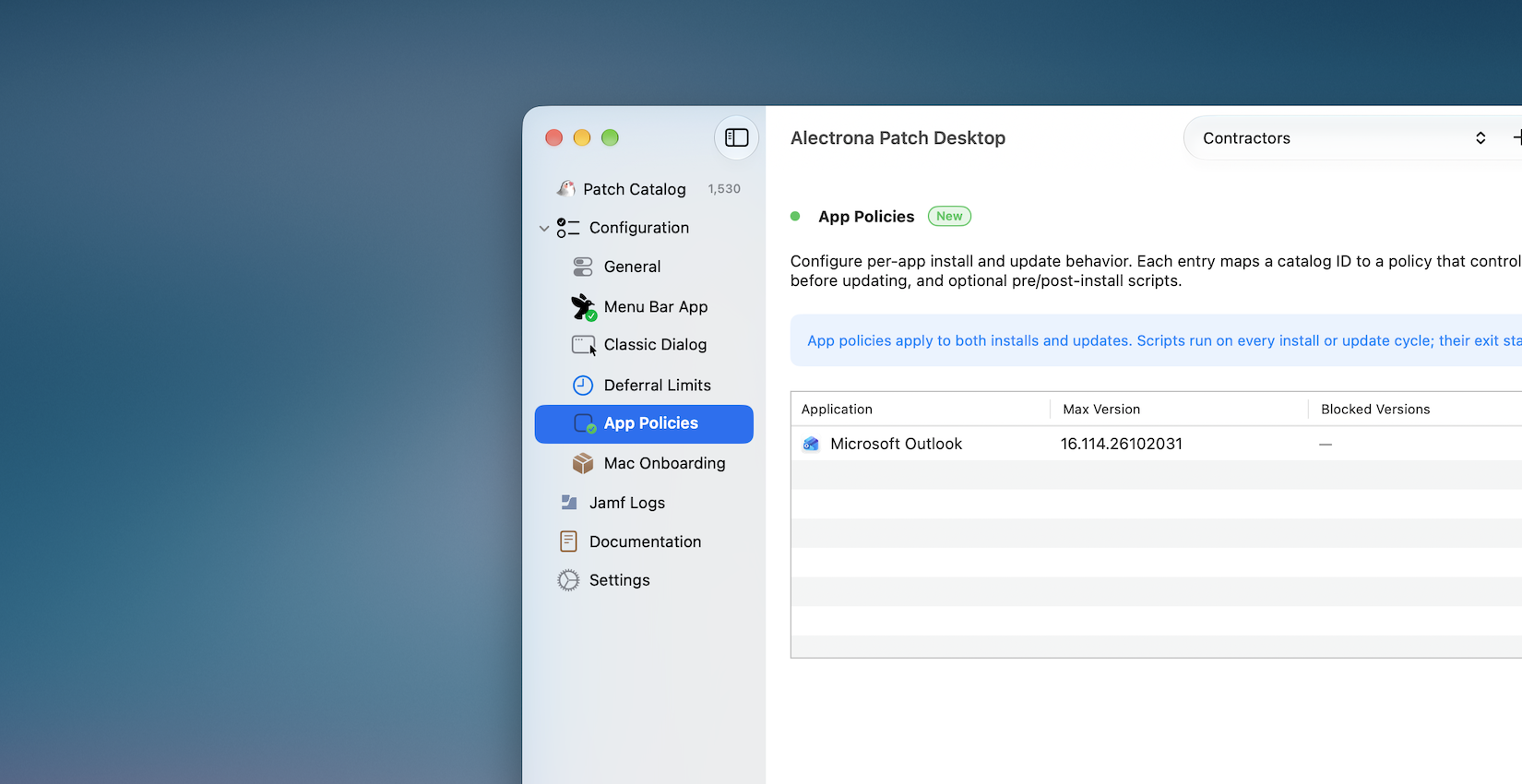
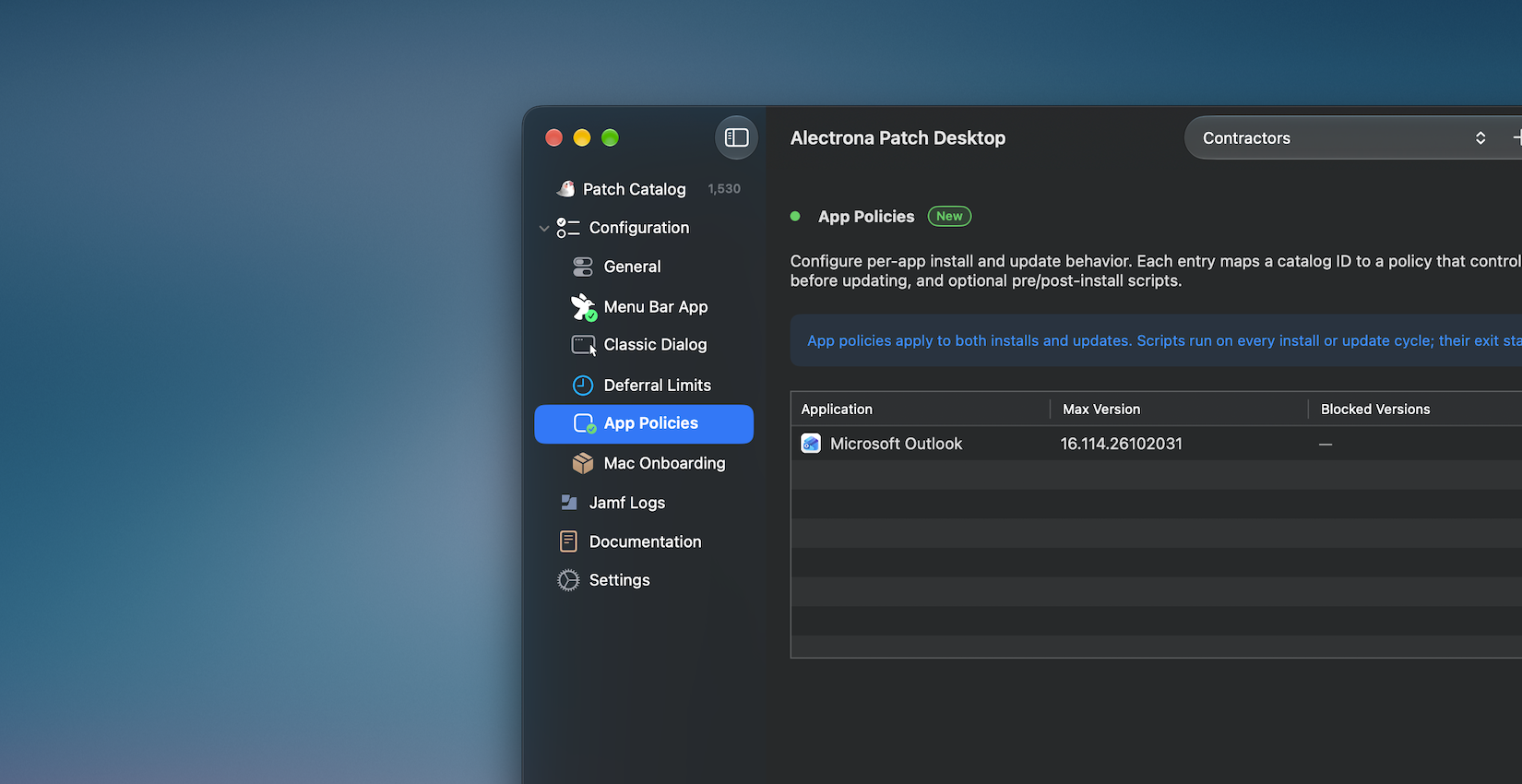
Configure Mac Onboarding and App Policies directly in Patch Desktop. You can also generate configurations for Jamf Setup Manager and Setup Your Mac to support your onboarding workflow.
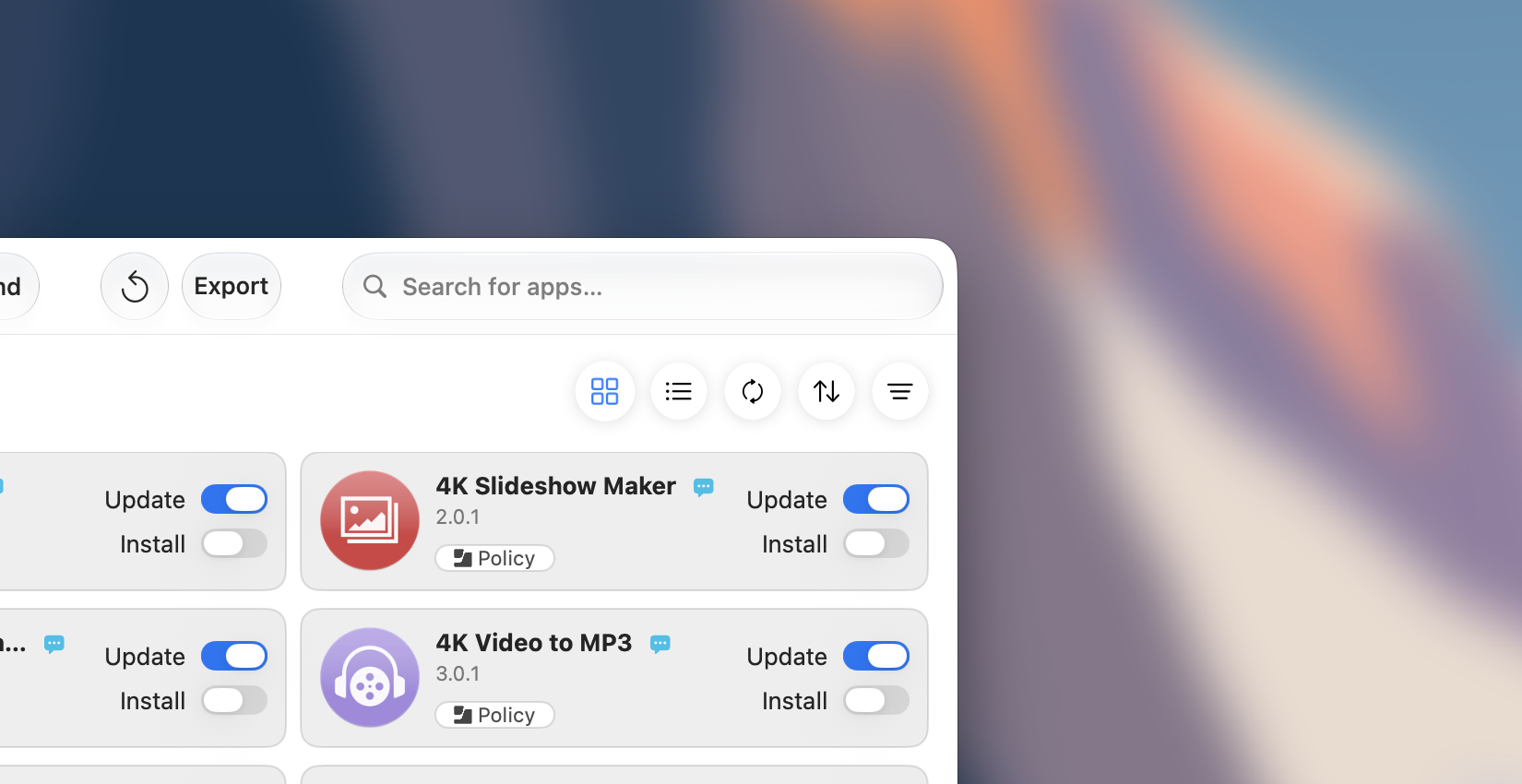
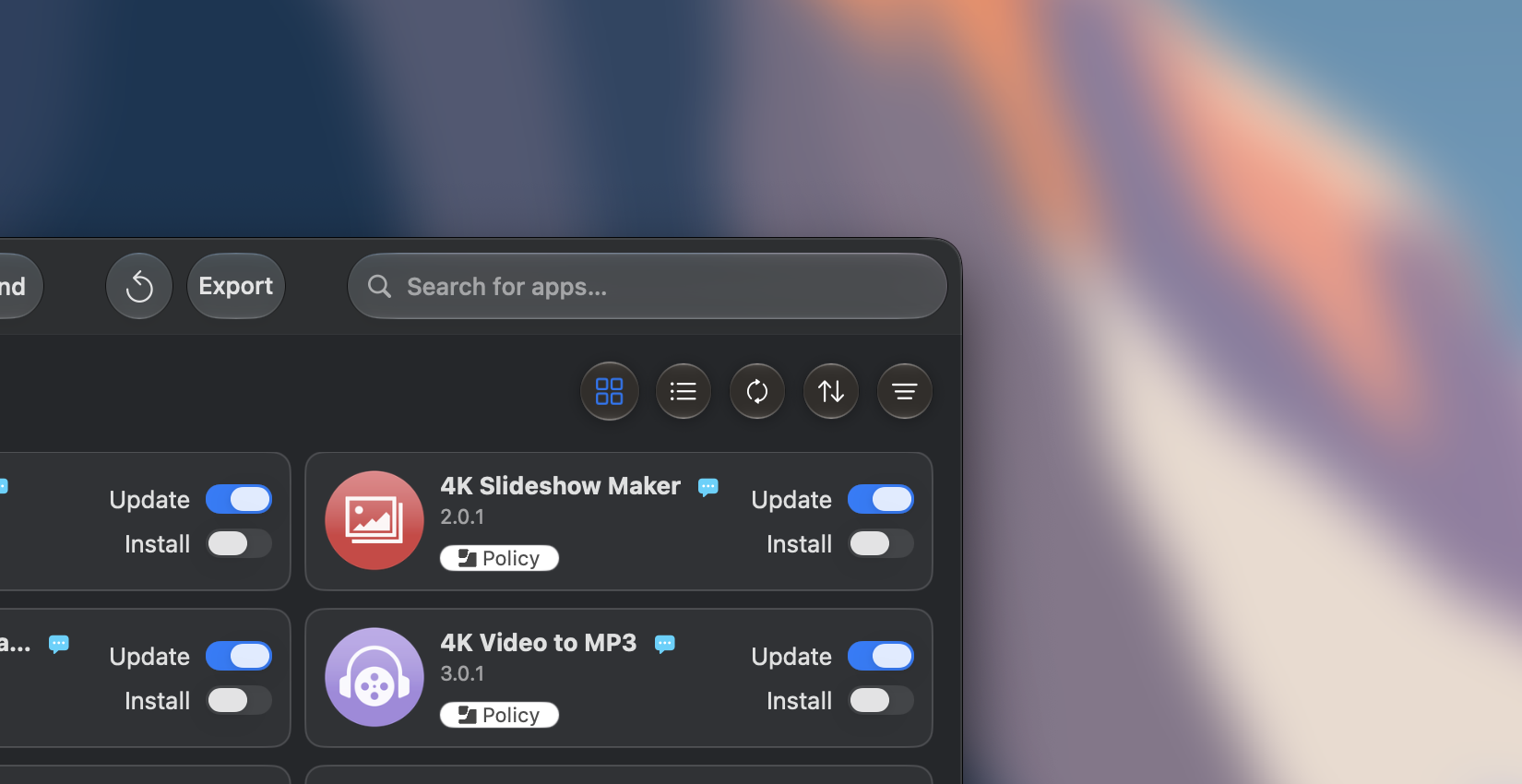
Reload the Patch Catalog from the toolbar to quickly see the latest apps and updates without quitting the Patch Desktop app.
Activation Keys require Alectrona Patch 3.9 or later and migration to Alectrona Cloud Services. Continue using your existing Patch License until both are in place. Details about account invitations and generating activation keys are coming soon.
Once your service has been migrated, add the Activation Key alongside your existing Patch License. Keep the License configured during the transition; guidance on when to remove it will follow.
System requirements: Patch Desktop 2.2 requires macOS 15 Sequoia or later.
- Download
- Install With Patch
Download the latest version of Patch Desktop to start enjoying the new features and improvements now!
Install or update Alectrona Patch Desktop with the patch command line tool!
sudo patch install alectrona-patch-desktop
New Features
- Added Activation Key support for upcoming Alectrona Cloud Services features, including a web dashboard and regional data residency.
- Configure any of the available Patch Menu Bar notification styles in your Patch Profile and preview their appearance directly in the Playground. The Alert style requires Alectrona Patch 3.9 or later.
- Configure Patch's Mac Onboarding preferences and generate configurations for Jamf Setup Manager and Setup Your Mac to support your onboarding workflow.
- Configure per-app install and update behavior with App Policies, including version ceilings, blocked versions, and pre/post-install scripts.
- The Patch Catalog can now be refreshed from the toolbar without quitting Patch Desktop.
- Jamf Pro Self Service policies created in Patch Desktop can now optionally include the app installation path in the policy description, making it easier for users to know where the application is installed.
- The option to hide Alectrona Patch from update history can now be configured from Menu Bar appearance preferences in Patch Desktop.
Updates
- Patch Profile mobileconfig exports now reuse stable PayloadUUID / PayloadIdentifier values per configuration and encode app lists with consistent ordering, producing cleaner diffs when profiles are updated.
- Visual improvements for macOS 27.
- Patch Desktop now requires macOS 15 Sequoia or later.
Bug Fixes
- Fixed an issue where importing some Patch Profiles from mobileconfig files could fail when profile metadata was missing, such as display name or organization.
- Fixed an issue where the Install Opportunity Estimate and schedule warnings could lag behind changes to update windows or the run interval.
- Fixed an issue where switching configurations or clearing a Patch License could leave stale license validity indicators.
- Fixed the configuration picker in the toolbar so the selected configuration name is visible on macOS 27.
- Fixed an issue where color pickers could apply changes when the color panel was not the key window.