Menu Bar App
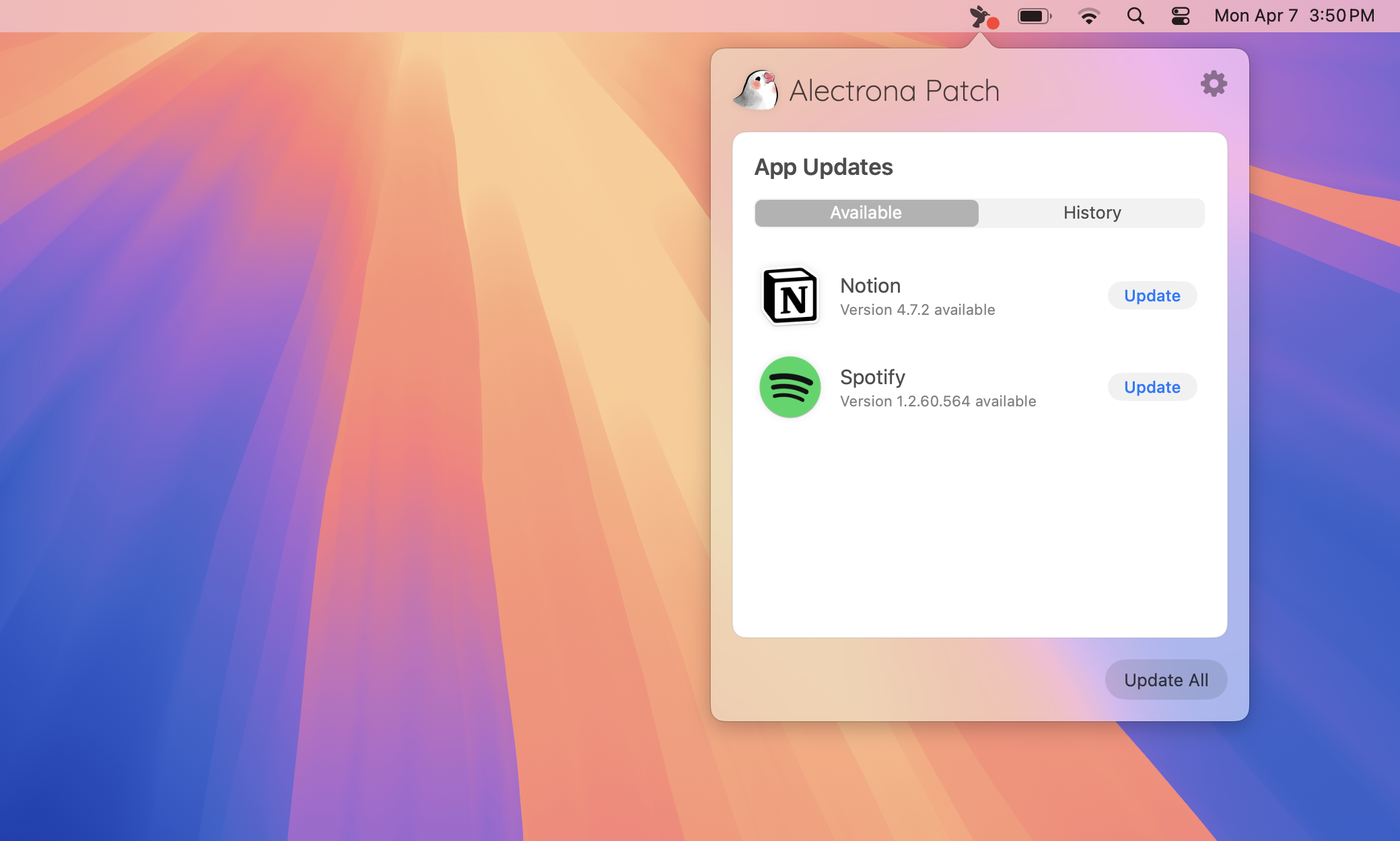
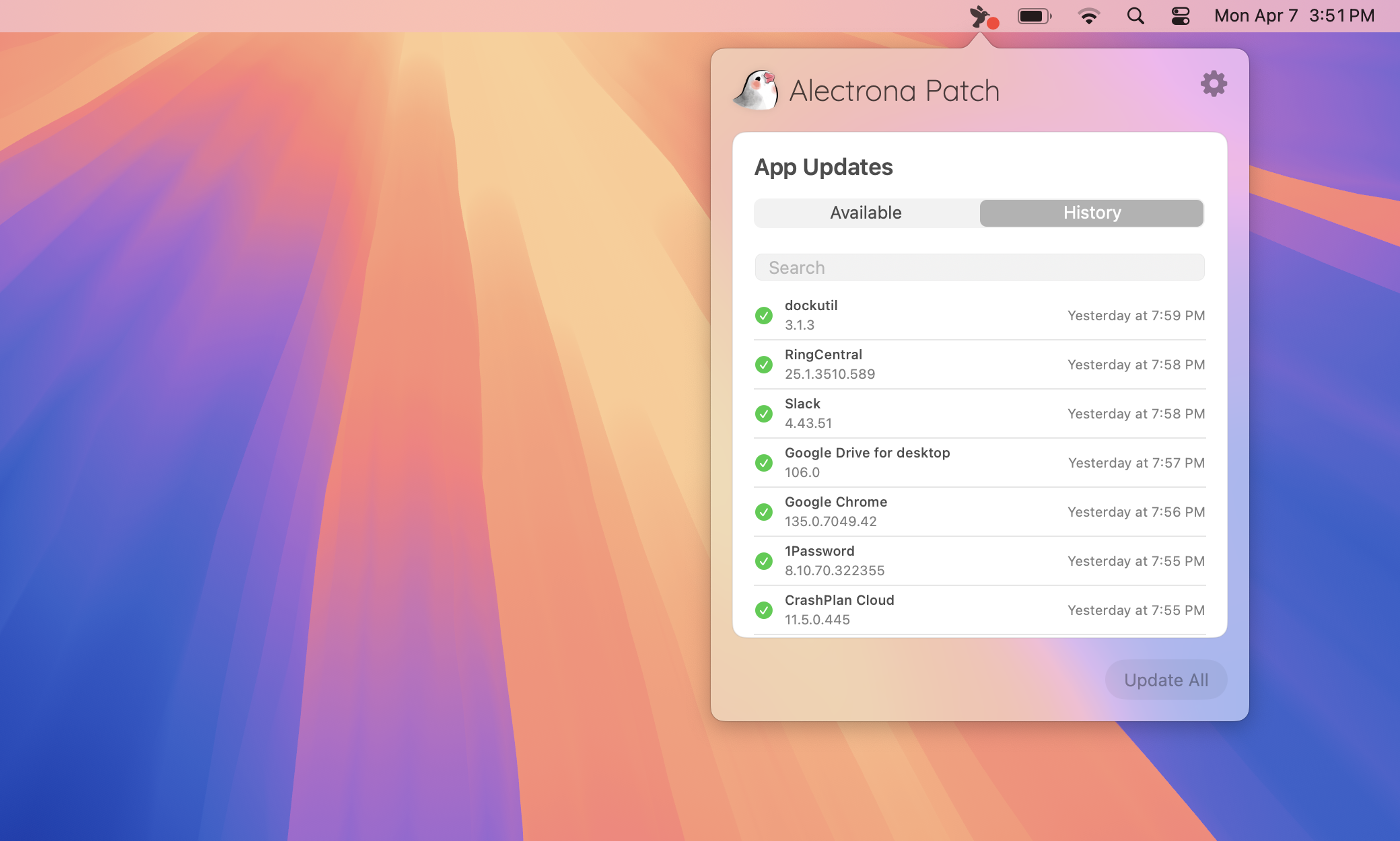
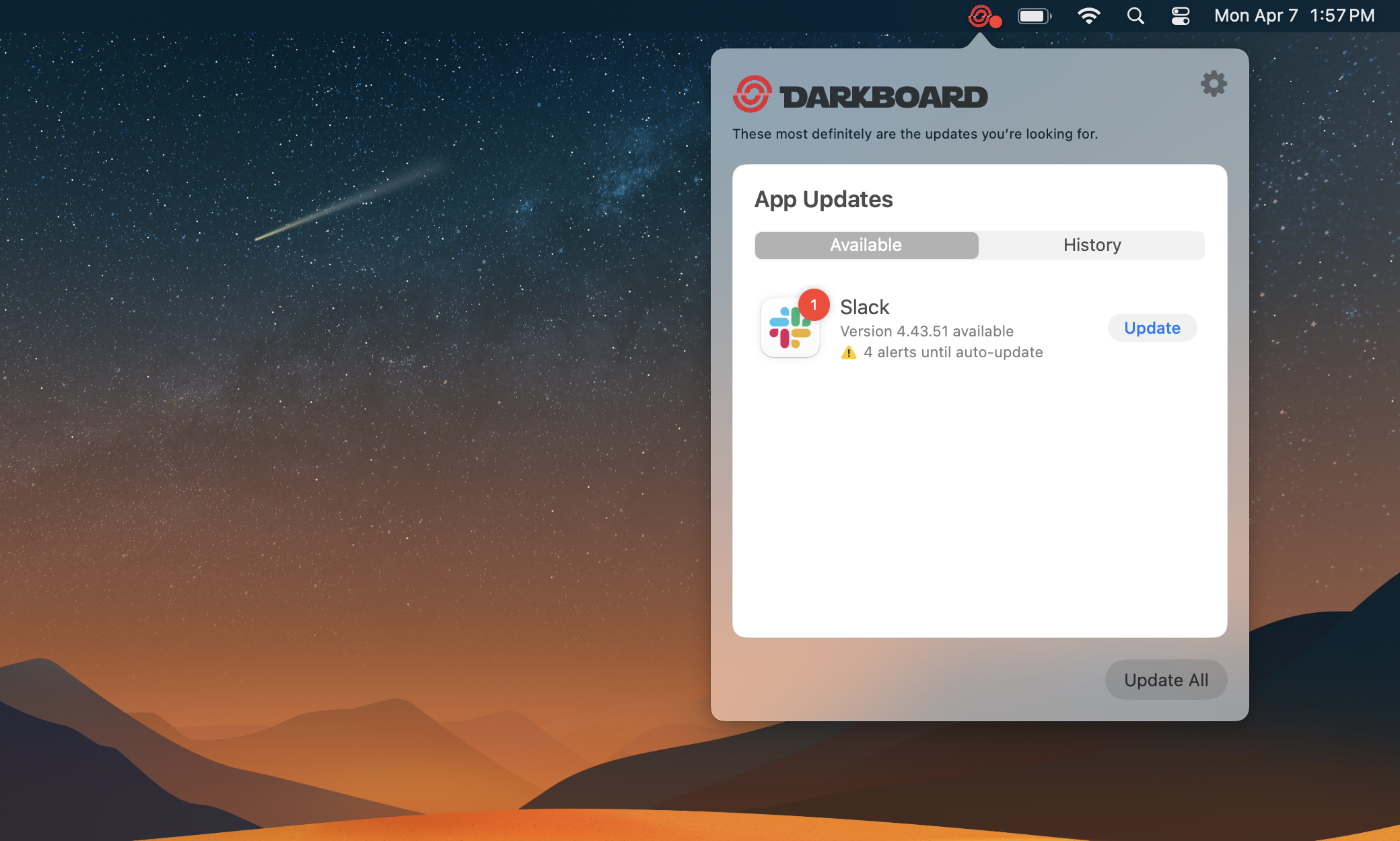
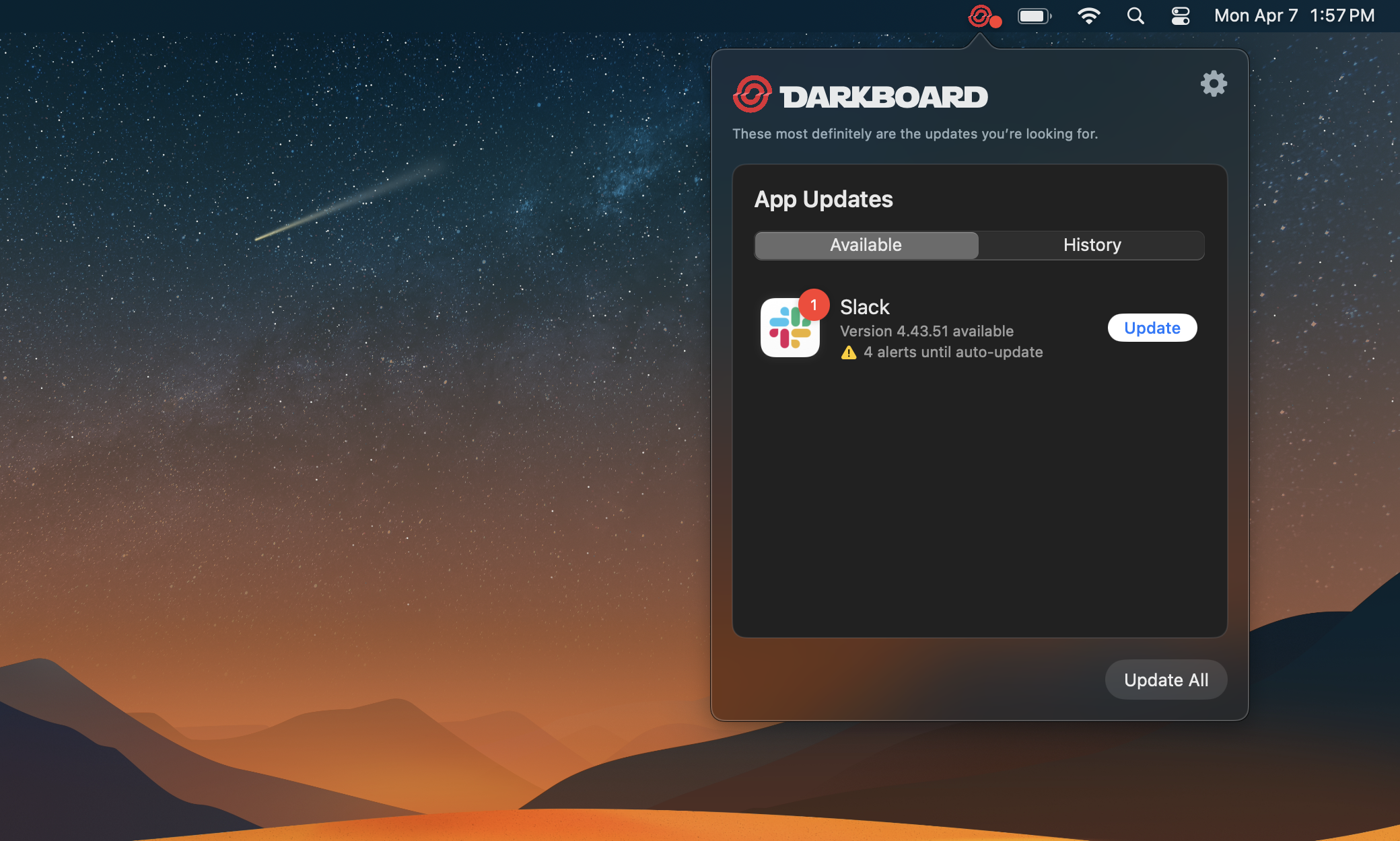
The Patch Menu Bar app allows you to combine native Notification Center alerts with an intuitive Menu Bar interface that has been designed from the ground up to provide the best app update experience on macOS.
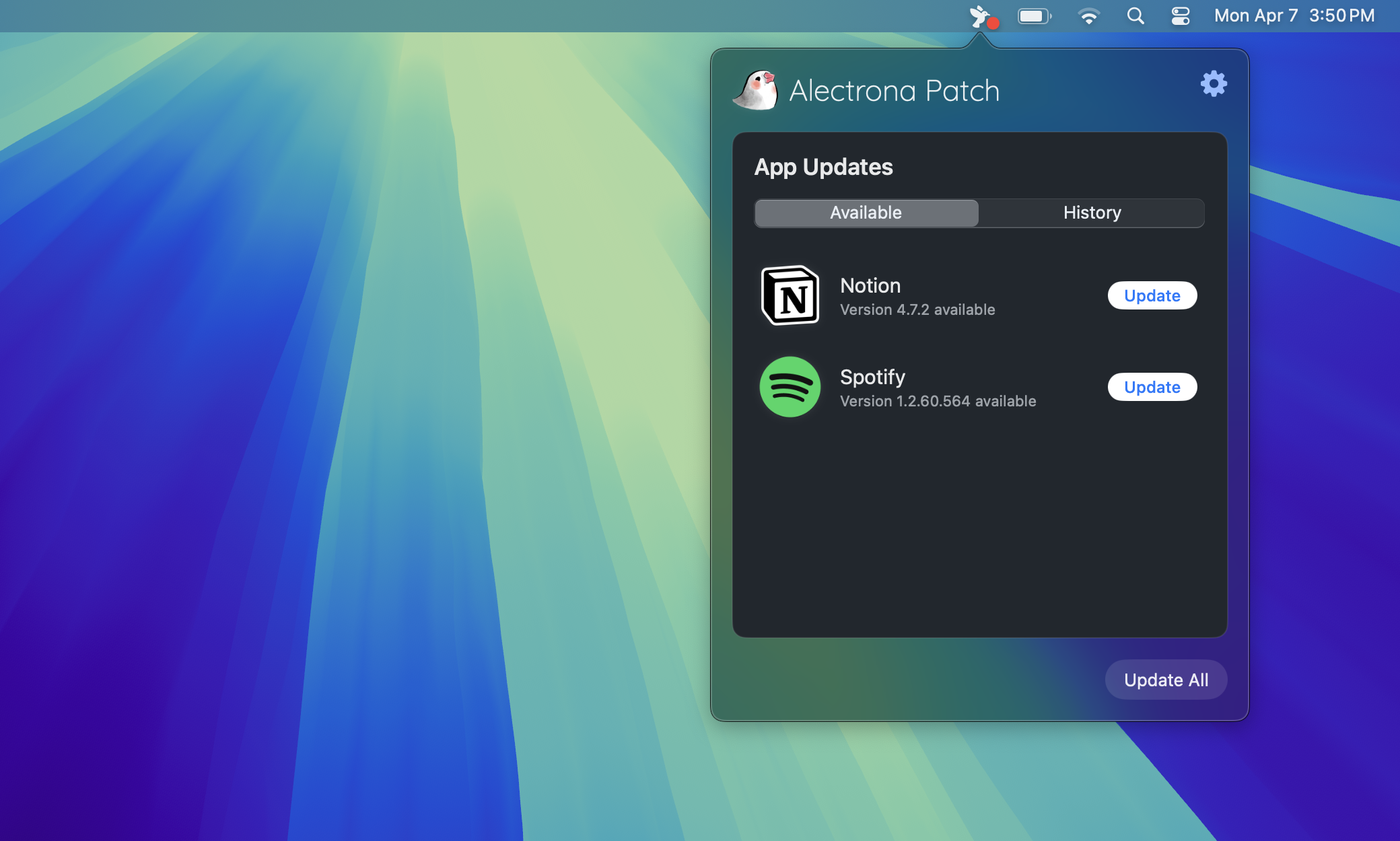
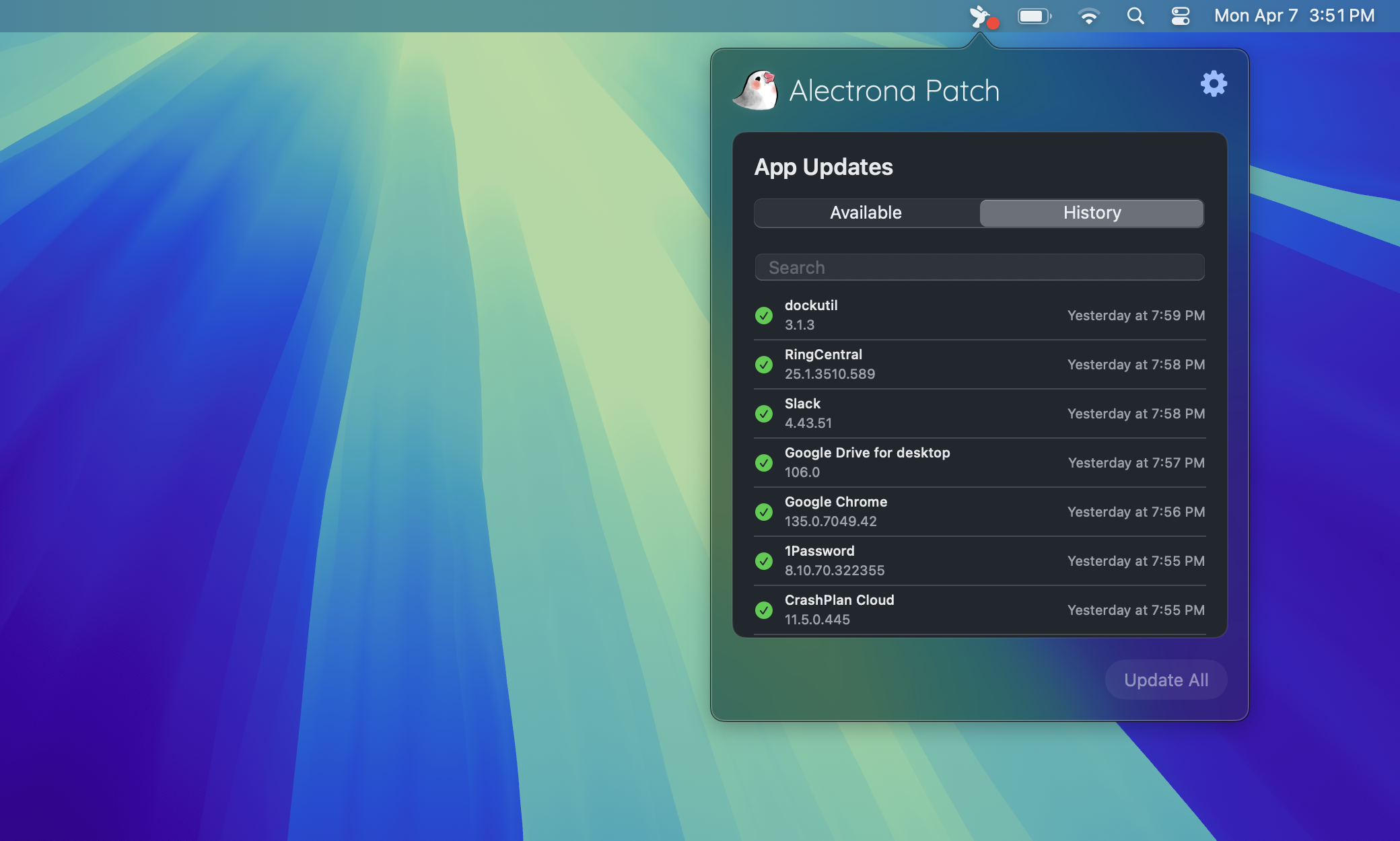
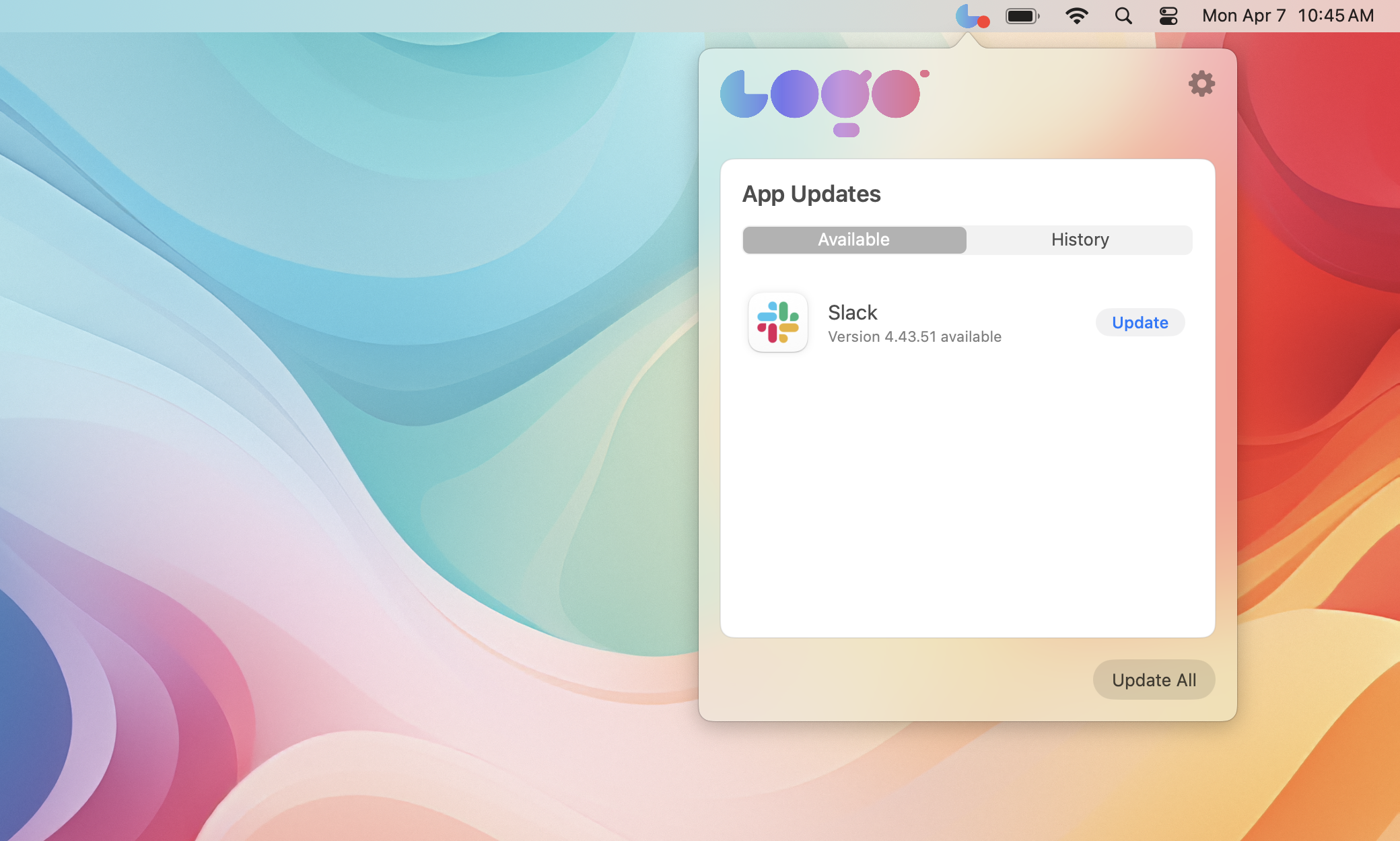
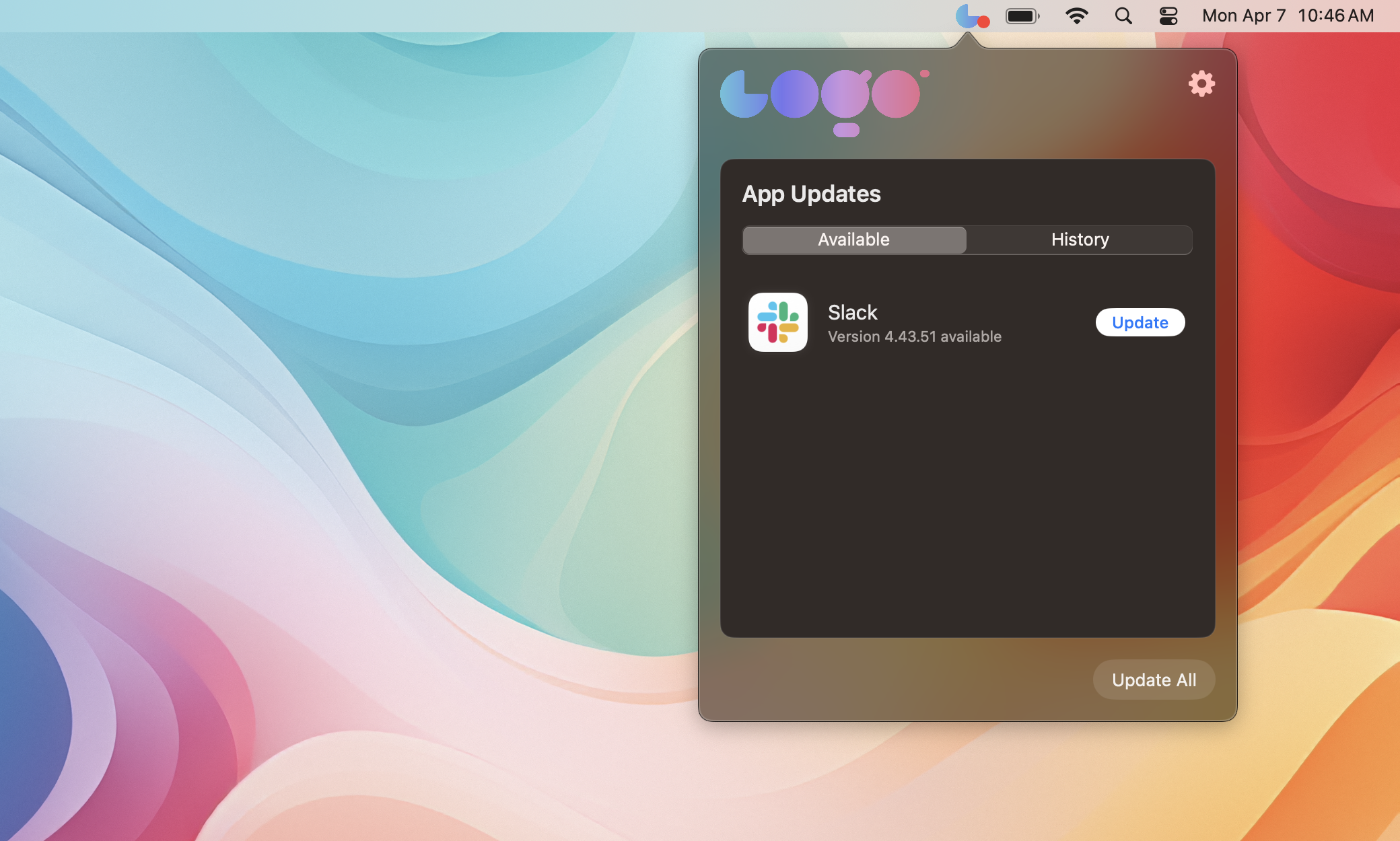
Like most features in Alectrona Patch, our Patch Menu Bar app is fully customizable. You can change the top branding image, title, subtitle, and even the menu bar icon to match your organization’s branding. Plus, Deferral Limits can be configured to ensure important updates are never ignored.
- Default Patch Menu Bar App
- User-Facing History
- Custom Styling
- Even More Customization!
Notification Center Alerts
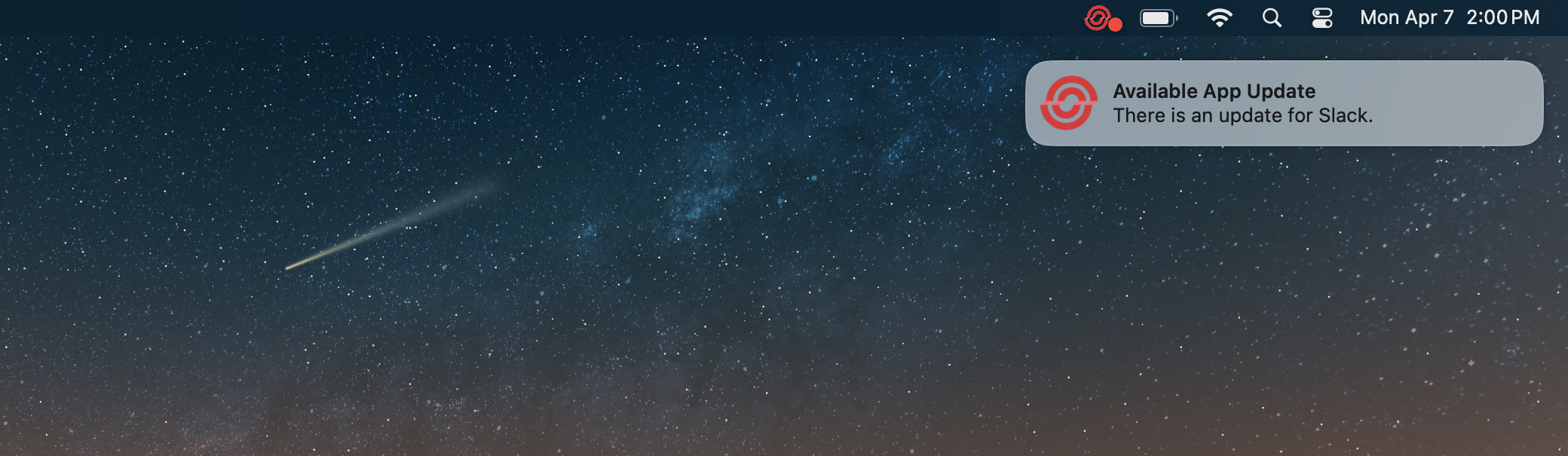
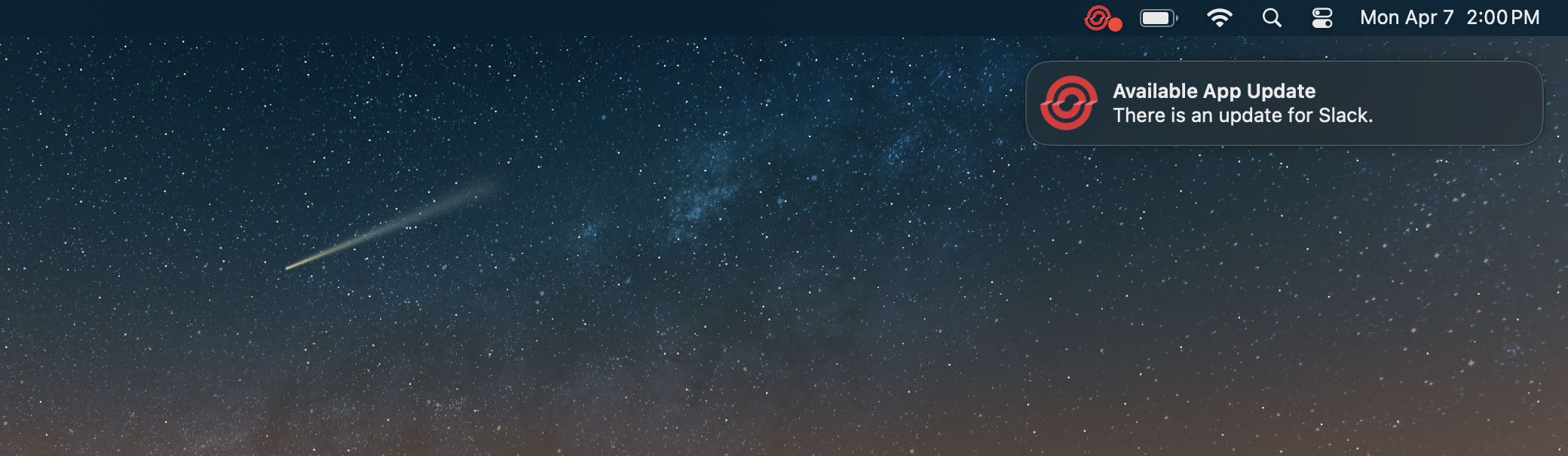
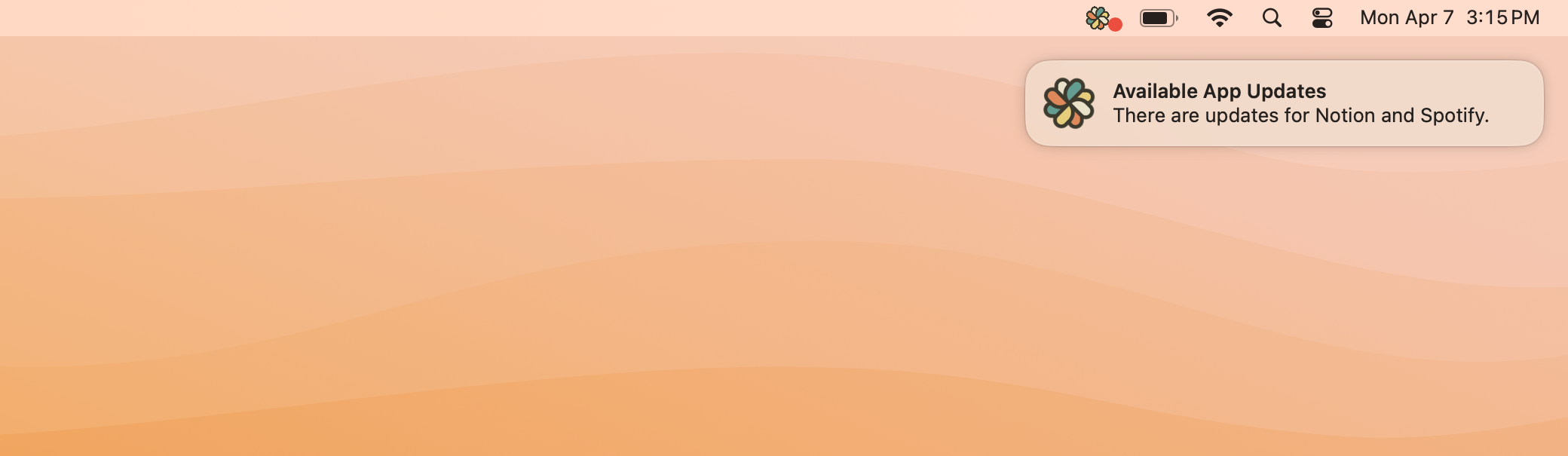
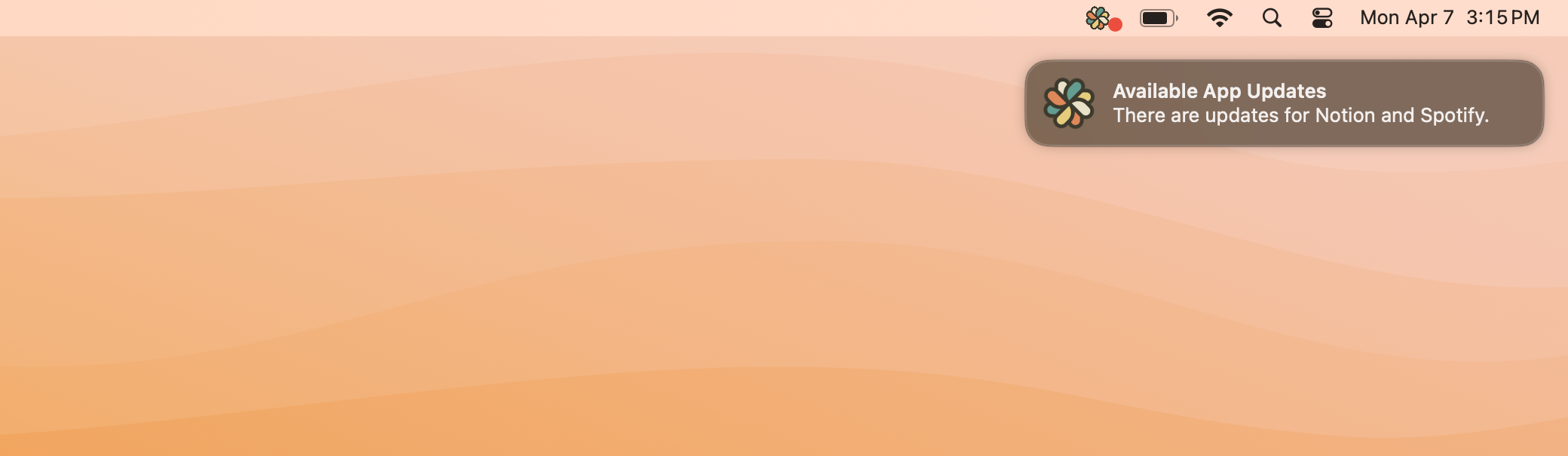
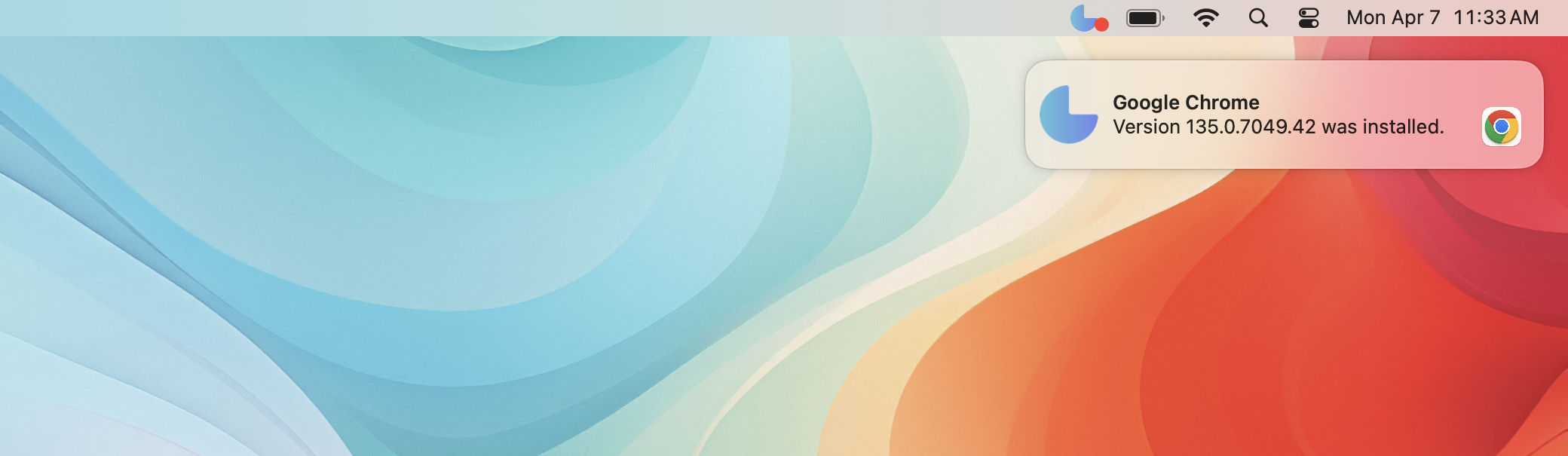
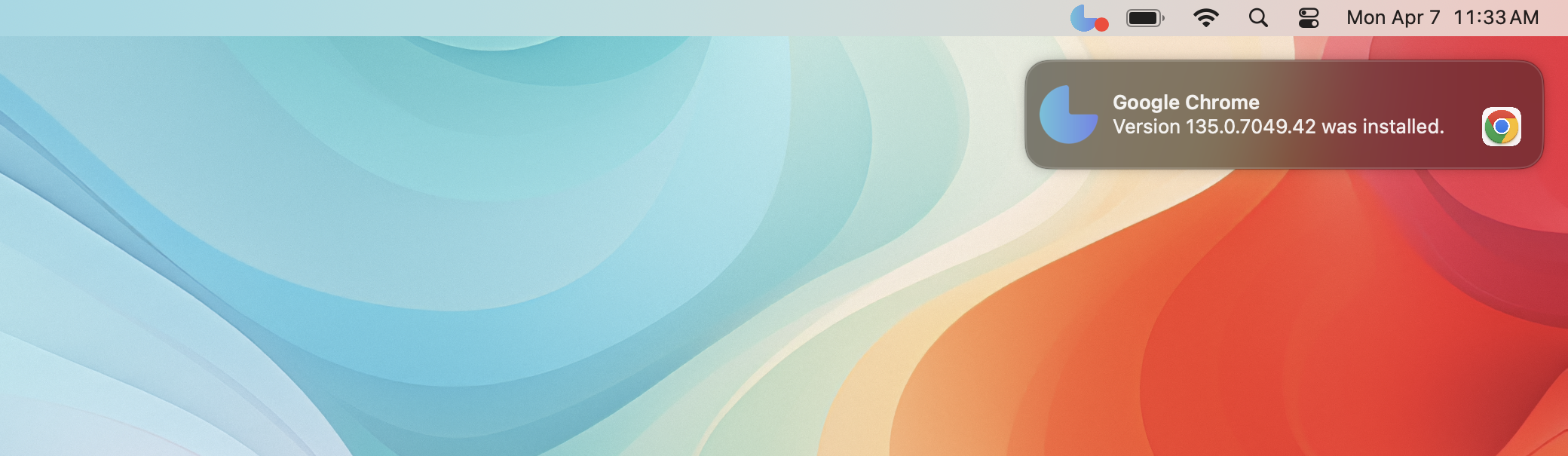
The Patch Menu Bar app is designed to work seamlessly with the native macOS Notification Center. This means that when a user receives an update notification, they will see a familiar and consistent experience that matches the look and feel of other macOS notifications. These notifications can even include your organization's logo to promote trust and recognition.
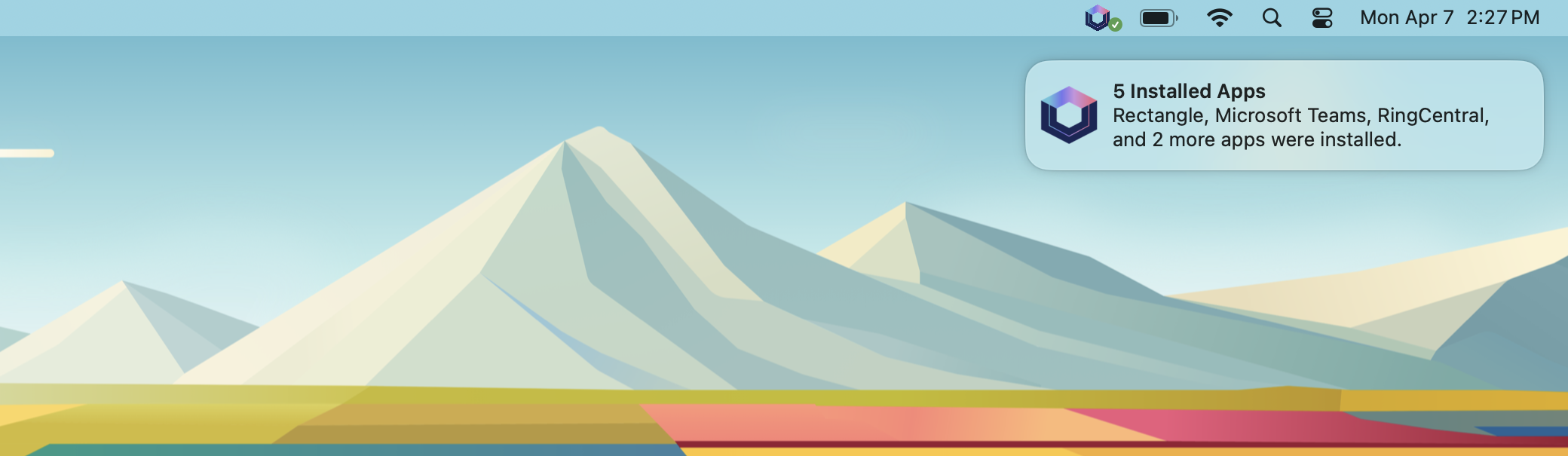
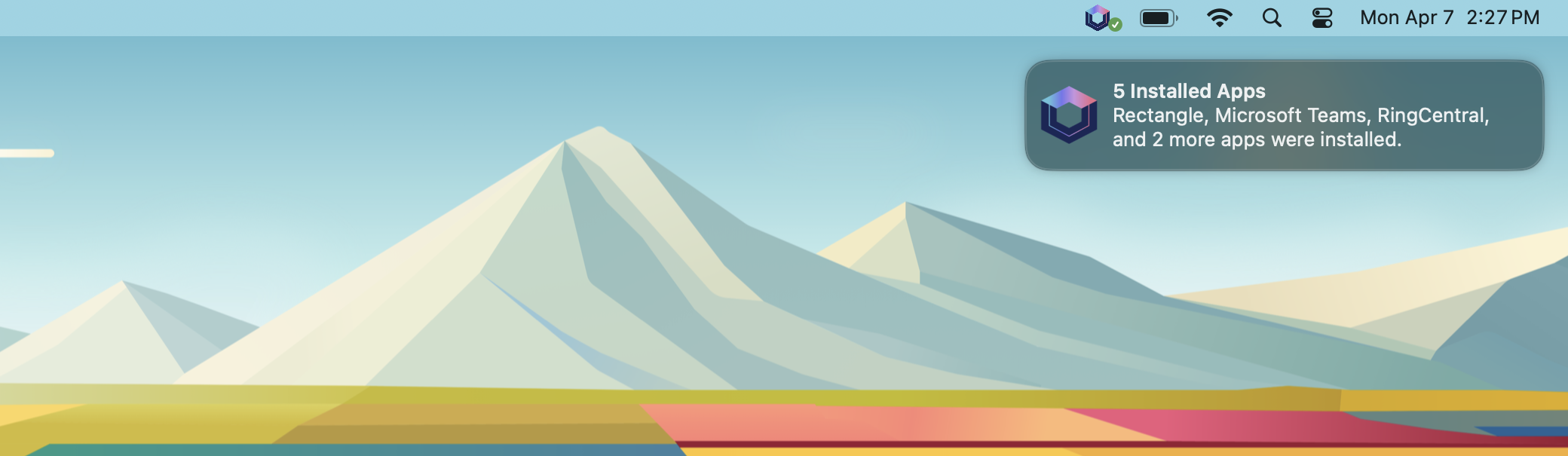
Your users won't be bombarded with too many notifications—the style of delivered notifications change based on the number of available updates, or the number of background updates that have recently been installed. 🧠
- Single Available Update
- Multiple Available Updates
- Individual Installation
- Digest Style Notification
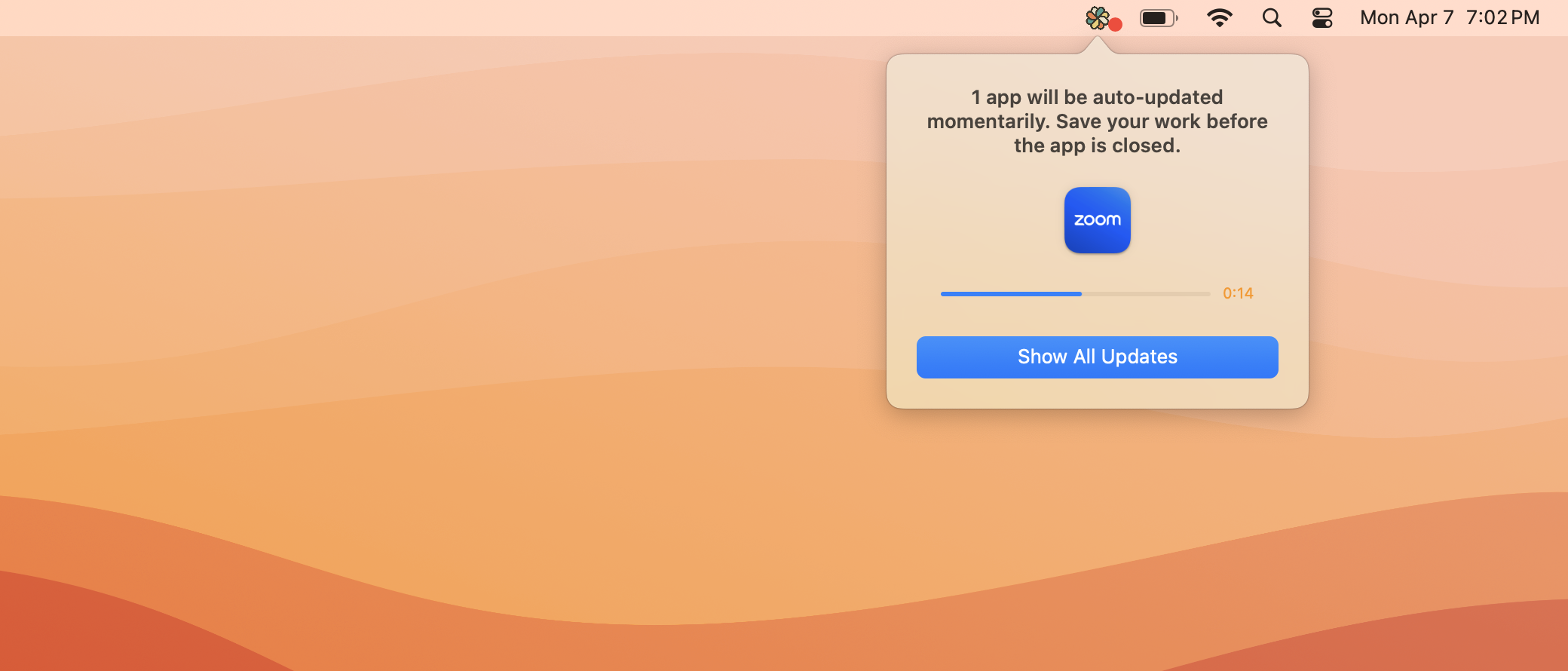
Deferral Limits
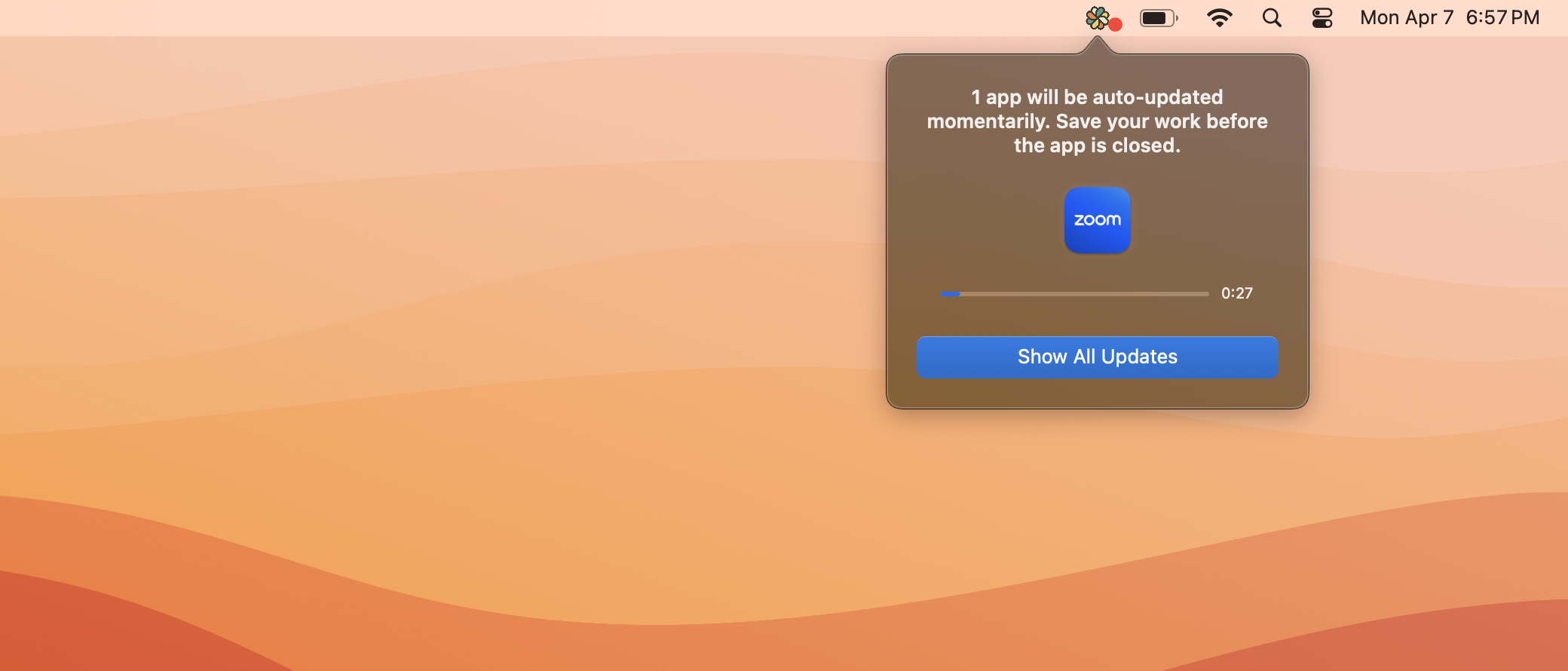
The Patch Menu Bar app is fully compatible with Deferral Limits. This means that if a user has reached their deferral limit, they will be given a short grace period to save their work before the application is closed and updated. Deferral Limits can be set for all software titles, for individual software titles, or a combination of both with distinct limits.