About User Notifications
The Notification System in Alectrona Patch allows users to consent to updates for running applications. If an application is not running, Alectrona Patch silently updates it in the background.
When an update is required for a running application, Alectrona Patch notifies the user, providing options to update immediately or defer the update based on the style of notification configured. This ensures that users are informed and can choose when to apply updates, enhancing their experience while maintaining system security.
Alectrona Patch provides two styles of notifications: the Patch Menu Bar App and the Classic Update Dialog. The Patch Menu Bar app provides a more modern and user-friendly experience, while the Classic Update Dialog is a more traditional approach.
- Patch Menu Bar App Notification
- Classic Update Dialog
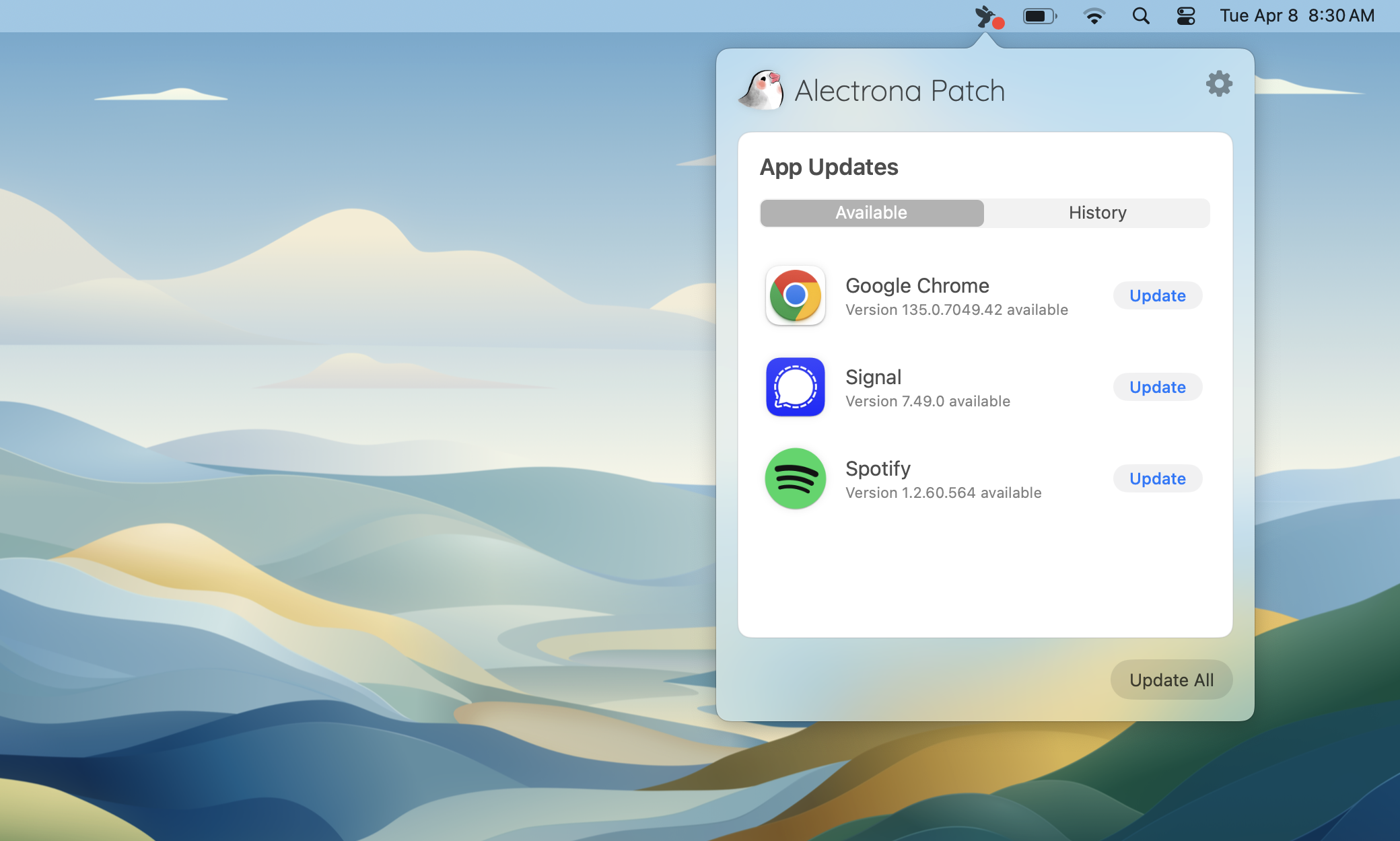
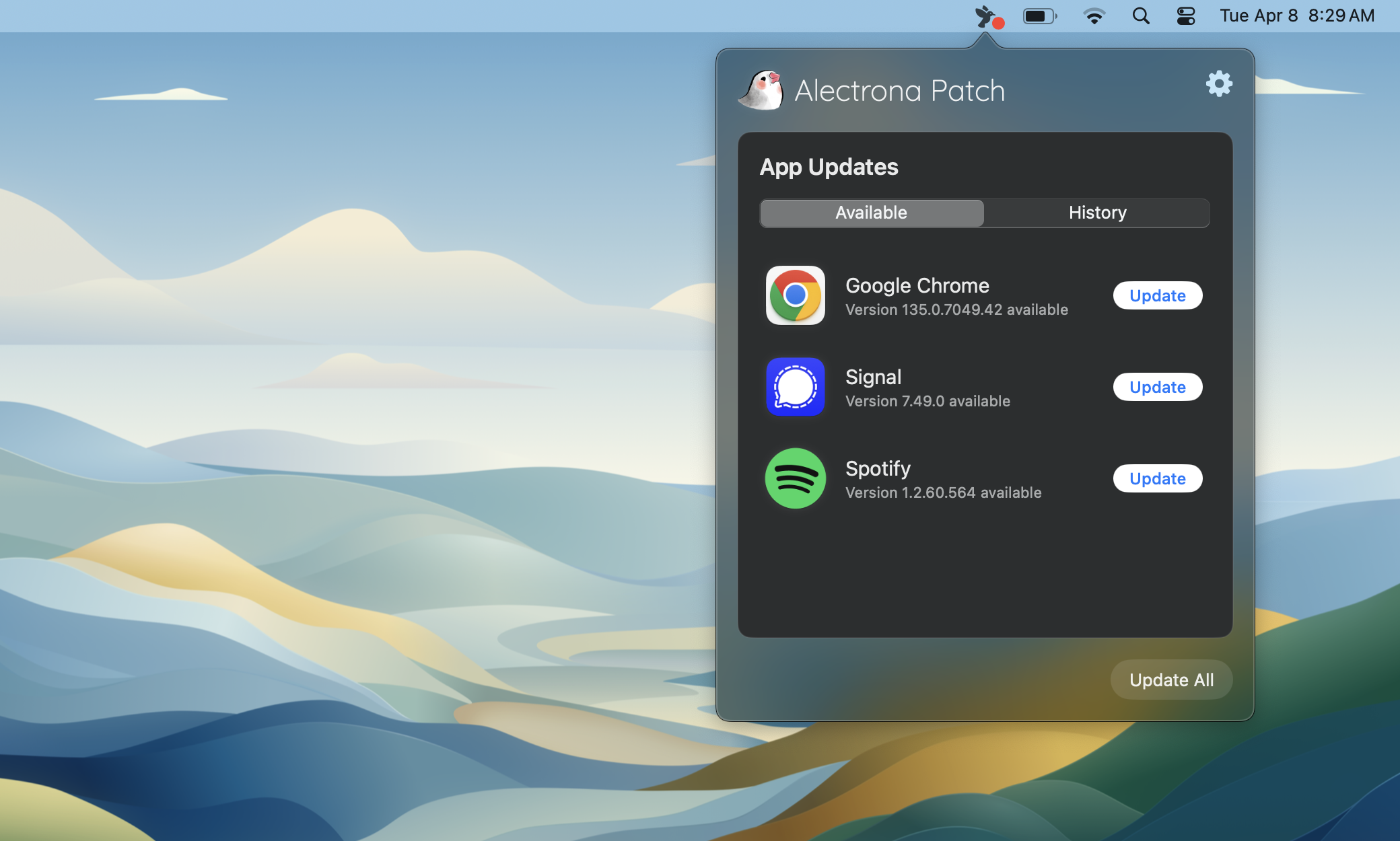
When a user ignores a notification from the Patch Menu Bar app, they will be prompted to update again at the next scheduled time (which occurs every 4 hours by default).
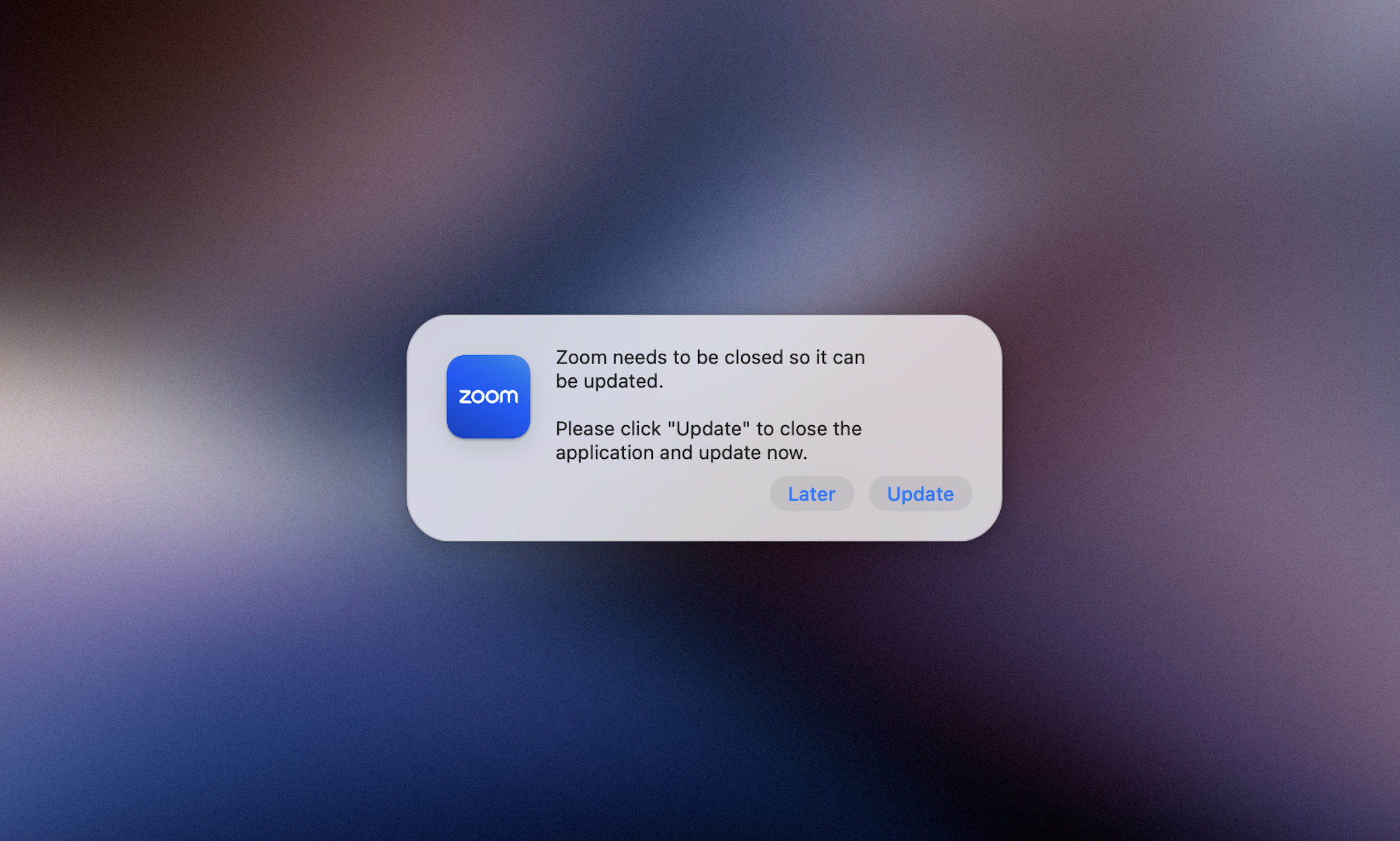
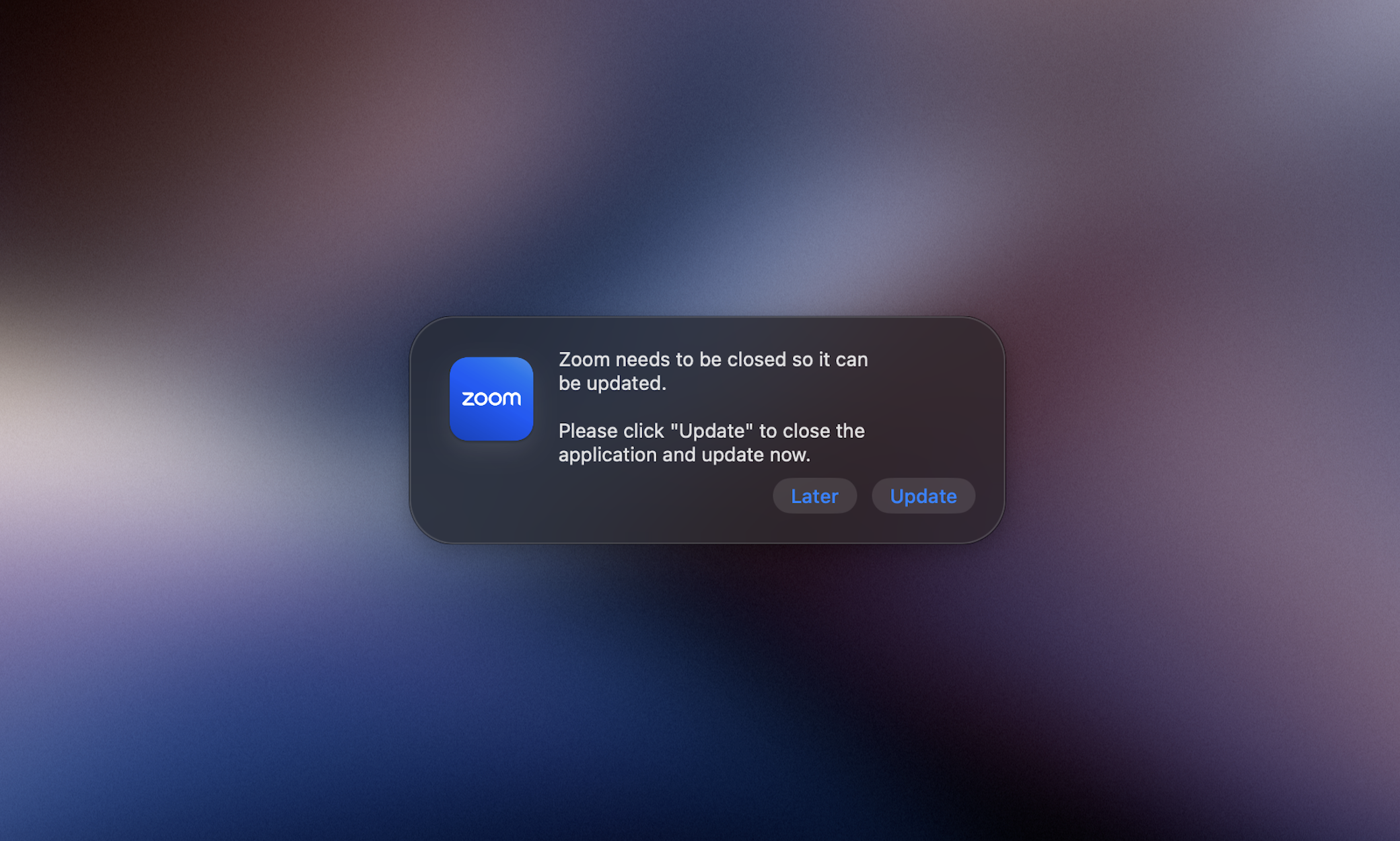
When a user chooses the defer option in a Classic Update Dialog, they will be prompted to update again at the next scheduled time (which occurs every 4 hours by default).
When Deferral Limits are not configured, the user has the opportunity to indefinitely defer updates to open applications; this is the default behavior. Closed applications are always silently updated.