Classic Update Dialog
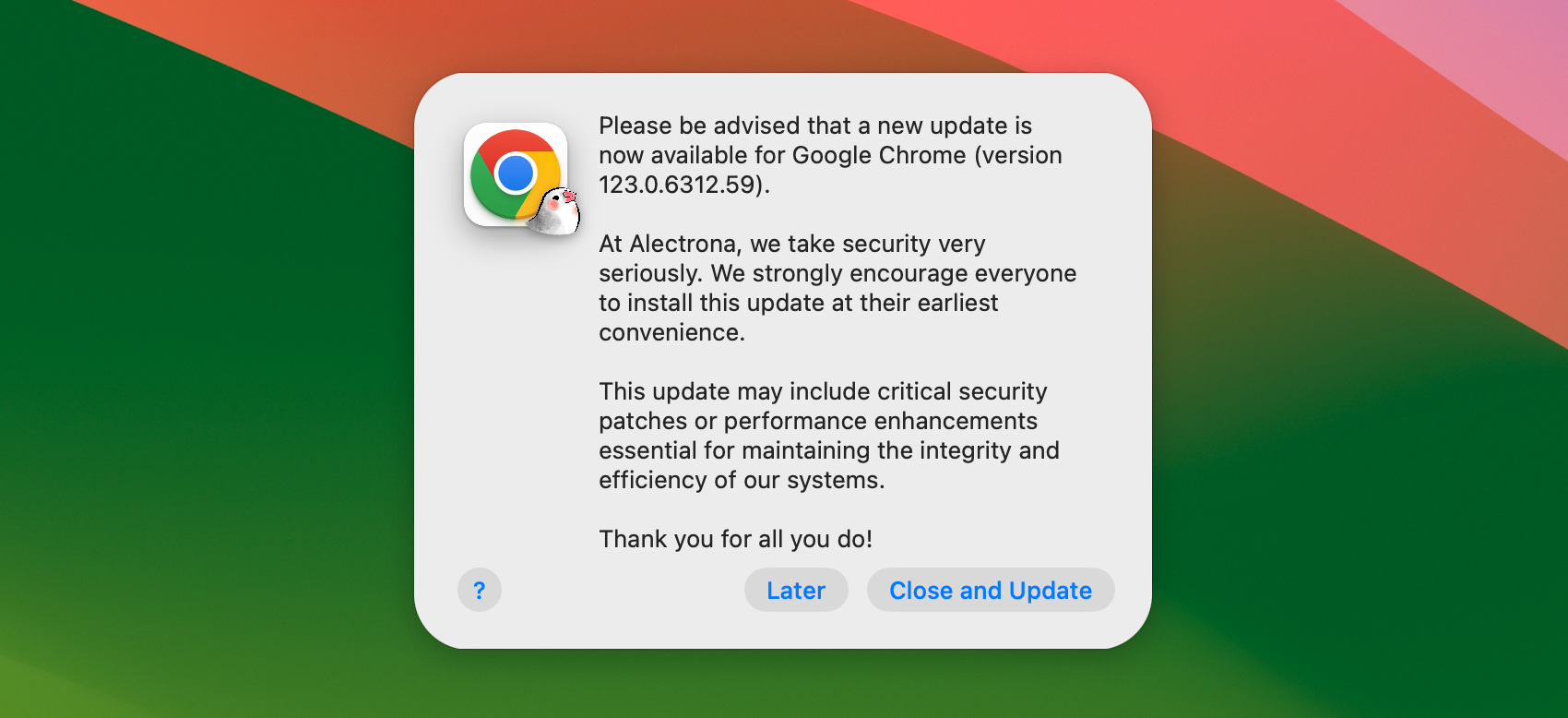
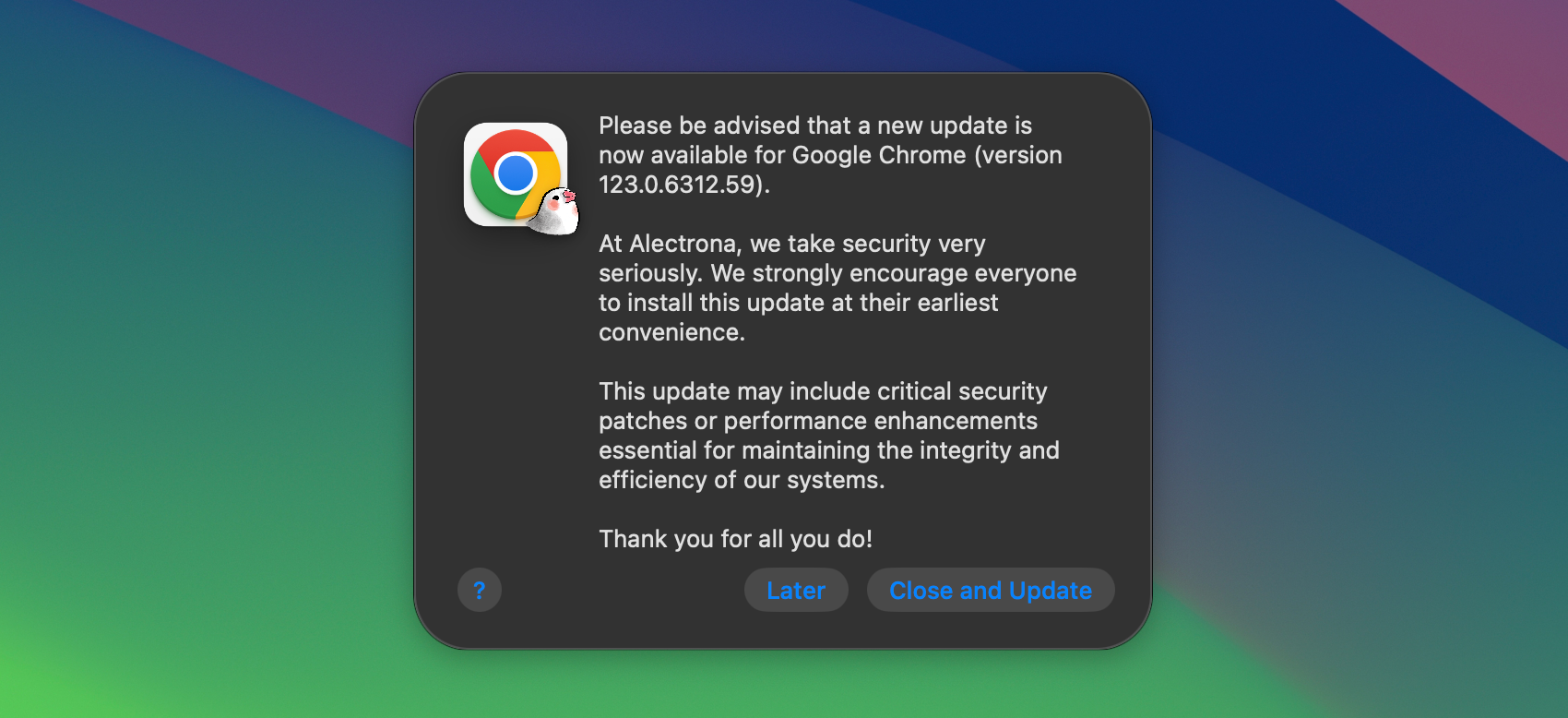
The Classic Update Dialog style of notifications is a simple and effective way to inform users about available updates. This style is designed to be familiar to users, providing a consistent experience that aligns with the traditional macOS update dialogs.
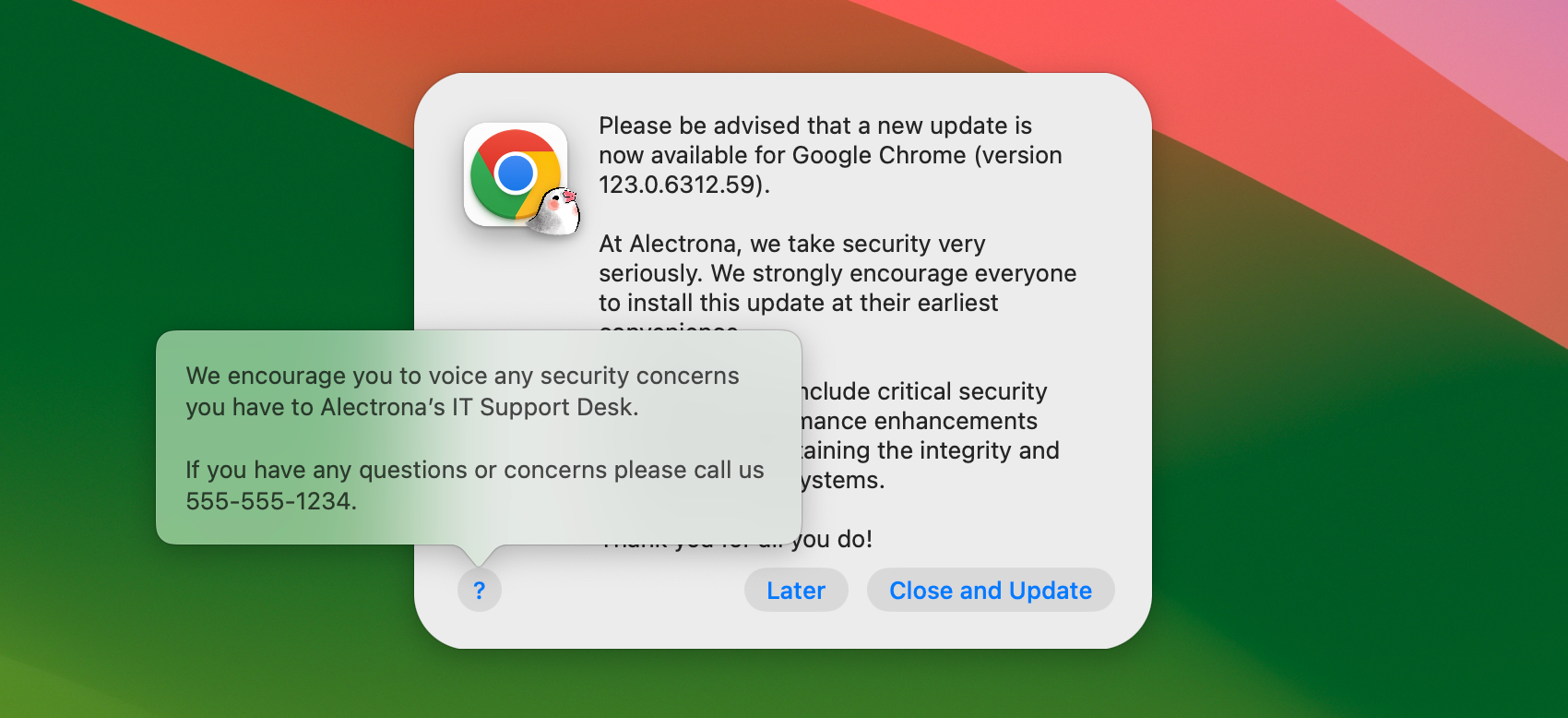
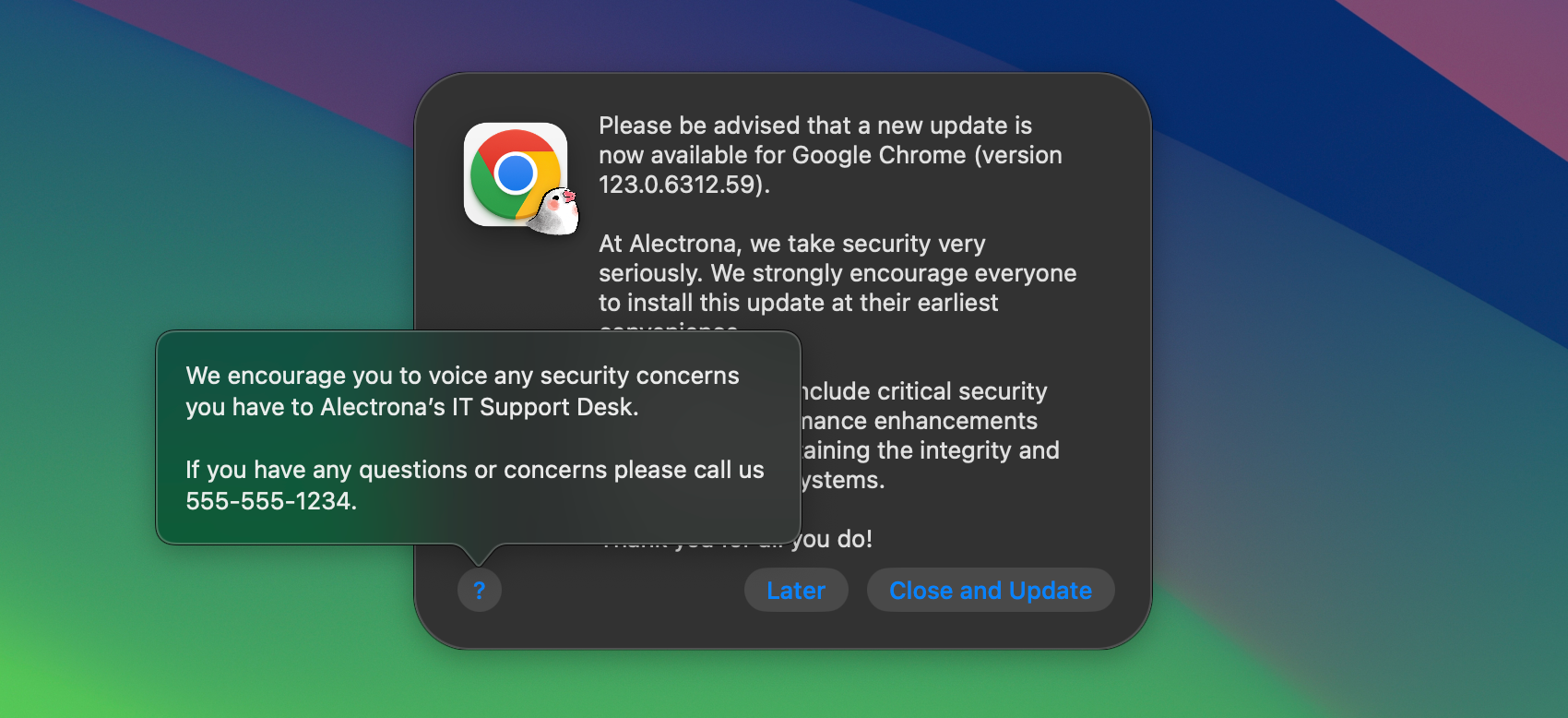
The Classic Update Dialog is fully customizable, allowing you to tailor the appearance and behavior to match your organization's branding and requirements. Include your own logo, custom descriptions, button labels, and more - all using a configuration profile.
- Make It Your Own
- Tailored for Your Brand
Deferral Limits
The Classic Update Dialog is fully compatible with Deferral Limits. This means that if a user has reached their deferral limit, they will be given a short grace period to save their work before the application is closed and updated. Deferral Limits can be set for all software titles, for individual software titles, or a combination of both with distinct limits.
- One Deferral Left
- Deferral Limit Met
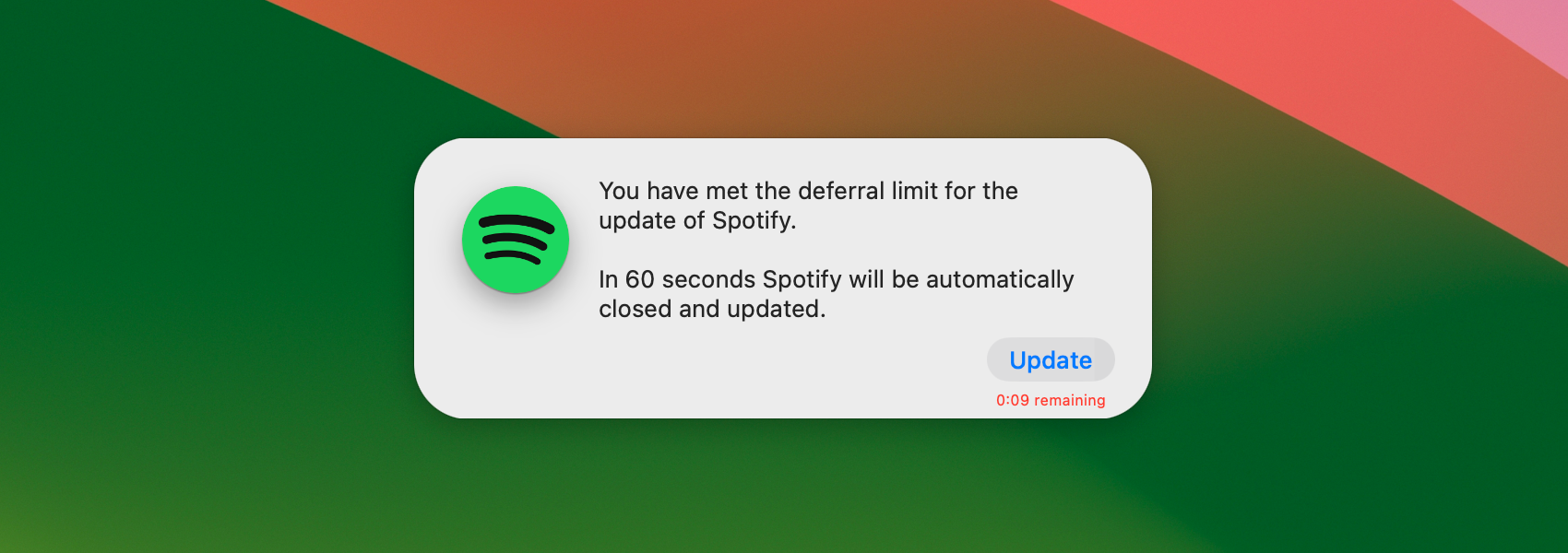
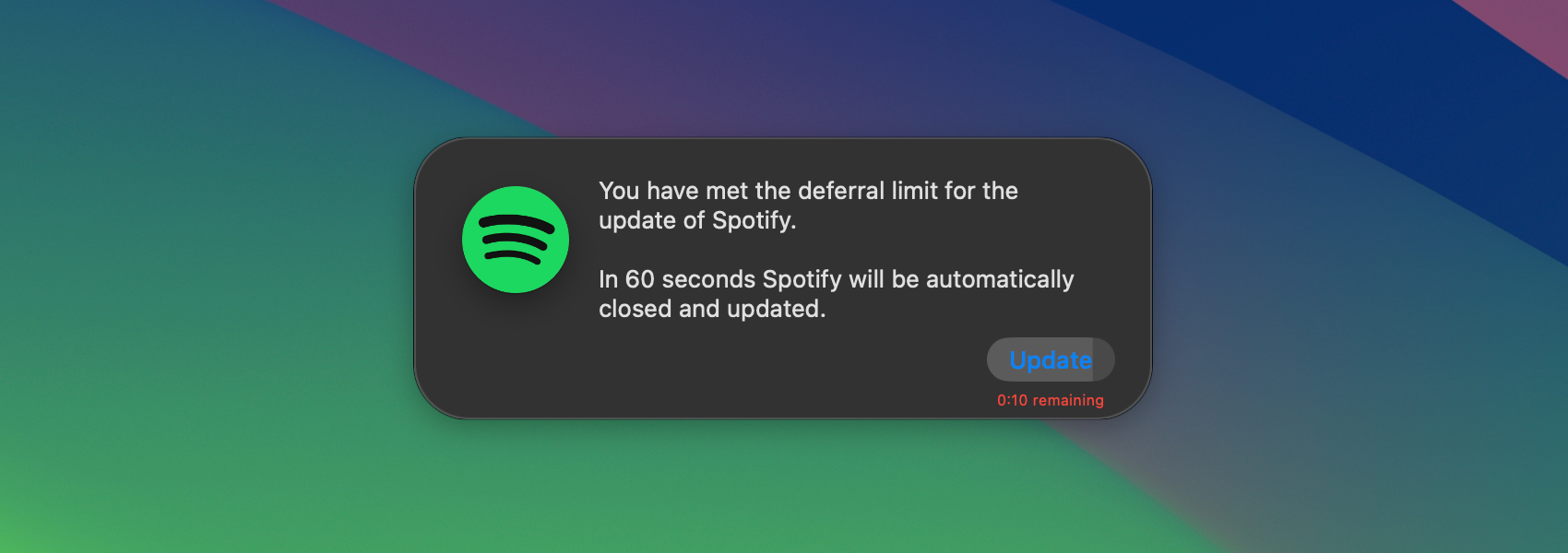
- Reflect Importance
- Update and Relaunch
The end-user is always made aware of how many deferrals remain available.
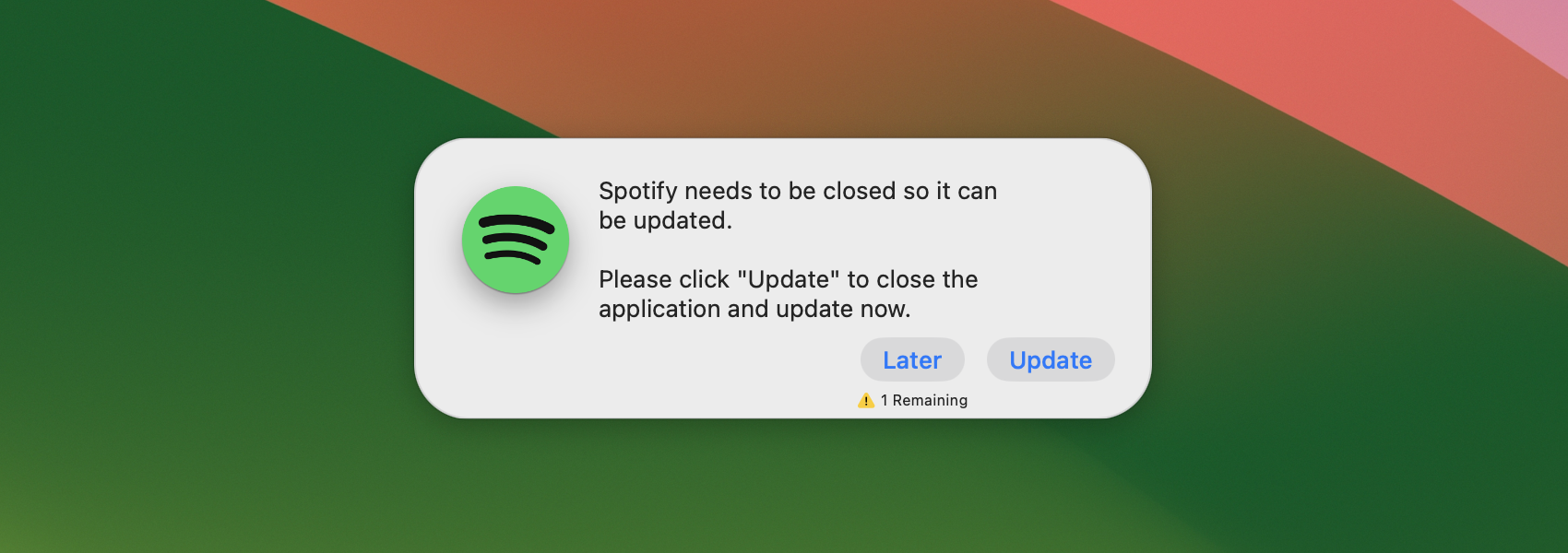
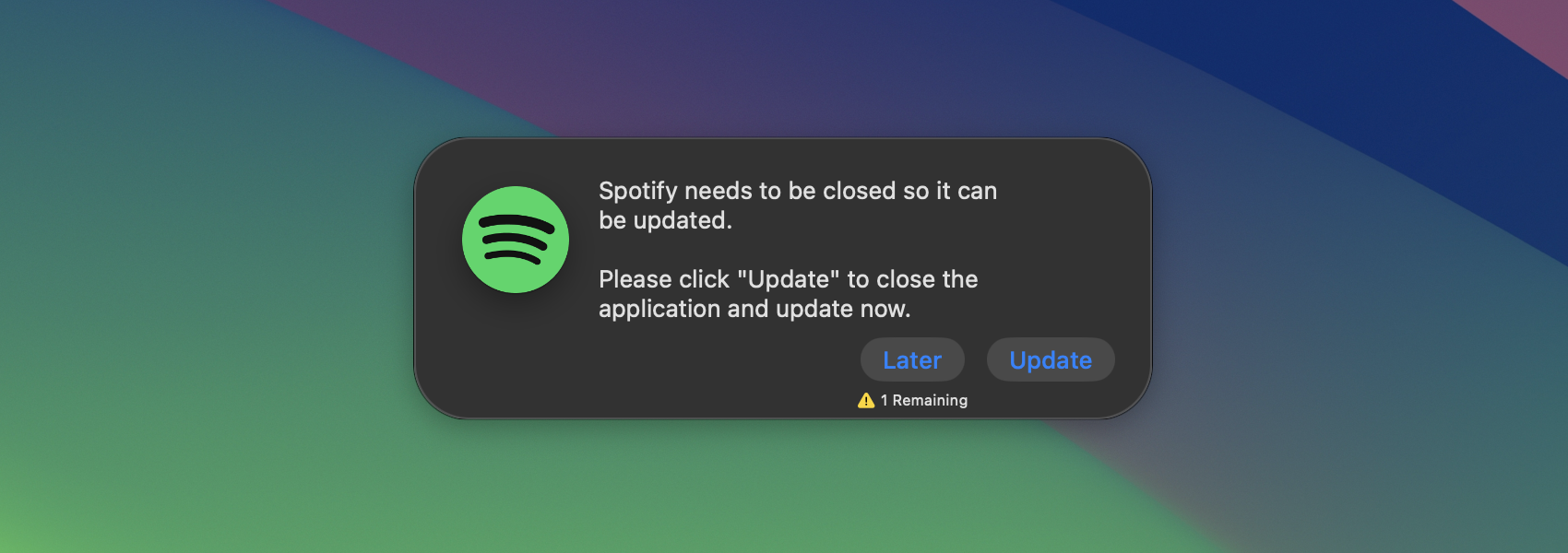
The next notification indicates that the end-user has met the set Deferral Limit.
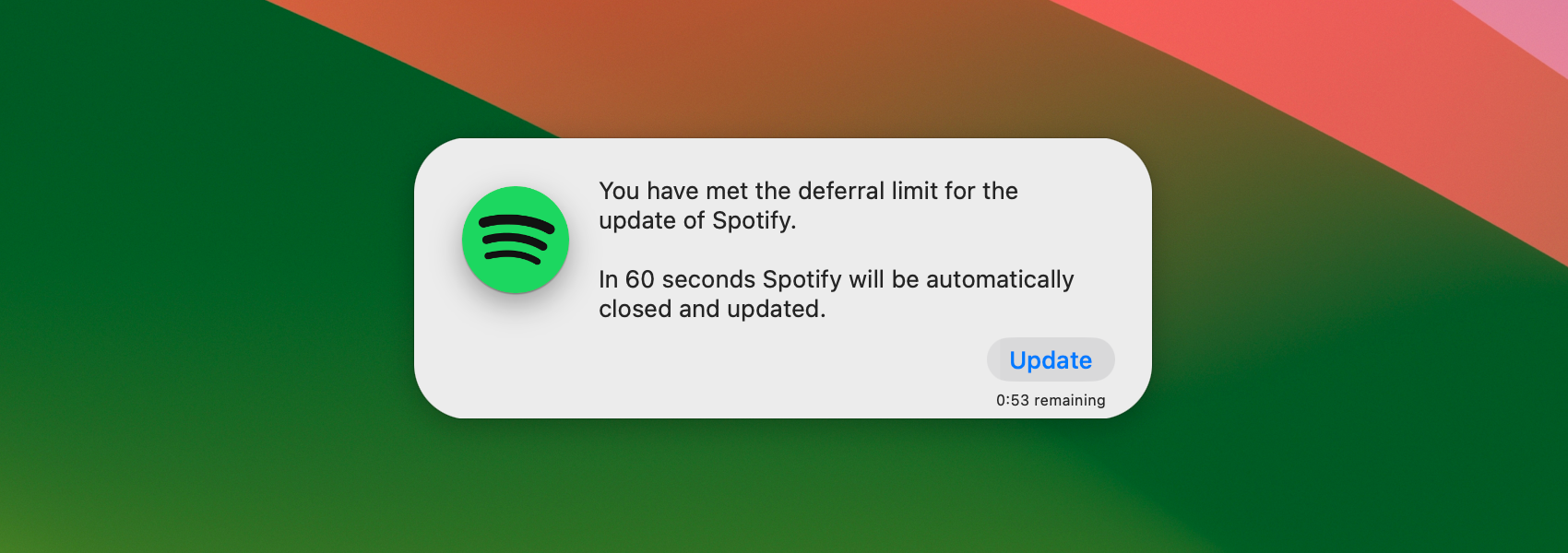
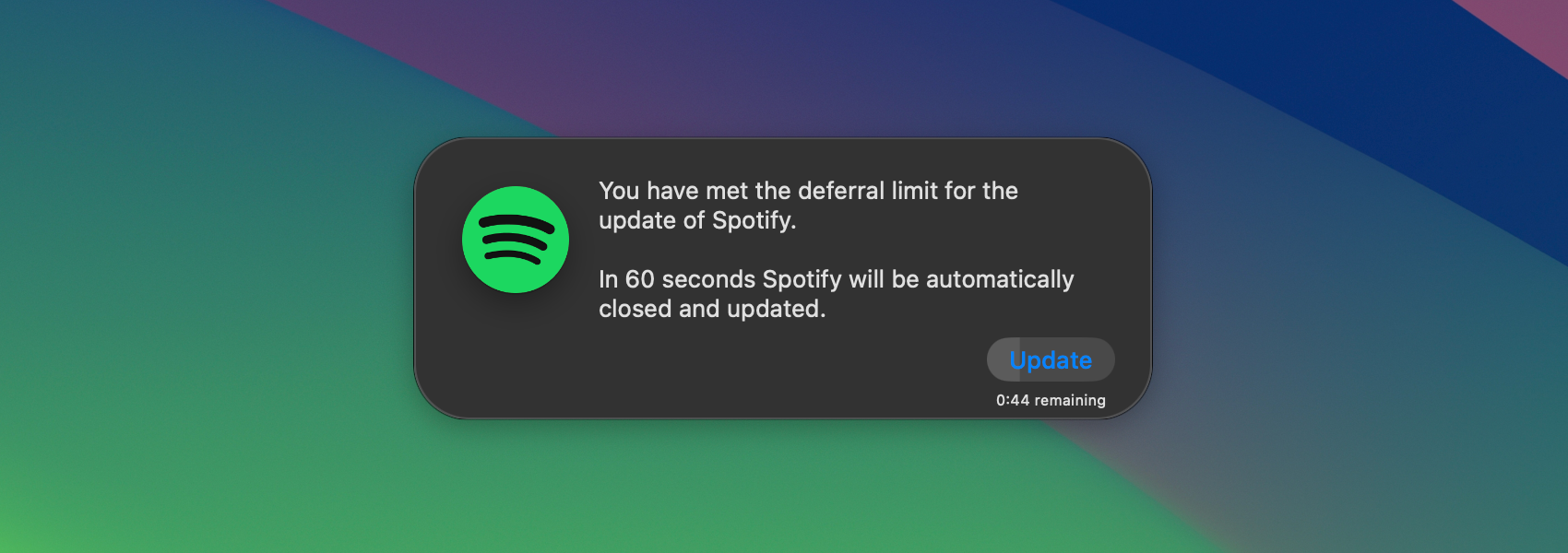
The color of the timer changes to reflect importance of the end-user's action.
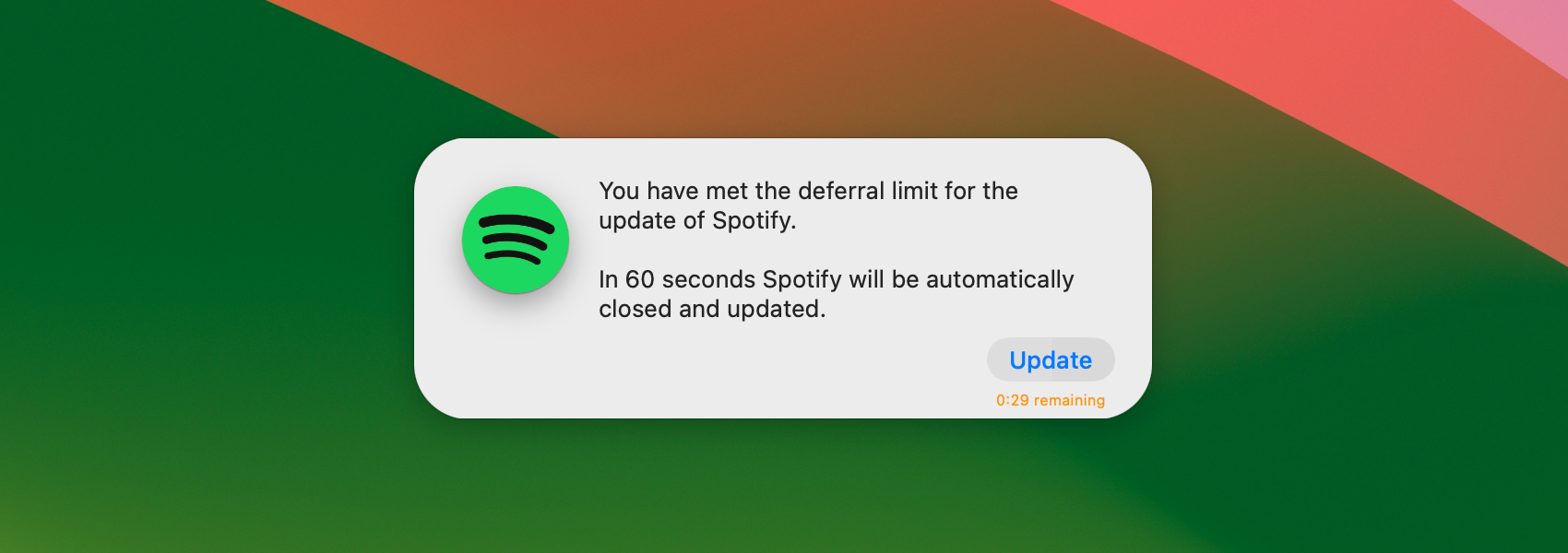
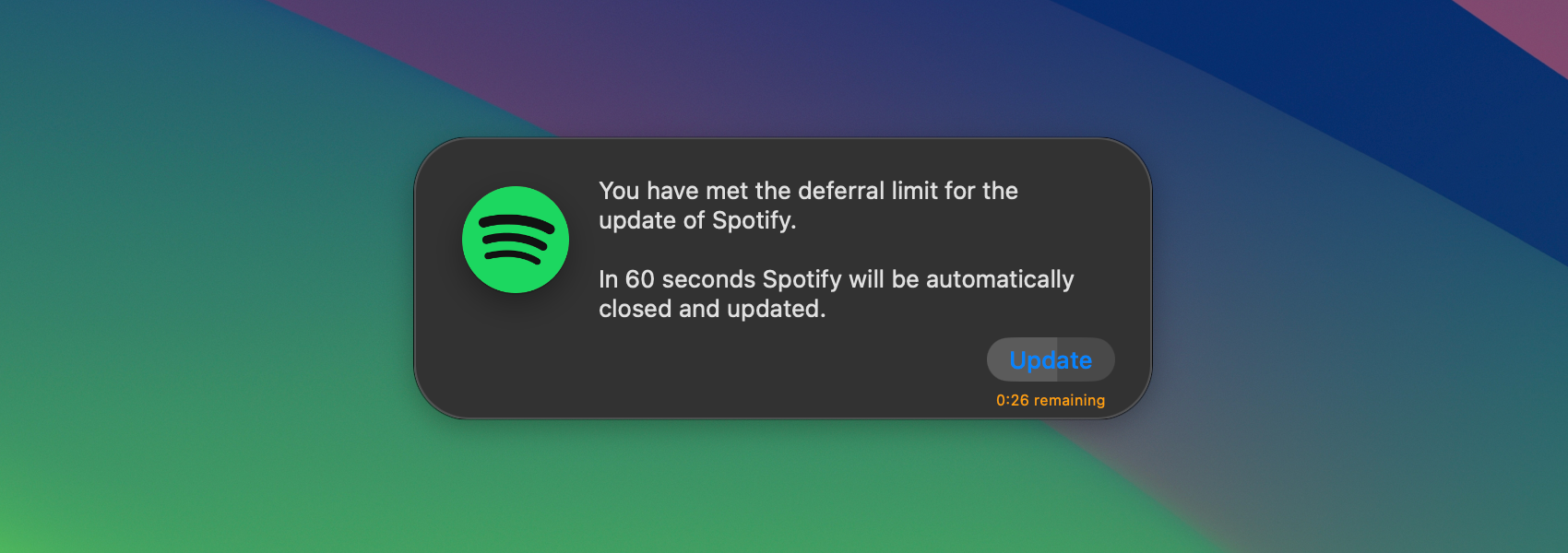
When the notification's timer expires, the app is closed, updated, then relaunched for the end-user.
Respect Meetings
You can enable the Respect Meetings feature to suppress Classic Update Dialogs if users are likely in a video meeting. This includes Zoom, Microsoft Teams, Webex, and Webex Meetings.
Use the CustomMeetingAppBundleIdentifiers key to specify a list of application bundle identifiers that Alectrona Patch will respect as a meeting app.
Respect Do Not Disturb
Enable the Respect Do Not Disturb feature to suppress Classic Update Dialogs when a user may have Do Not Disturb or Focus Modes enabled on their Mac.
The Respect Meetings and Respect Do Not Disburb features do not increment Deferral Count by default. However, you can use the RecordDeferralDuringMeetings or RecordDeferralDuringDND keys to