Create Jamf Pro Policies with Patch Desktop
Patch Desktop allows you to effortlessly create and deploy policies in Jamf Pro to install any desired software titles, all possible without ever logging into your Jamf Pro server!
With the Jamf Pro integration configured in Patch Desktop, creating a new policy in Jamf Pro is simple.
- Choose the App
- Create the Policy
- Enable Self Service
- Open the Policy
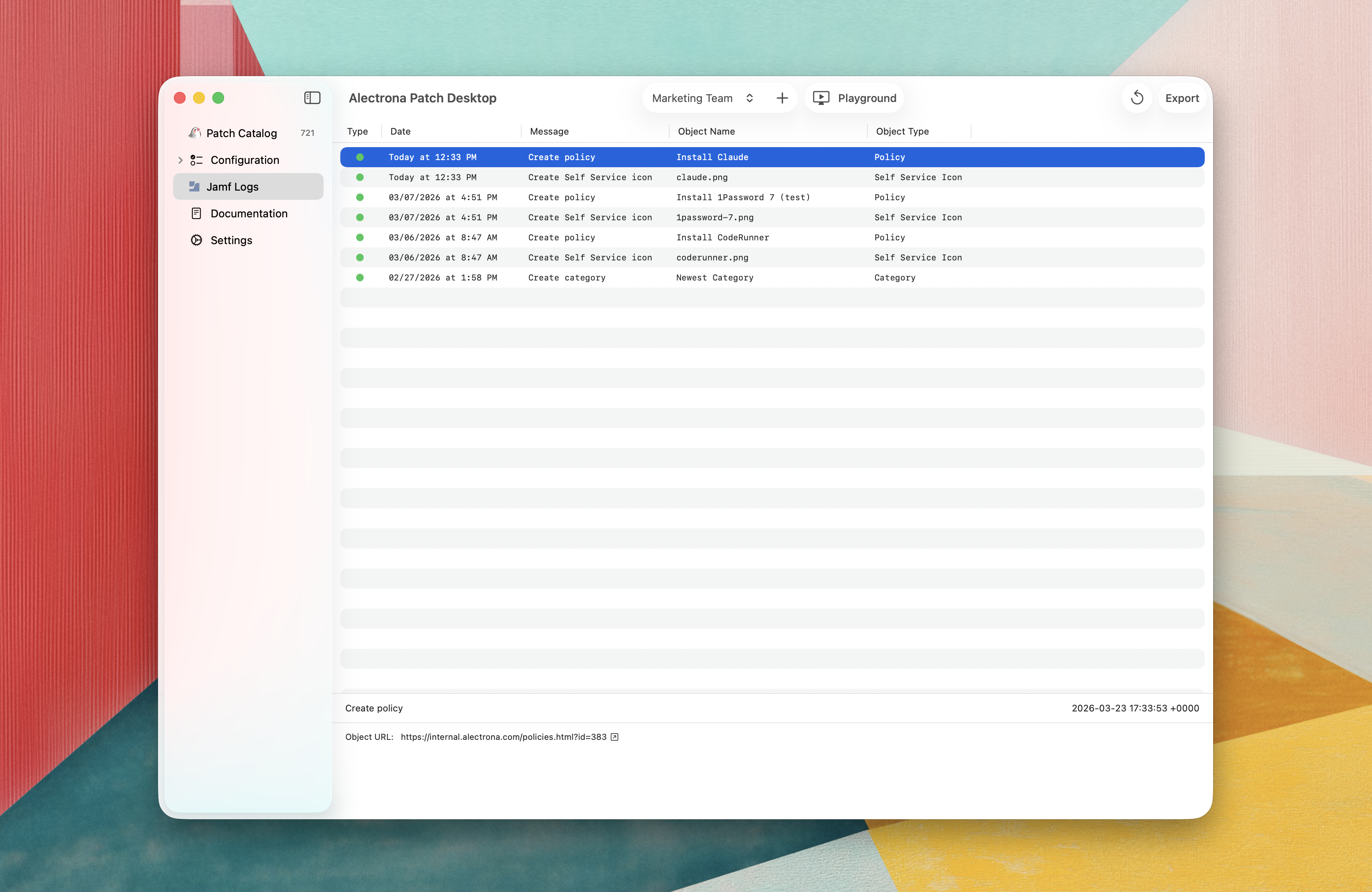
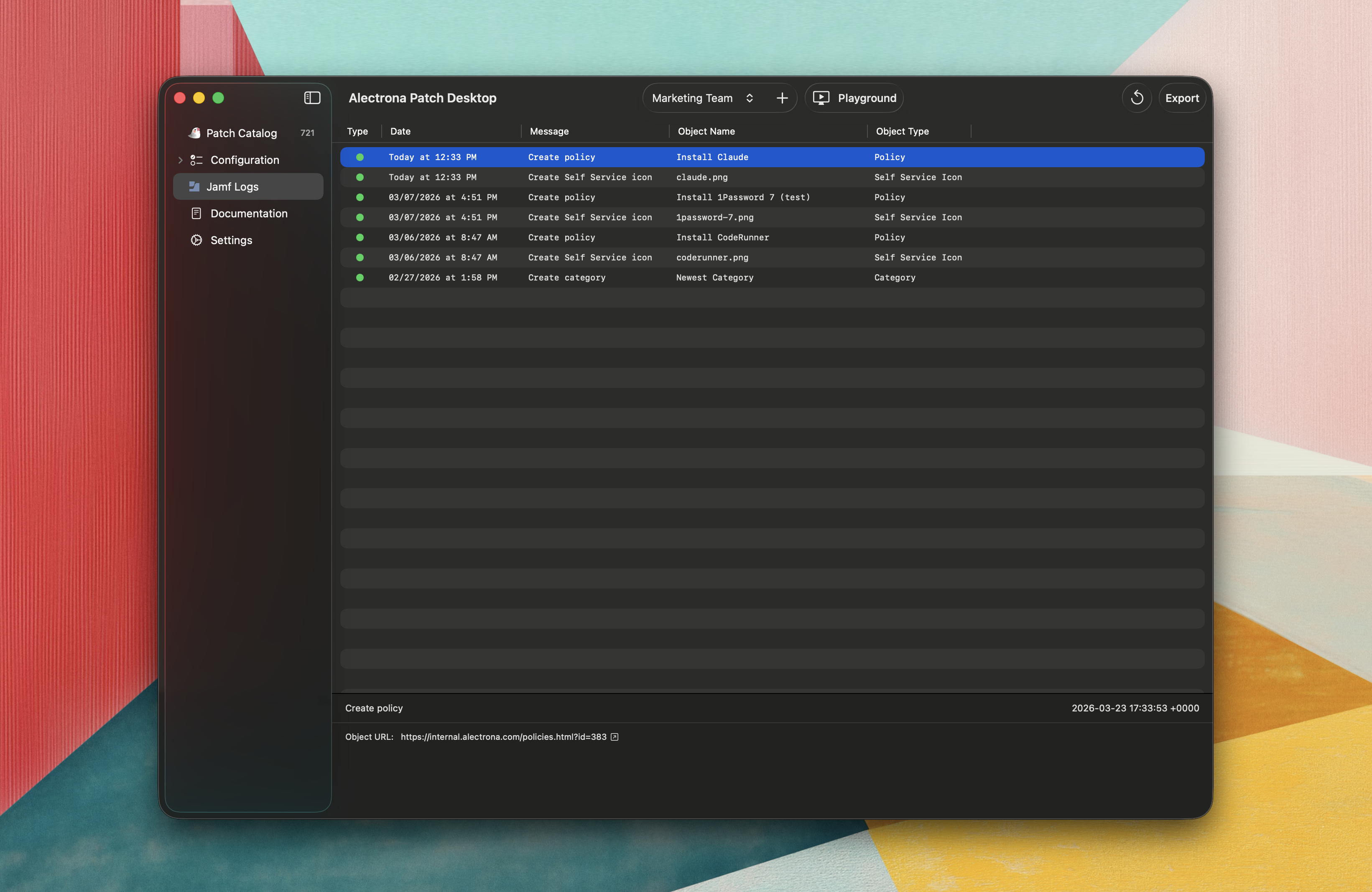
- Jamf Logs
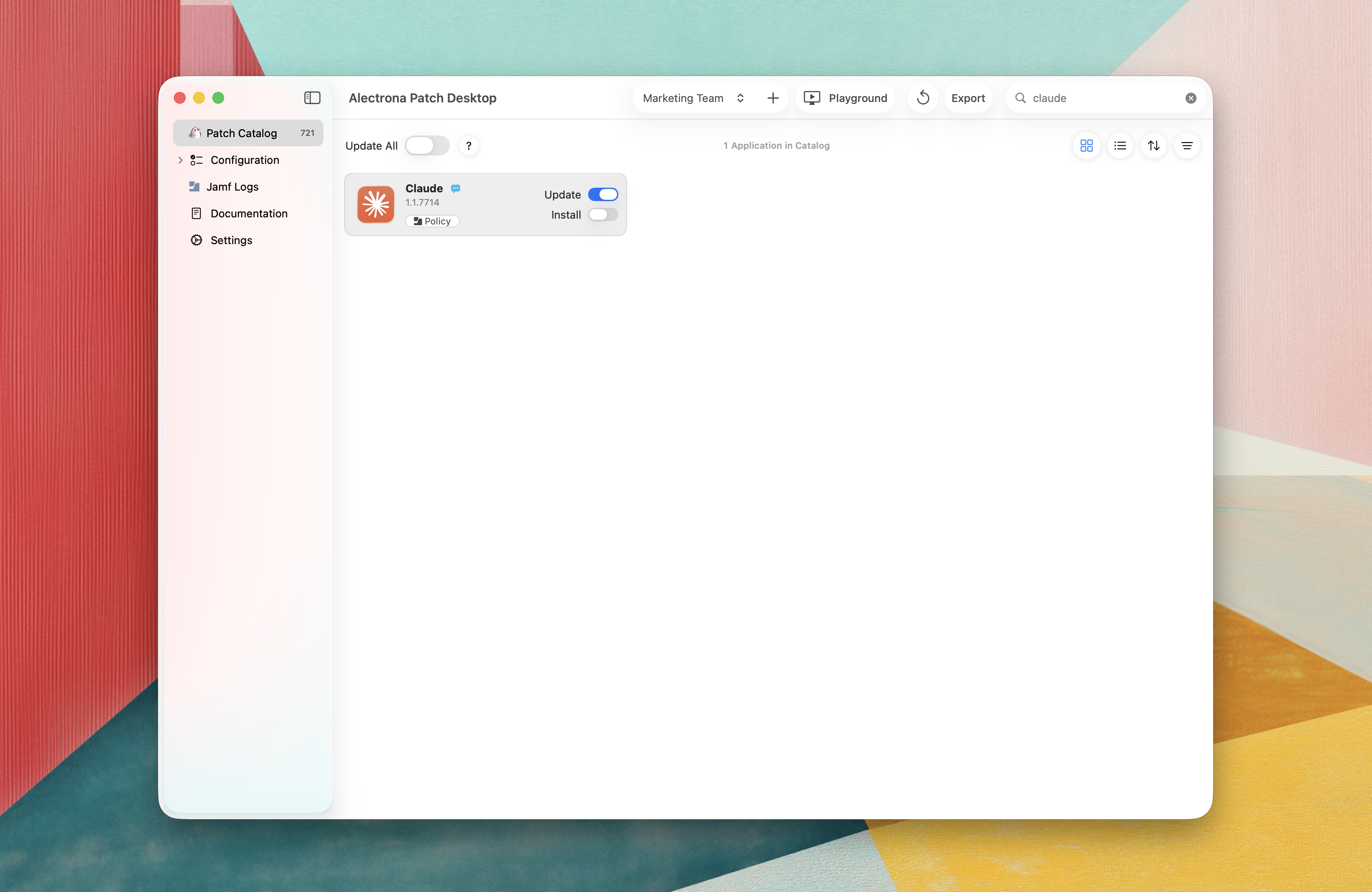
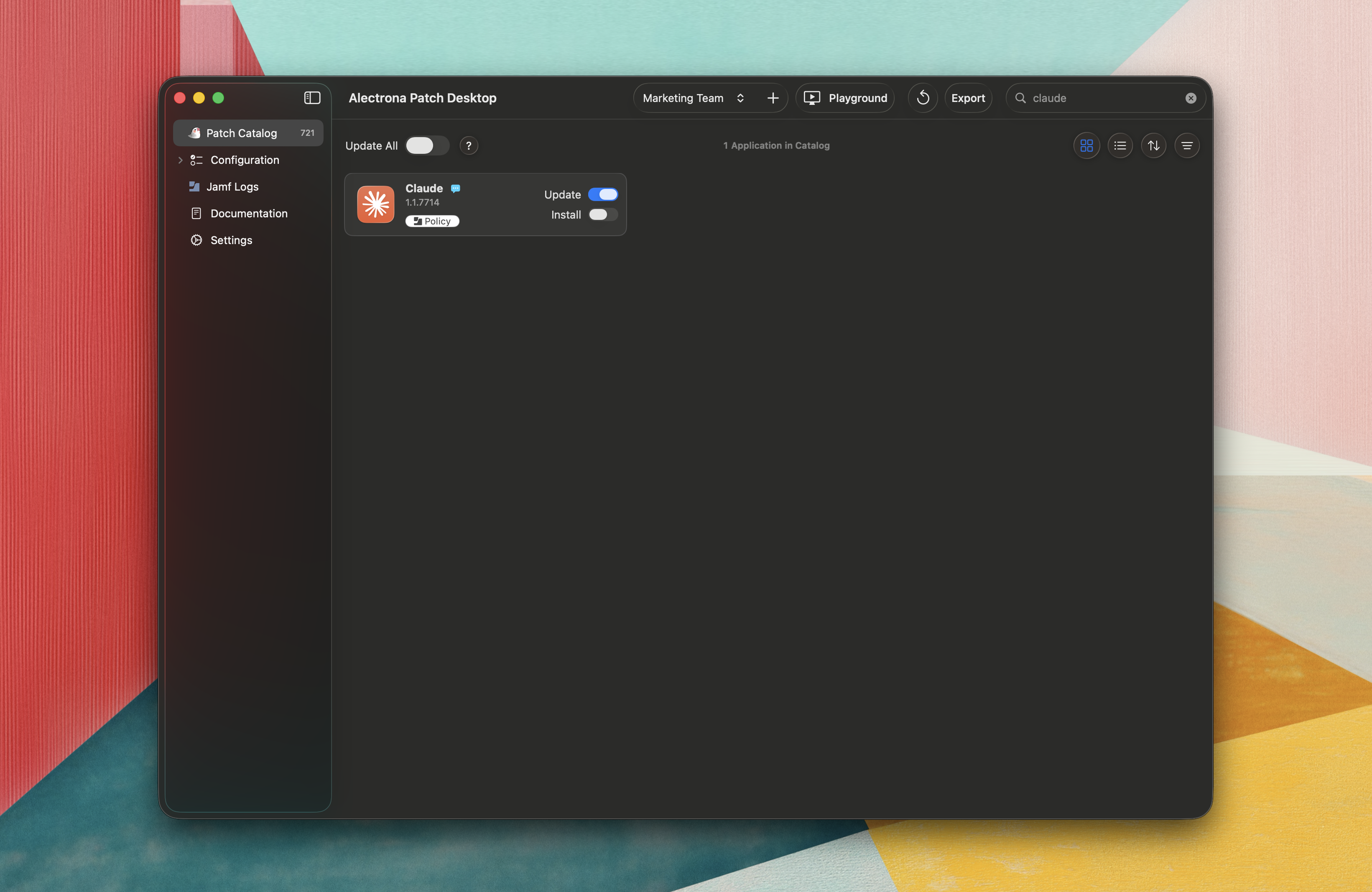
From the Patch Catalog section in the sidebar, search for the app you want to deploy and click Policy.
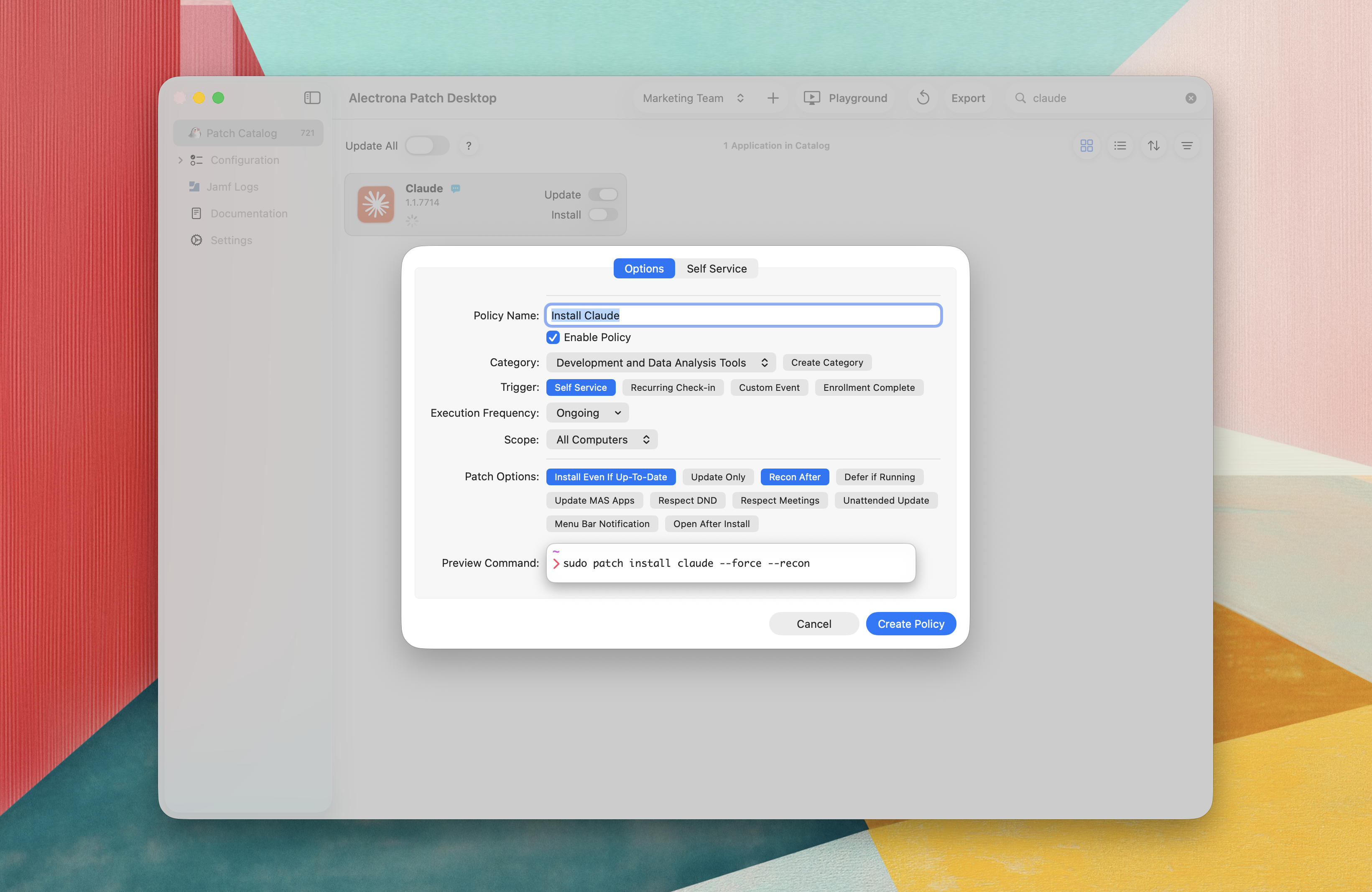
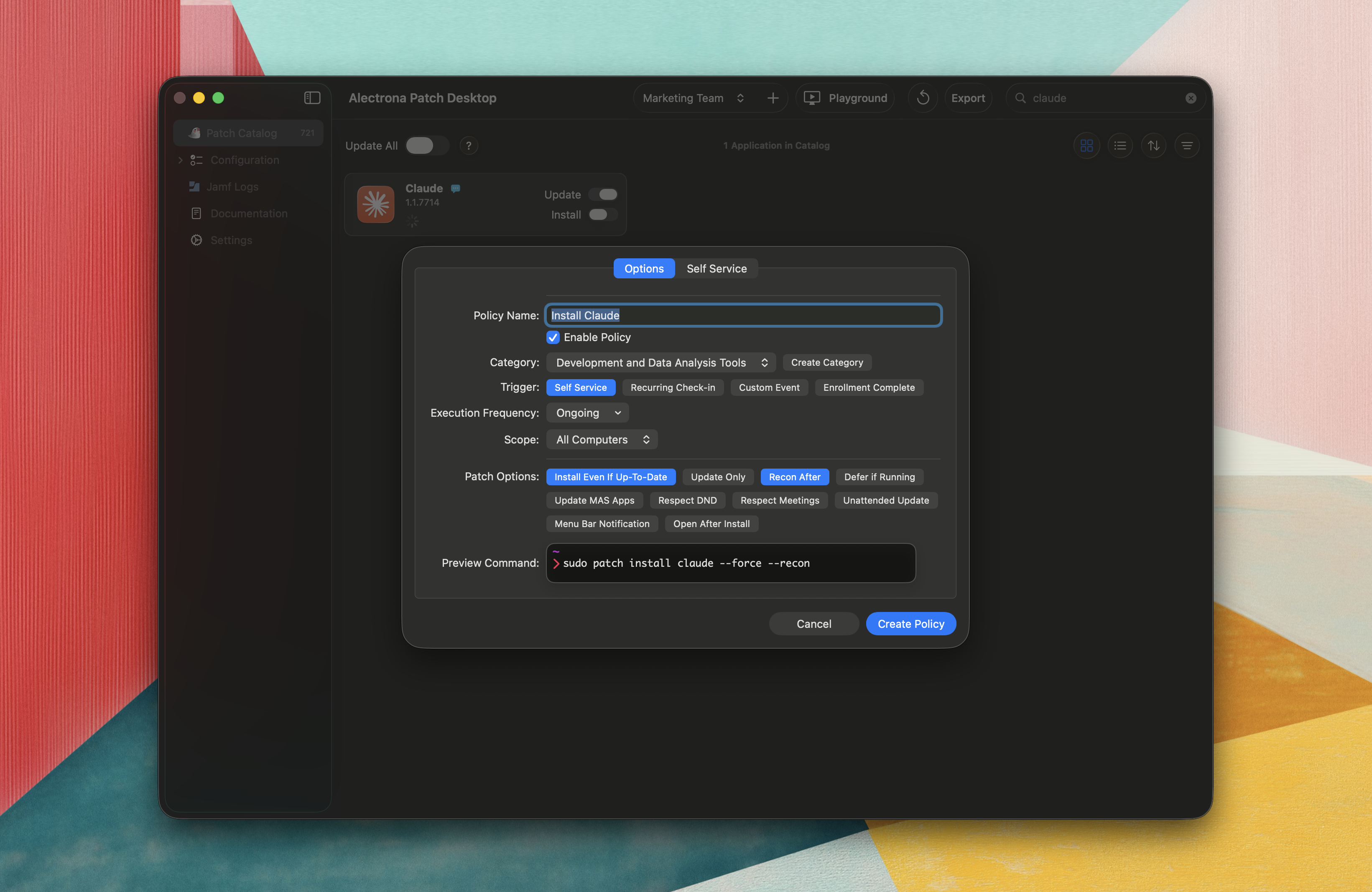
Configure the policy using familiar Jamf Pro options like triggers, scope, and execution settings.
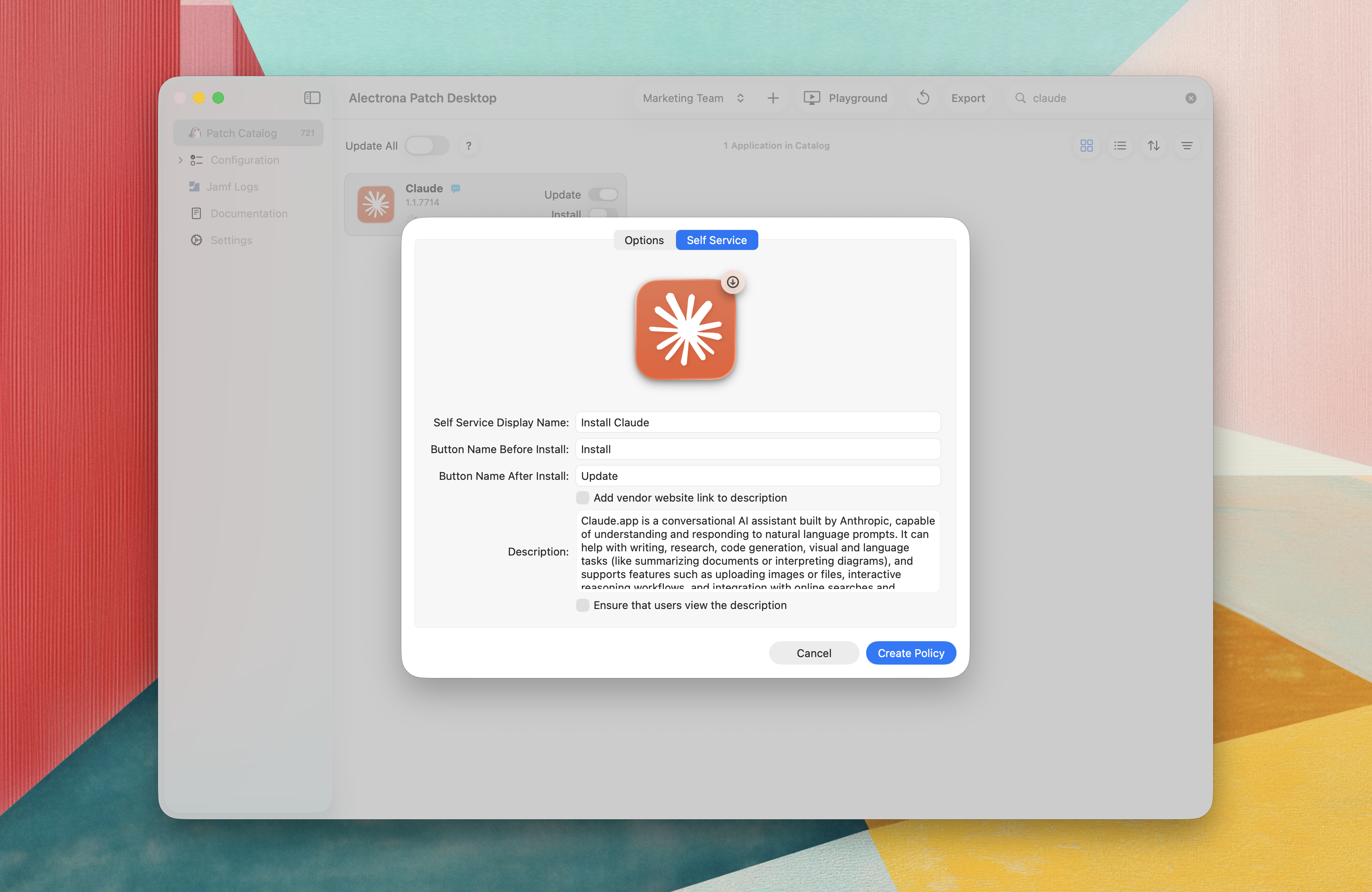
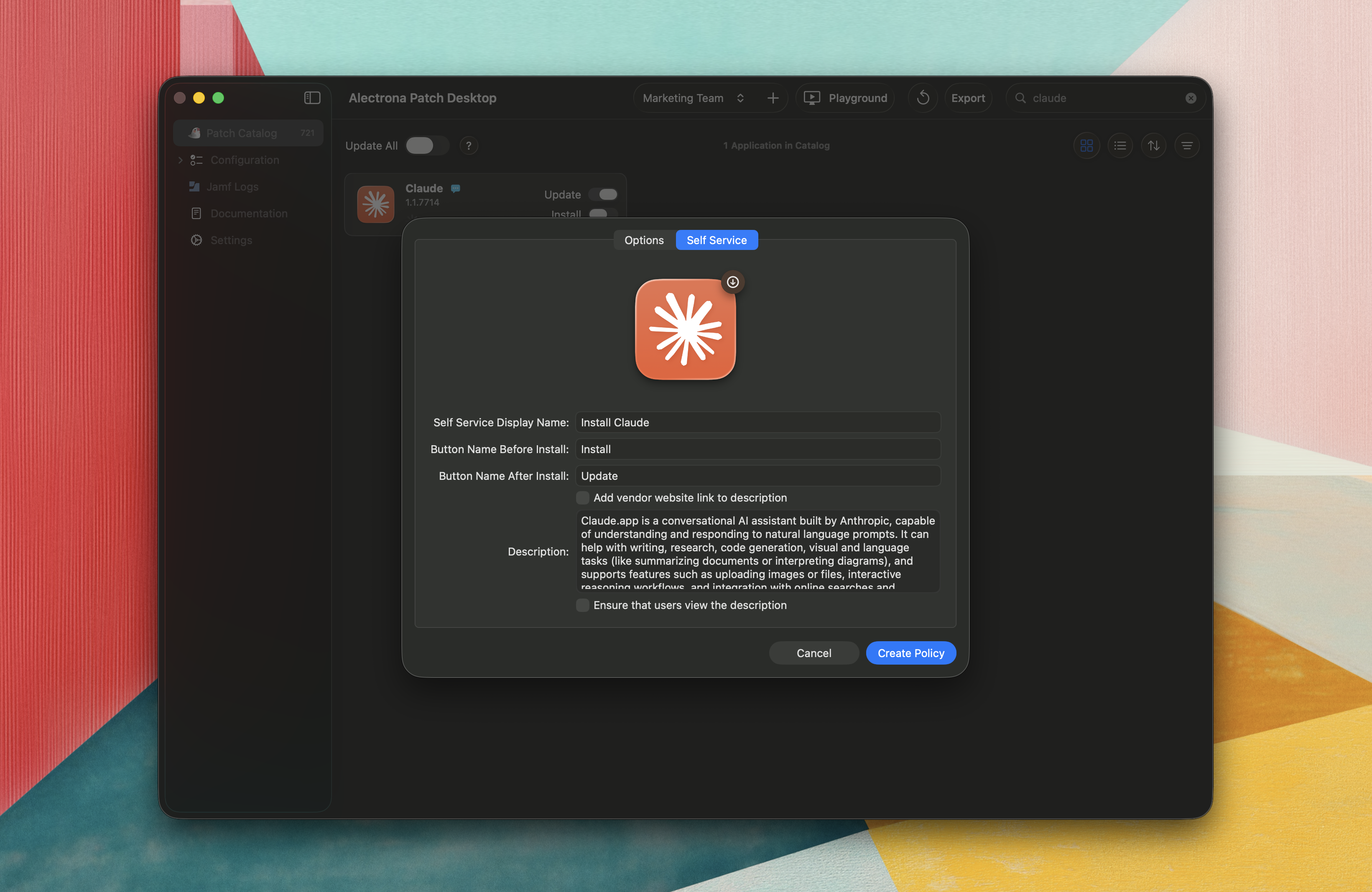
If you select Self Service as a trigger, you can configure how the policy appears in Self Service..
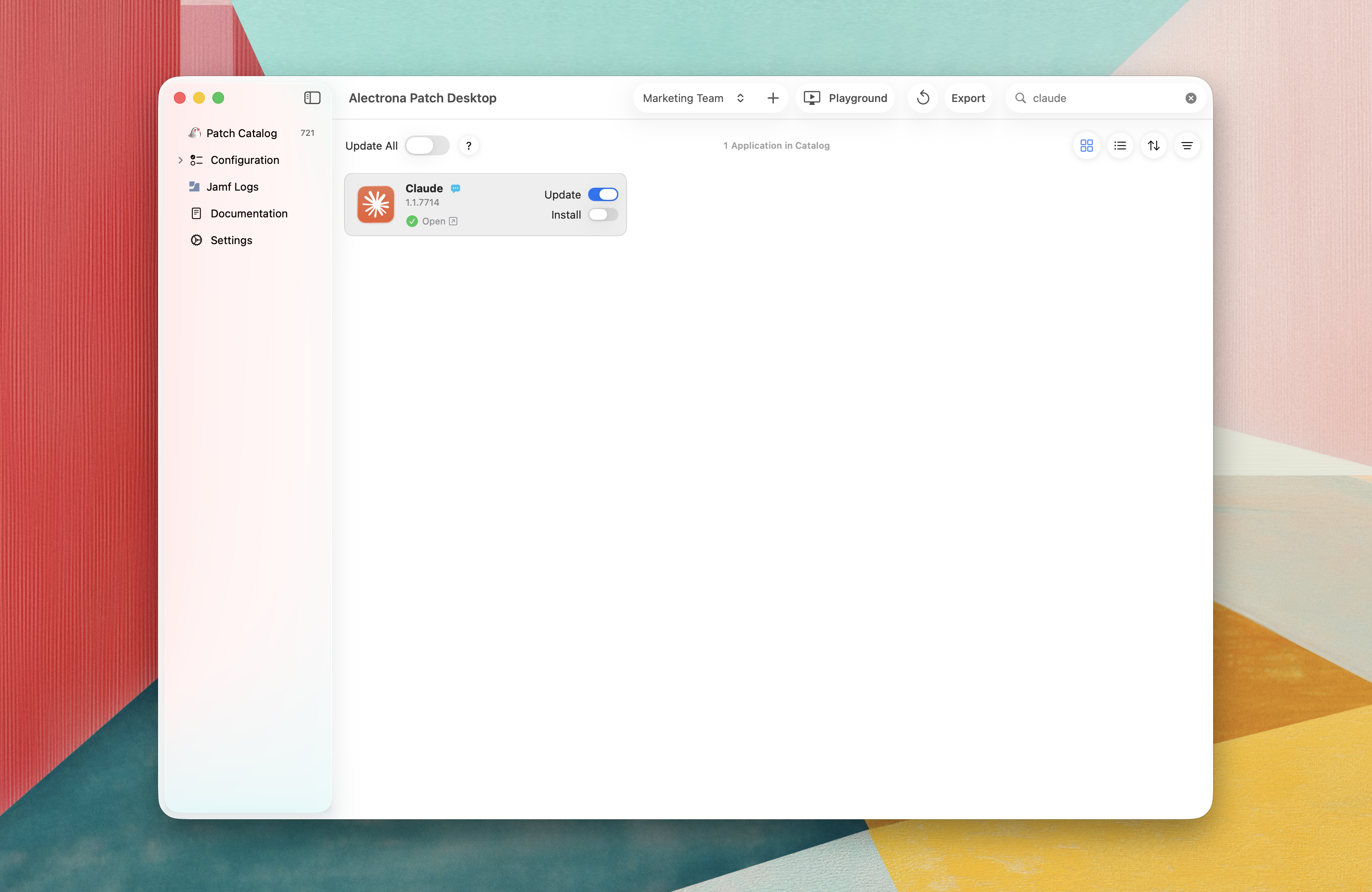
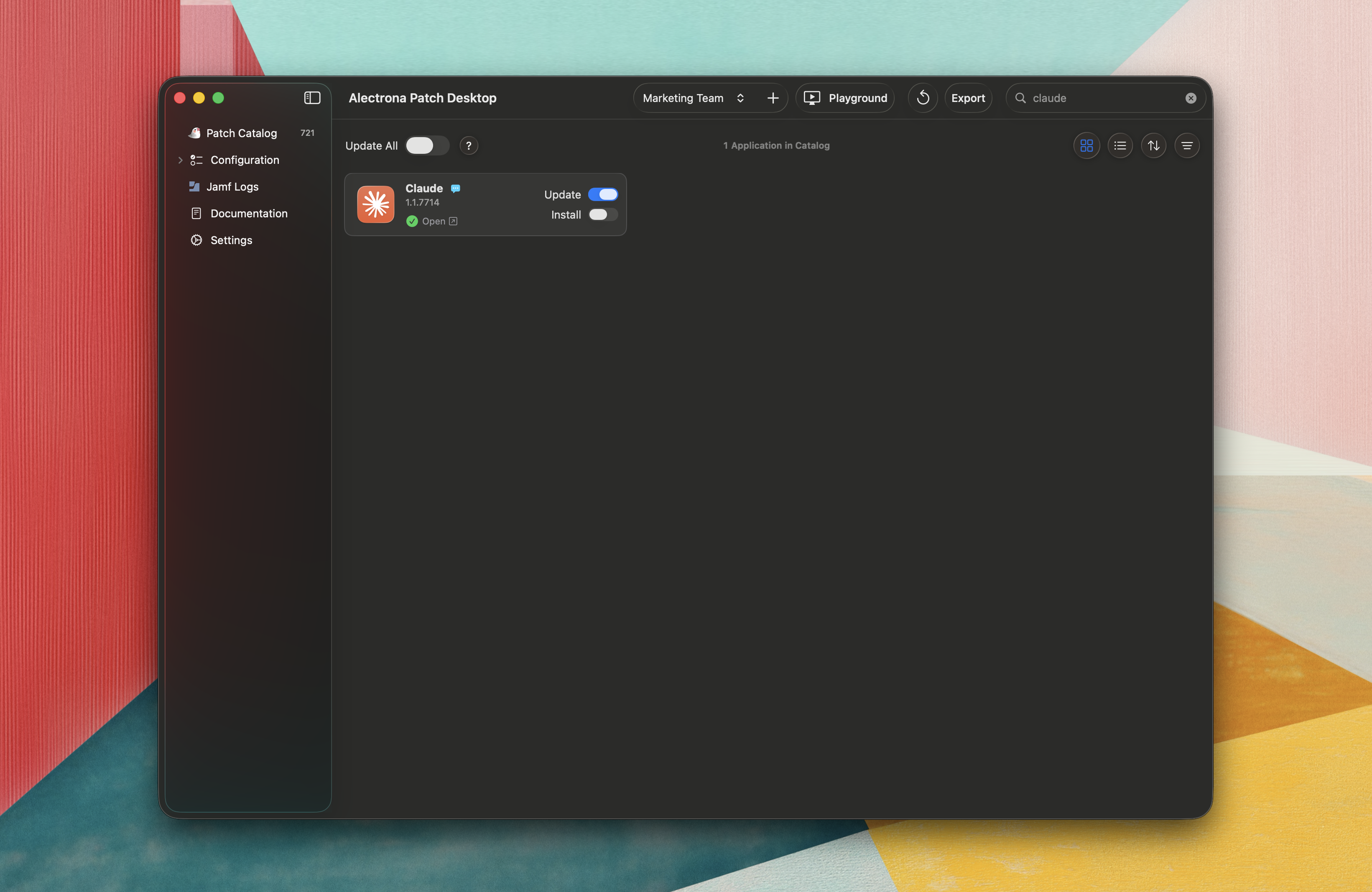
Click Open to jump directly to the policy in Jamf Pro for review or further changes.
Access previously created policies, icons, scripts, and profiles from the Jamf Logs section in the sidebar.
Leveraging Patch Desktop to easily create Custom Event Trigger policies for all the software that you need to deploy in your environment allows you to leverage those policies for deployment solutions like DEP Notify or Setup Your Mac